SnagBane
 gives everyone one place for approvals. Approvers see what waits for them under Approvals → Waiting for me, requesters follow their own requests under My requests, and the Home dashboard shows what is late and how long decisions take. All of it is on every plan, including Free.
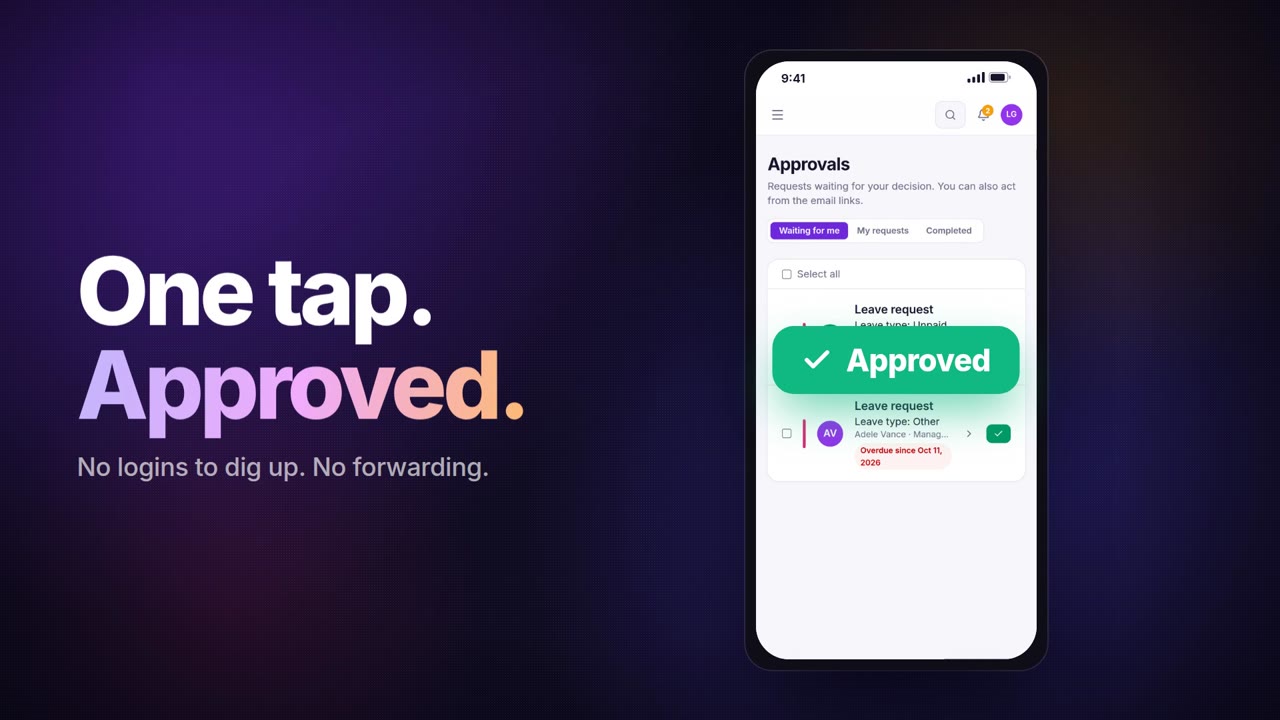
Waiting for me
Every request you can decide right now, from every form you approve for. The number on Approvals in the menu counts exactly these. Open a request to see the answers, files and signatures, then Approve or Reject with a comment.
- Bulk approve — tick several of your own tasks and approve them at once. Rejecting stays one by one, because a rejection always needs a comment.
- From the email, too — every approver also gets a personal link by email and can decide without signing in.
- On Business, approvers also get the phone app with notifications and Microsoft Teams activity notifications.
My requests
Everything you sent, with its steps: who has approved, who is deciding now, which stages were skipped and what the outcome was. The same steps show on a portal's My requests tab, so employees never have to email “any news?”.
While a request is still waiting, you can Withdraw it (with an optional reason). Approvers are told, reminders stop and no integration runs.
Completed
Requests that have been decided, with who decided, when and the comment.
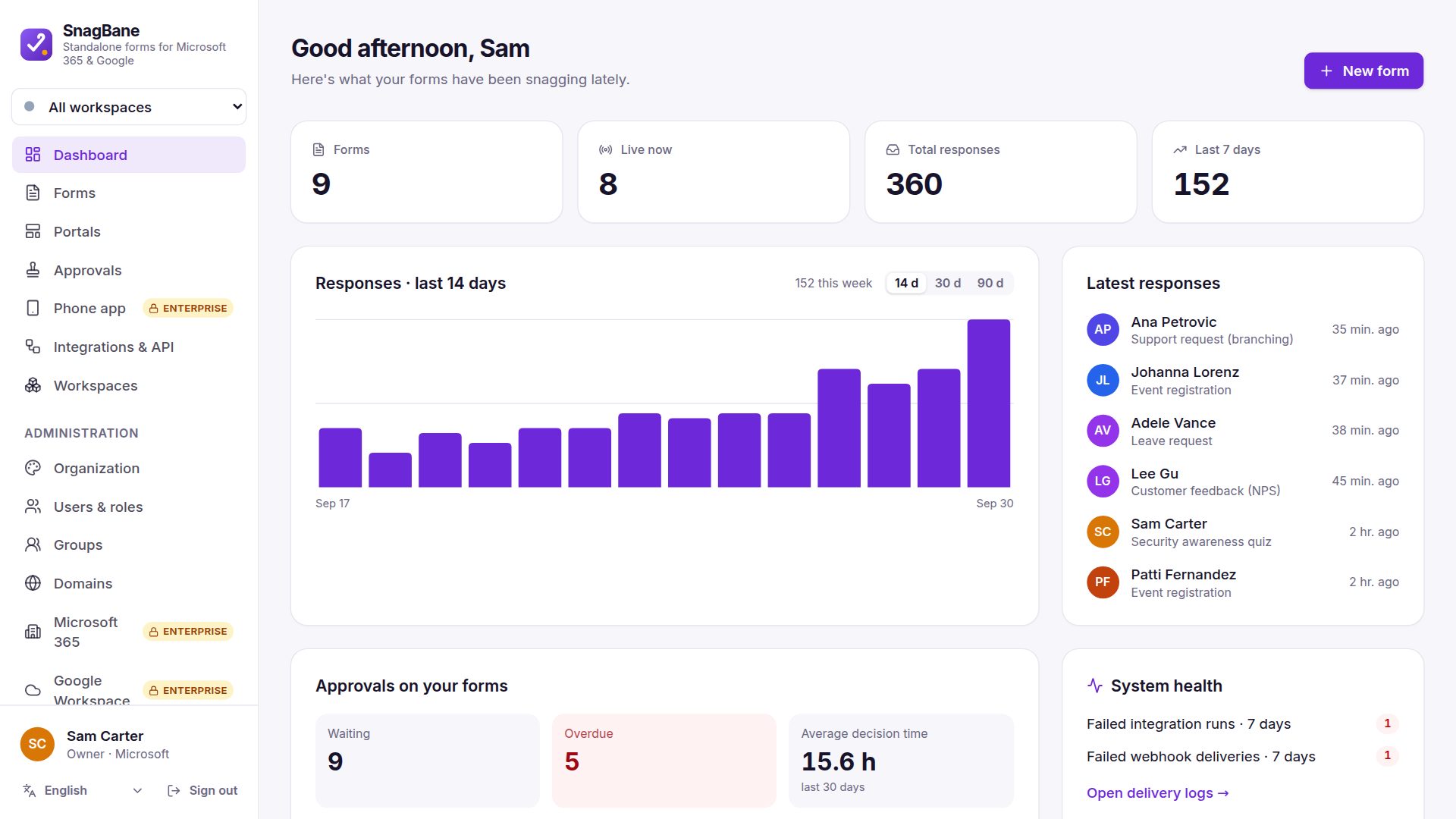
The dashboard: what is late
Home shows, for the last 14, 30 or 90 days:
| Card | What it tells you |
|---|---|
| Waiting for me | What you can decide now |
| Waiting / overdue | How many requests are open and how many are past their due date |
| Average decision time | How long approvals take |
| Waiting longest | The oldest open requests, with the step and the approver |
| Overdue approvals | The 50 most overdue tasks, searchable by form, requester, approver or step |
From the overdue list, people who manage the form can Remind now (an email with a fresh link, at most once an hour) and administrators or workspace owners can Change approver or Stop approval. Administrators also see failed integration runs and webhook deliveries from the last seven days, so a broken connection doesn't go unnoticed.
Frequently asked questions
Can an approver approve several requests at once?
Yes. Under Waiting for me, select your own tasks and click Approve. Rejections are made one at a time with a comment.
Can requesters see where their request is?
Yes. My requests in SnagBane and on every portal shows each step, who is deciding now and the final outcome.
What happens when an approver is on holiday?
The approver gets reminders when the stage is overdue. An administrator or the owner of the form's workspace can hand the task to someone else with Change approver; the old link stops working and the change is recorded in the audit log.
More in the approvals documentation and the overview of approval workflows.