 SnagBane
Blog
How companies run requests and approvals — comparisons with the tools you use today, step-by-step processes and what each SnagBane feature does.
Comparisons
Honest side-by-sides with the tools companies use today.
Cognito Forms vs SnagBane: workflow approvals in the cloud or on your own server
Cognito Forms or SnagBane? Both have calculations, repeating sections and approval workflows. Cognito Forms is an affordable cloud service with workflow from its Team plan; SnagBane runs on your own server with approvals on every plan. Facts from Cognito Forms' pricing page.
Formstack vs SnagBane: workflows and approvals without per-builder pricing
Formstack or SnagBane? Formstack bundles forms, documents and e-signatures with workflows on its Suite plan; SnagBane builds approvals into every form on your own server, priced by company size. Plans and limits from Formstack's pricing page.
Google Forms vs SnagBane: surveys vs company requests with approvals
A fair comparison of Google Forms and SnagBane — branching, approvals, request status, roles, where data lives and price — and when each is the right tool. Facts about Google Forms from Google's own help pages.

Jotform vs SnagBane: a self-hosted Jotform alternative for company approvals
Jotform or SnagBane? A fair comparison of approvals, limits, users, pricing and where data lives — Jotform's huge template library and cloud convenience vs SnagBane's built-in approval stages on your own server with flat pricing. Facts from Jotform's own pages.
Kissflow vs SnagBane: a low-code workflow platform or approvals built into your forms
Kissflow or SnagBane? Kissflow is a cloud low-code platform for apps, workflows and dashboards, priced by quote. SnagBane focuses on forms with approvals, runs on your own server and has published prices from free. When each fits.
Microsoft Forms vs SnagBane: when you need approvals, not just answers
An honest comparison of Microsoft Forms and SnagBane — limits, branching, approvals, portals, where data lives and pricing — and which one fits which job. Facts about Microsoft Forms from Microsoft's own documentation.
Power Apps vs SnagBane: build an app or use forms with approvals built in
Power Apps or SnagBane for request and approval processes? Power Apps builds any business app in Microsoft's cloud, priced per user; SnagBane gives you ready request forms with approvals on your own server, priced per company size. Facts from Microsoft's Power Apps pricing page.
Power Automate approvals for forms: how they work, where they get hard, and an alternative
How approvals for Microsoft Forms are built in Power Automate, what to watch for — one flow per form, 30-day flow runs, guest approvers, maintenance — and when built-in approvals in SnagBane are simpler. Based on Microsoft's documentation.
Typeform vs SnagBane: beautiful surveys vs approved company requests
Typeform or SnagBane? Typeform excels at conversational, one-question-at-a-time forms for marketing and research; SnagBane is for internal requests with approval stages on your own server. Plans, limits and when to use each — from Typeform's own pricing page.
How-to
Step by step: run a real company process in SnagBane.
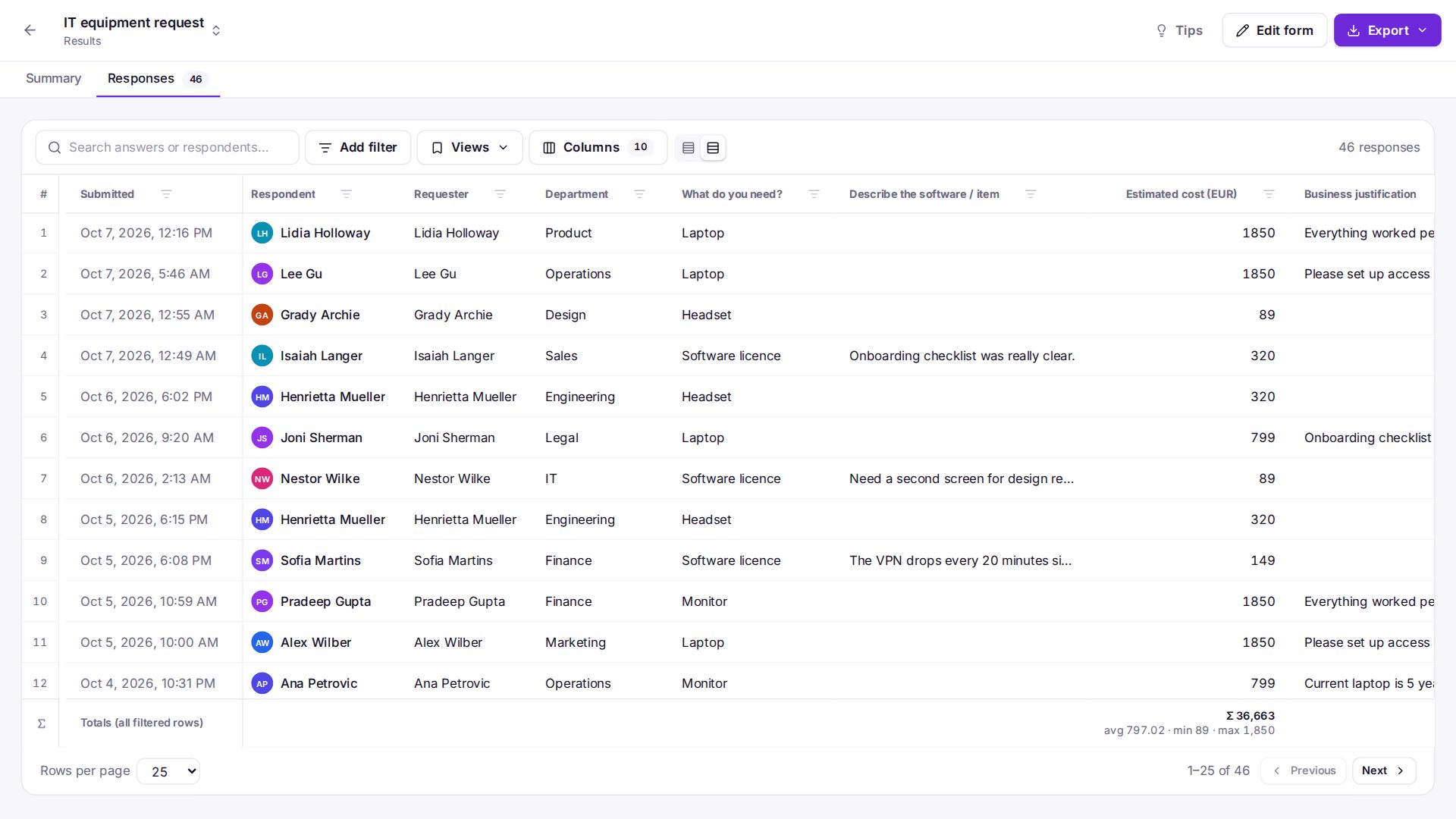
Expense claims with receipts: a digital process with manager and Finance approval
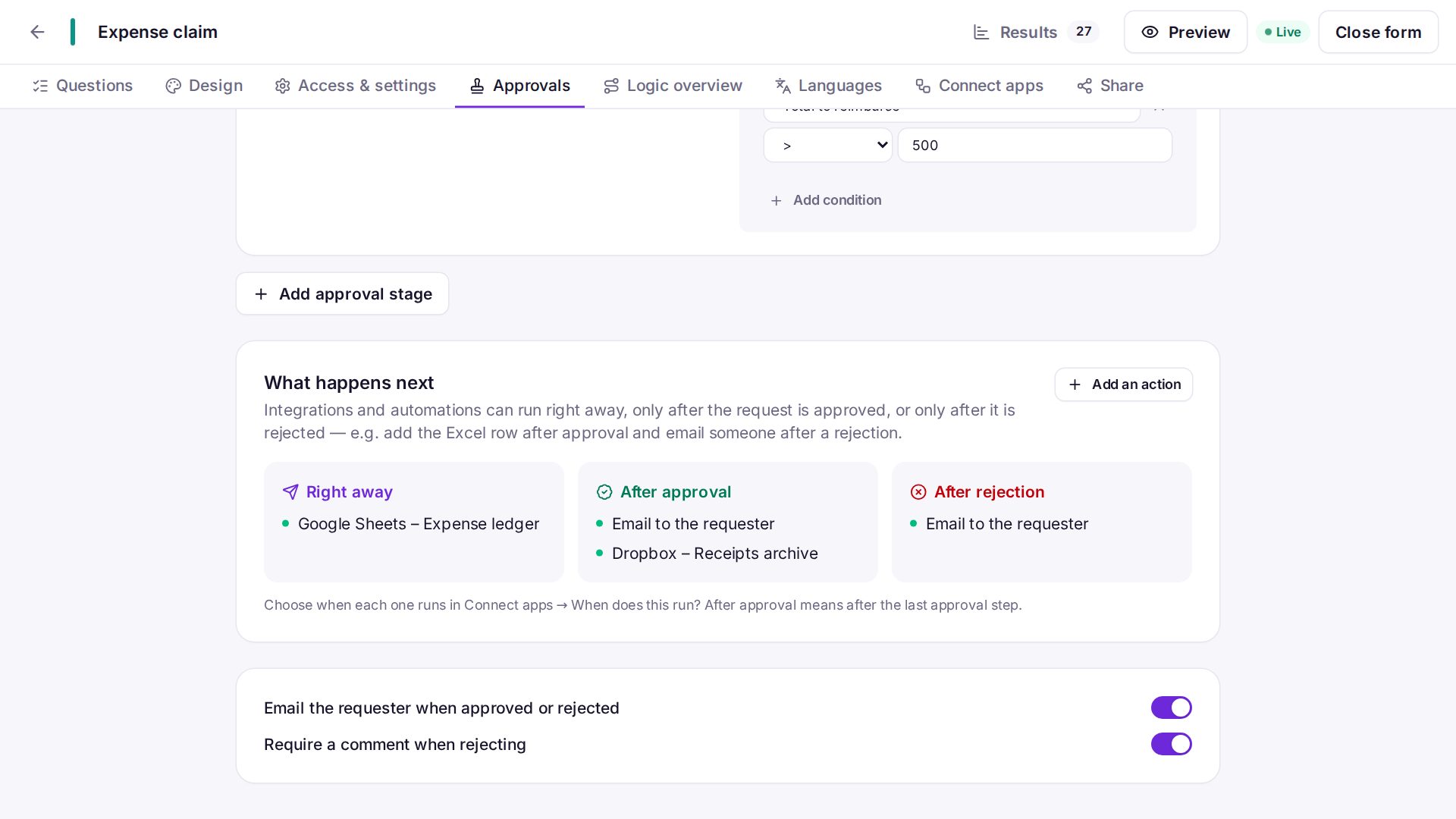
Replace paper and spreadsheet expense claims with a SnagBane form — expense lines with an automatic total, receipts, a signature, manager approval and Finance over 500 — then a row in Excel and the PDF in SharePoint.
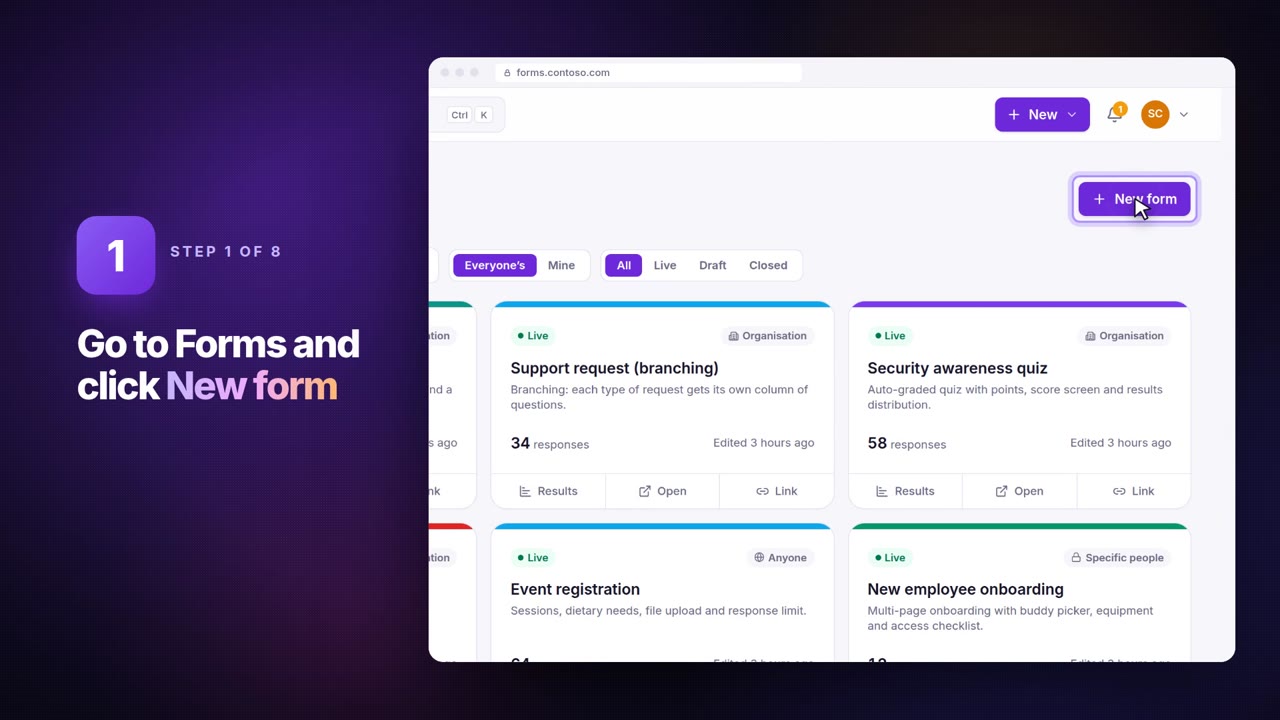
Import a Google Forms or Microsoft Forms form — then add approvals
Paste a Google Forms or Microsoft Forms link into SnagBane and get the same questions as a form on your own server, ready for approval stages, conditions and integrations. How it works and what comes along.
InfoPath end of life: how to move your forms without rebuilding them
InfoPath 2013 and InfoPath Forms Services in SharePoint Online reached end of support on 14 July 2026. What that means, what Microsoft suggests, and how to import .xsn templates into SnagBane in minutes.
IT access requests: manager and IT approval, with a ticket after the decision
A system access request process in SnagBane — which system, which access level and why, approved by the manager and then IT, with an audit trail and a Jira issue or Teams message once it's approved.
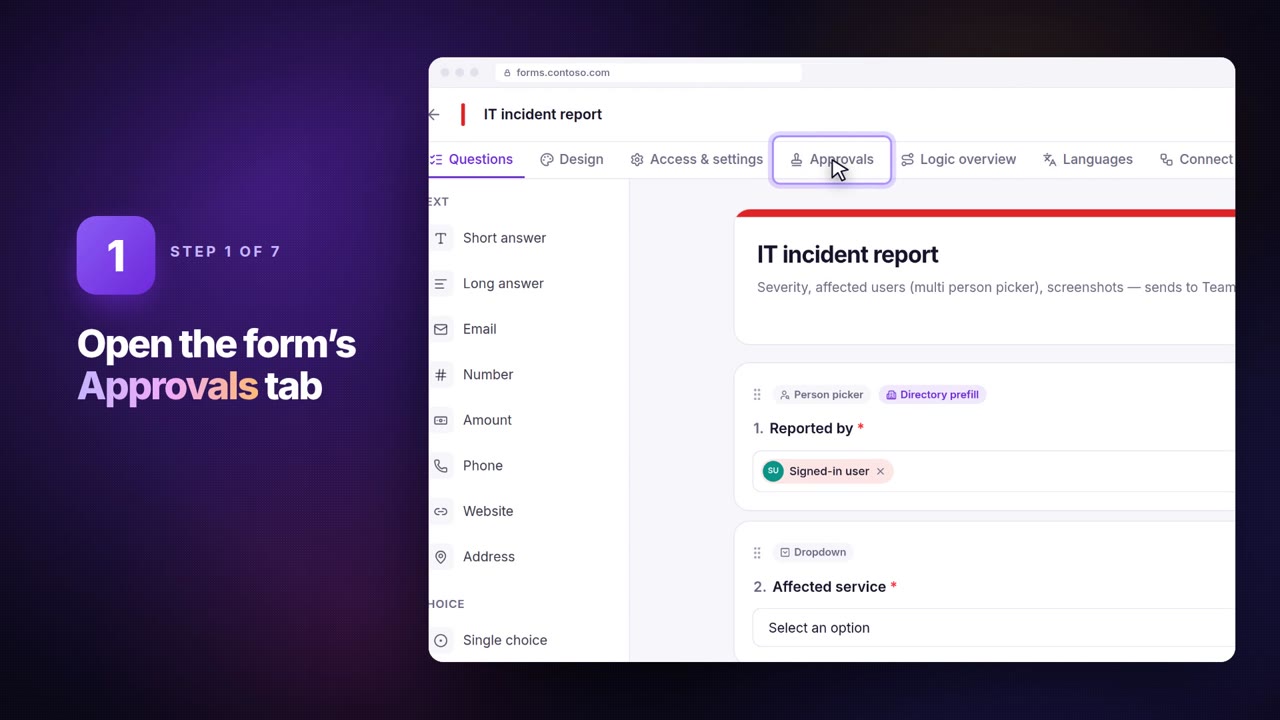
How to set up a leave request process with manager approval
A step-by-step leave request process in SnagBane — the ready-made template, manager approval with reminders, sick leave questions only when needed, approved leave in Outlook or Google Calendar and a record in Excel or SharePoint.
New starter onboarding: one form for HR, IT and the manager
Collect a new employee's details once and let HR, IT and the hiring manager each get what they need — equipment, accounts and access — with an onboarding checklist portal and tasks after approval.
Turn a list of questions from Word or an email into a form in seconds
Paste your questions into SnagBane and it builds the form — choosing types from the wording, turning dashes into choices, marking required questions and prefilling the respondent's own details.
Purchase request approval: manager first, Finance only above a threshold
Set up a purchase requisition process in SnagBane with line items, an automatic total, the supplier's quote attached, manager approval and a Finance stage that only runs above your limit.
Features
What a feature does, when to use it and how to set it up.
Onboarding and offboarding from approved requests: account integrations for Microsoft 365, Google Workspace, Okta and SnagBane
How SnagBane creates, changes, blocks and restores accounts in Microsoft 365, Google Workspace, Okta and SnagBane after a new-starter or leaver request is approved — and the guardrails that keep administrator accounts out of reach.
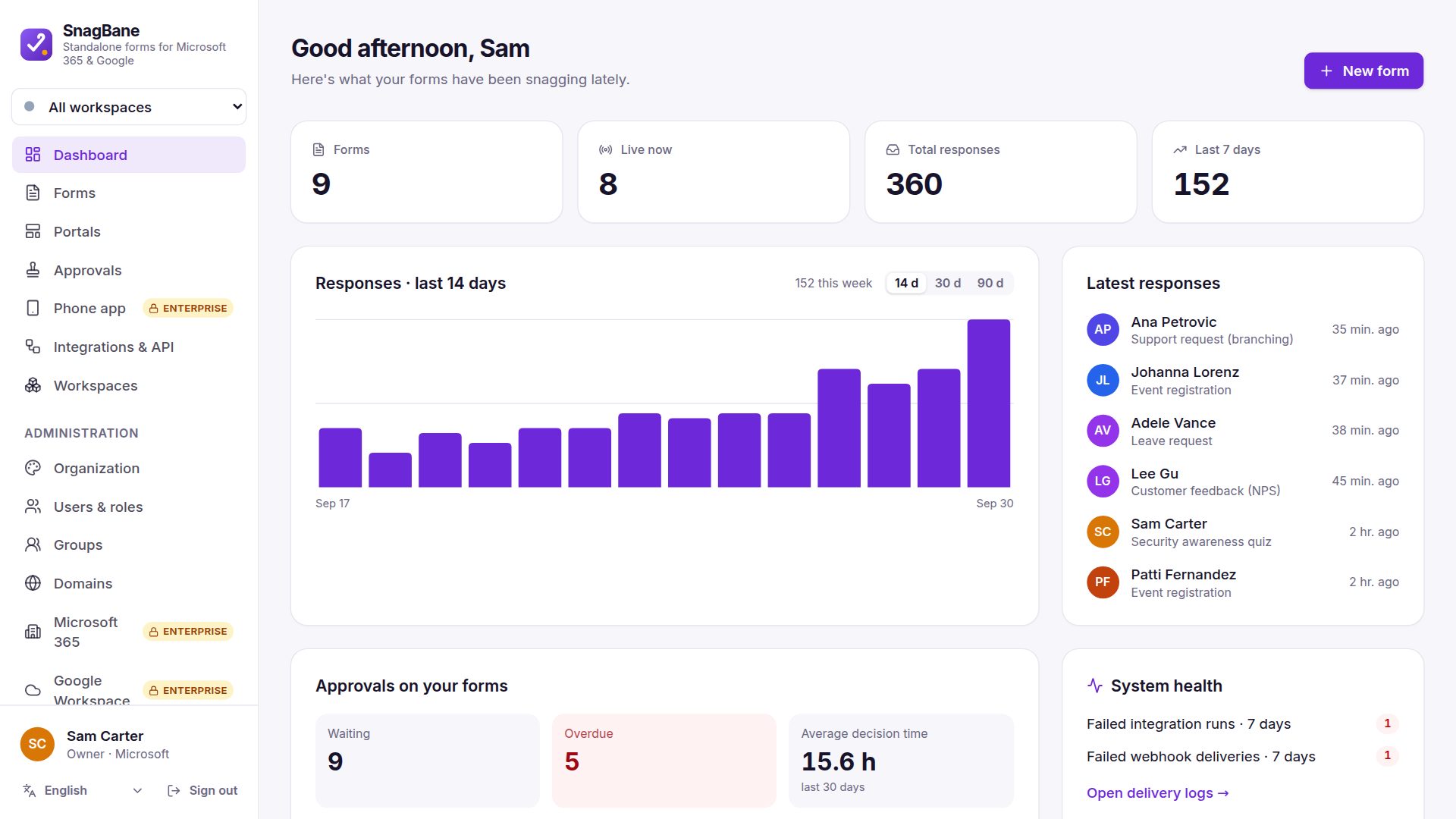
One approvals inbox: Waiting for me, My requests and the overdue list
Where approvers decide and requesters follow their requests in SnagBane — the approvals inbox, bulk approve, withdraw, reminders and the dashboard that shows what is late and how long decisions take.
Approval workflow software: multi-stage approvals built into your forms
How SnagBane approval workflows work — stages with conditions, the manager from your directory, any or all approvers, reminders, Change approver, no self-approval and actions only after the final decision. Included on the Free plan.
Approvals in Microsoft Teams without Power Automate or a bot
SnagBane sends a Teams activity notification when a request waits for an approver, and opens it inside Teams for a one-click decision. Setup, permissions and how portals become Teams apps.
Your brand on every form: logo, colours, fonts, own domains, dark mode and white-label
Brand SnagBane as your own — logo, colours, fonts, corners, sidebar and login page, a theme per form, portals on your own domains, light and dark mode, and white-label to hide "Powered by SnagBane" on Business.
Put approved leave, trips and bookings into Outlook and Google calendars
When a leave request, business trip or room booking is approved, SnagBane creates the event in the requester's own calendar or a team calendar in Outlook (Microsoft 365) or Google Calendar.
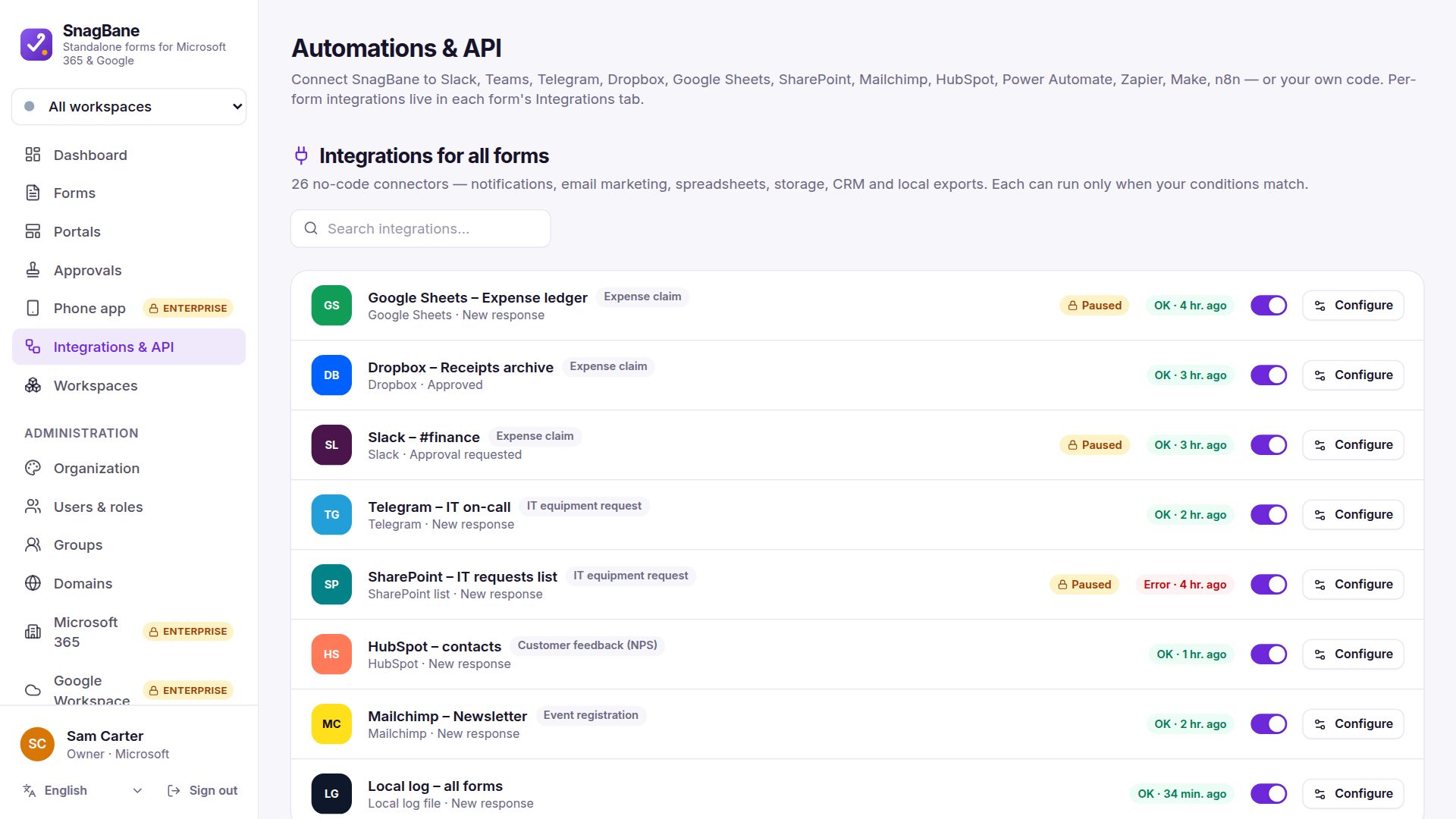
Request alerts in Teams, Slack, Google Chat, Discord, Telegram, SMS and WhatsApp
Post new and approved requests to a Microsoft Teams channel, Slack, Google Chat, Discord or Telegram, or send a text or WhatsApp message with Twilio. What each integration does and which plan it needs.
Conditional logic and calculations in forms: show the right questions, total the numbers
Show questions only when earlier answers match, calculate totals, days and scores with formulas, and insert earlier answers anywhere with piping — all checked again on the server. On every SnagBane plan.
Add form respondents to Mailchimp, HubSpot, Brevo, Kit, MailerLite or ActiveCampaign
Newsletter sign-ups, event registrations and leads go straight into your mailing list or CRM contacts, with mapped fields and a read-only Send test. All six work on the Free plan.
Send form responses to Dynamics 365 and Salesforce — or HubSpot
Create a lead, contact, account, case or any Dataverse or Salesforce record from every request, with free field mapping. HubSpot contacts on the Free plan; Dynamics 365 and Salesforce on Business.
E-signatures after approval: DocuSign, Adobe Acrobat Sign and Dropbox Sign
Send the approved request as a PDF for signature with DocuSign, Adobe Acrobat Sign or Dropbox Sign, follow it automatically and store the signed PDF with the response. No webhook into your server needed.
Save uploads and responses to SharePoint, OneDrive, Google Drive, Dropbox, S3 or a server folder
Keep a copy of every response and its uploaded files — and the PDF — in SharePoint or OneDrive, Google Drive, Dropbox, Amazon S3 (or R2, Wasabi, MinIO) or a folder on your own server.
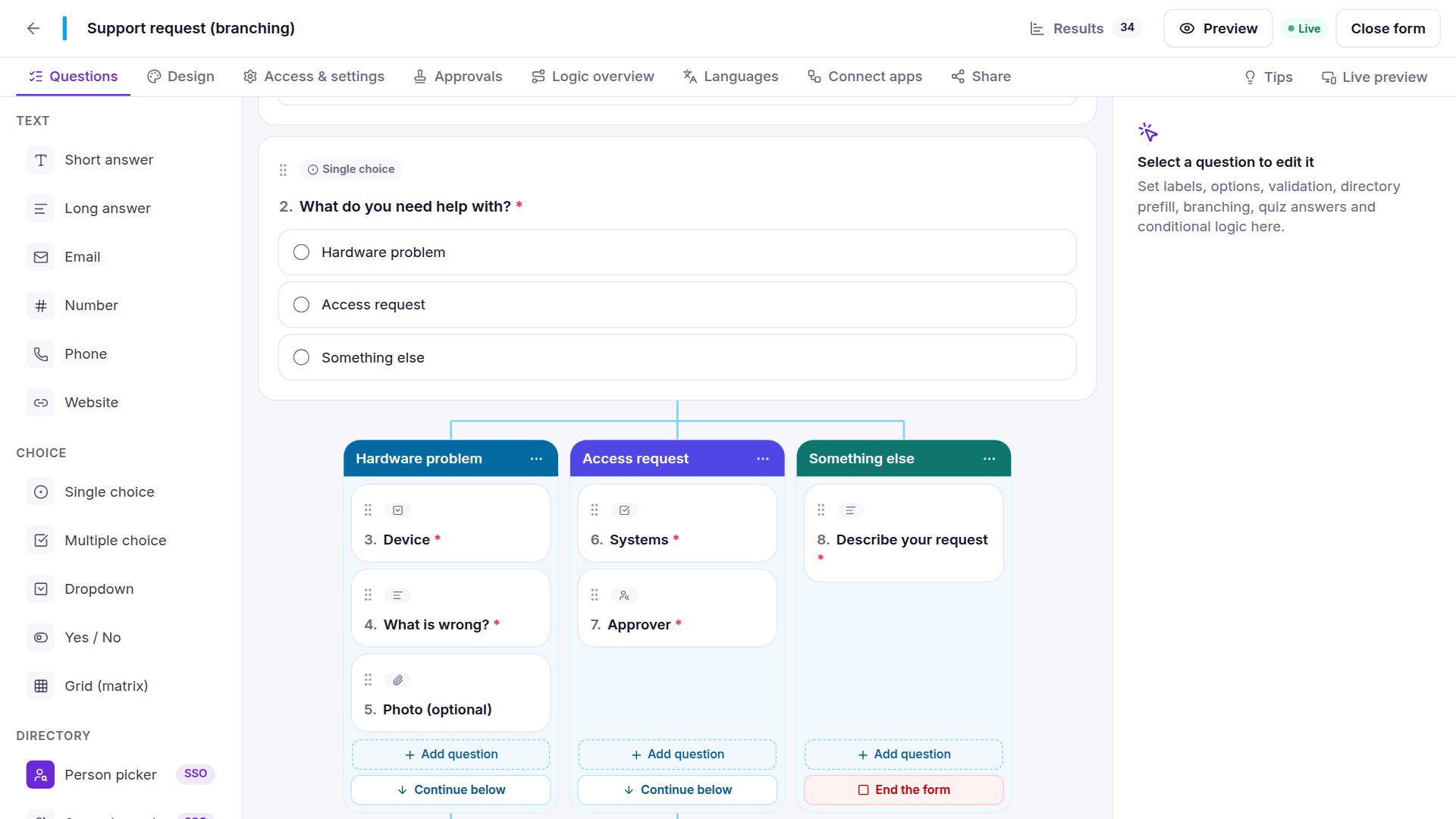
Form branching you can see: each answer gets its own questions, side by side
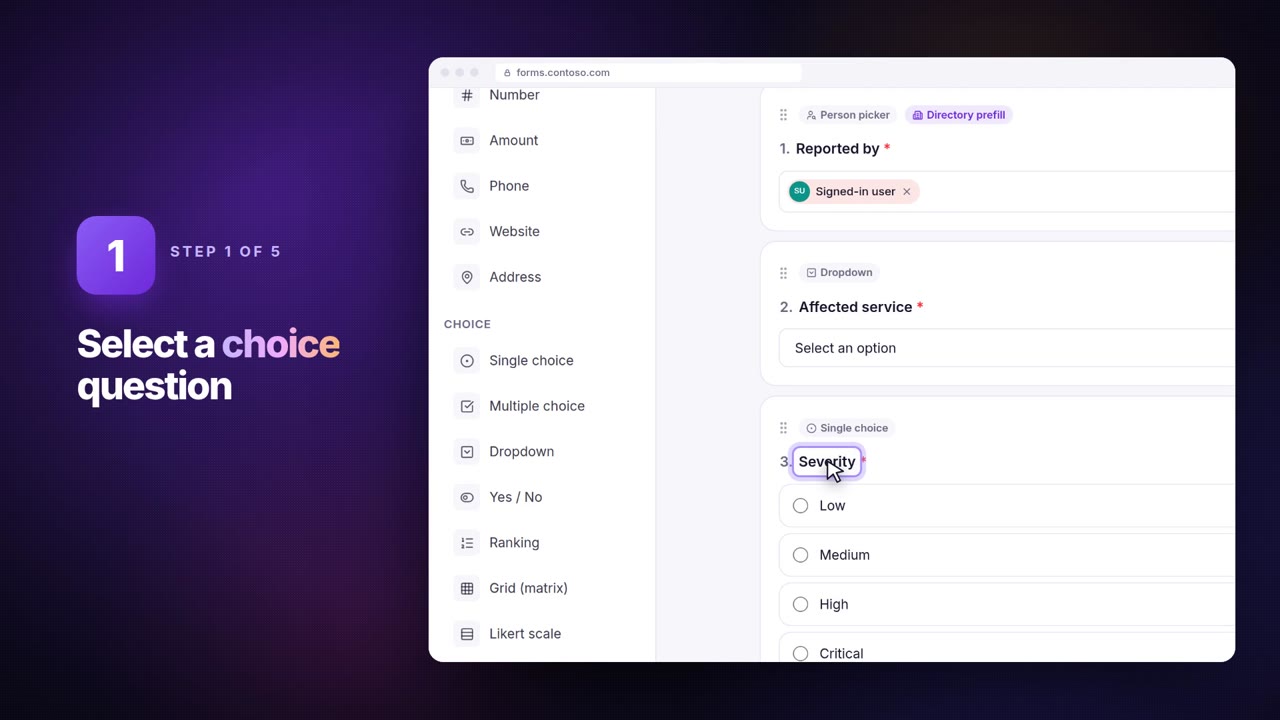
How branching works in the SnagBane form builder — columns per answer like a Power Automate switch, joining again below, with sections, routing rules and a plain-language logic overview. Free on every plan.
Form results like a spreadsheet: summaries, Excel-style filters and export
Every SnagBane form has a Summary with key figures and charts per question, and a Responses table with Excel-style sorting, filters, saved views and export to Excel, CSV or JSON. On every plan.
118 ready-made form templates for every department
The full list of SnagBane's built-in templates — IT, HR, Finance, Purchasing, Health & safety and more. 37 of them come with approval stages already set up. All included on the Free plan.
What the SnagBane Free plan includes (and when you need Business)
SnagBane is not only for large enterprises. The Free plan is the complete app for up to 25 people — form builder, multi-stage approvals, portals, templates, PDFs and 15 integrations. Here is exactly what is free and what Business and Enterprise add.
Forms and approvals for Google Workspace: Google sign-in, directory, Sheets, Drive, Gmail and Calendar
How SnagBane works with Google Workspace — sign in with Google, people pickers and managers from the directory, rows in Google Sheets, files in Drive, mail from Gmail and approved requests in Google Calendar. Connect with one Google sign-in, no key file needed.
56 integrations for forms and approvals — 25 of them free
An overview of everything SnagBane connects to — Microsoft 365, Google Workspace, Okta, SAML, Jira, Slack, Dynamics 365, Salesforce, e-signatures, storage, email and automation — and which plan each needs.
Send emails from a company mailbox: Outlook and Gmail integrations
SnagBane can send its notifications and custom emails from a Microsoft 365 or Google Workspace mailbox — saved in Sent Items, with PDF and file attachments — or through SMTP, SendGrid, Mailgun, Postmark, Resend, Amazon SES or Brevo.
Forms and approvals for Microsoft 365: Entra ID sign-in, managers, SharePoint, Excel and Teams
What SnagBane does with Microsoft 365 — sign in with Entra ID, person pickers and prefill from your directory, the manager as approver, rows in SharePoint lists and Excel, Outlook mail and calendars, and approvals in Teams. Setup with a PowerShell script in your own tenant.
Multilingual forms: one form in several languages, results in one place
SnagBane runs in 33 languages (including Arabic right-to-left) and lets one form be offered in several languages, translated by hand, by CSV or with DeepL, Azure, Google or LibreTranslate. Answers stay in one result set.
Limited places per option, dependent dropdowns and options from a list
Cap how many people can pick each option (seats, time slots, sizes), show options that depend on an earlier answer (country → city), and keep dropdowns in sync with a CSV, SharePoint list, Excel table or Google Sheet.
Payments in forms with Stripe and PayPal — on your own server
Charge a fixed price or a calculated total in a SnagBane form with Stripe Checkout or PayPal. The amount is recalculated on the server, and approvals, emails and integrations wait until the payment is confirmed.
Person pickers and profile prefill: pick colleagues, fill in their details automatically
SnagBane's person picker searches your directory as people type, and profile prefill fills in the respondent's name, email, job title, department and manager — from Microsoft 365, Google Workspace, Okta or SnagBane's own accounts. Fast even with tens of thousands of people.

Approve requests on your phone: SnagBane's app without an app store
Install SnagBane on phones, tablets and computers straight from your own site, get notified when a request waits for you and approve with one tap. No app store, and no content passes through Google or Apple.
SnagBane and Power Automate: a custom connector with a trigger per form
Start Power Automate flows when a SnagBane form is submitted — with every question as dynamic content — using the SnagBane custom connector or an HTTP trigger. Licence requirements and when you don't need Power Automate at all.
Turn approved requests into Jira issues, ClickUp, Asana, monday.com and Trello tasks
SnagBane creates a Jira issue, ClickUp or Asana task, monday.com item or Trello card for every request or every approved request — with answers in custom fields, uploads attached and a due date. Jira Cloud and Data Center.
Every question type in SnagBane, with examples
30 question types — from short answers and dropdowns to repeating tables, calculations, signatures, amounts, addresses and date ranges — plus conditions, branching, quotas and dependent lists. All on the Free plan.
Quizzes for training: score answers, show results, keep answer keys private
Turn any SnagBane form into a graded quiz — correct answers and points per question, the score shown to the respondent, and averages and % correct per question in the results. Answer keys never reach the browser.
Repeating tables, grids, rankings, amounts and addresses in forms
The SnagBane question types for real company forms — line items with live totals, rating grids and Likert scales, rankings, amounts in any currency, sliders, structured addresses, date ranges, consent and signatures.
An employee request portal: every form in one place, every request with its status
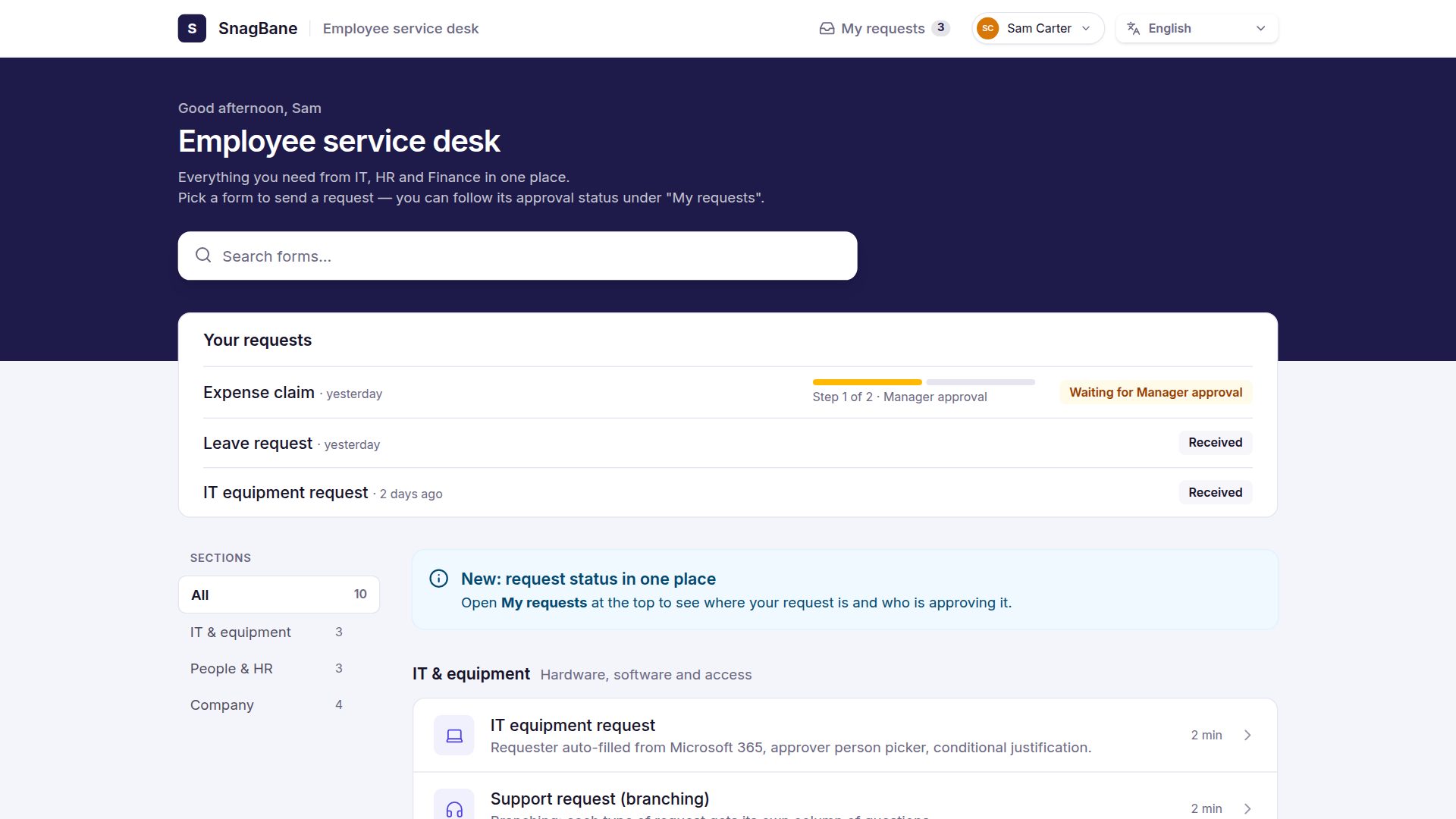
SnagBane portals give employees one page for HR, IT, Finance and Facilities requests, with search, sign-in and My requests showing each approval step. 20 looks, multilingual, on the Free plan.
A PDF of every form response — made on your own server
SnagBane turns each response into a PDF with the answers, signatures, approval history and your logo — to download, attach to emails or upload to SharePoint, Drive, Dropbox or S3. Arabic and RTL supported. On every plan.
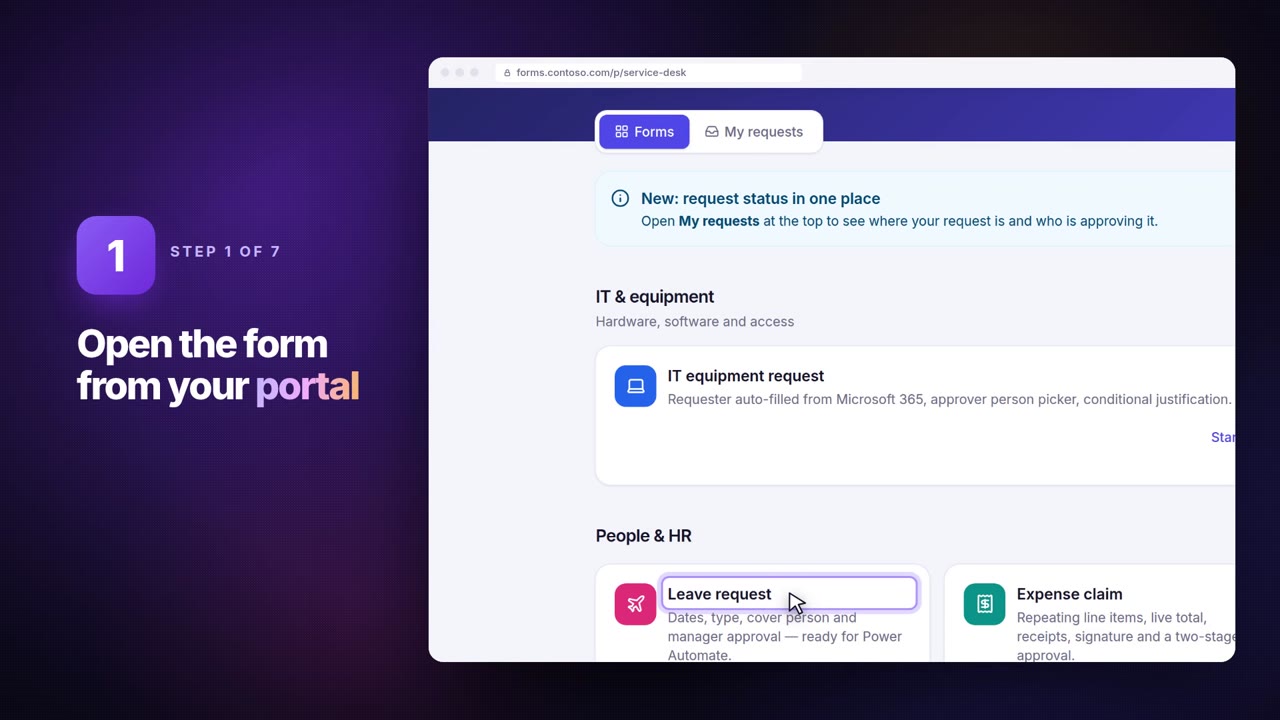
Save and continue later, edit after sending, and a receipt for every response
Long forms can be saved and finished later, respondents can correct a sent response (a rejected request goes back to approval), and every respondent gets a private receipt page with their answers and approval status.
Send a form to people and remind them automatically
Email a form to accounts, groups or a list of addresses with a personal link each, see who has answered, and let SnagBane send reminders every few days until they do. On every plan.
Save form responses to SharePoint lists and Excel — after approval
Every approved request becomes a SharePoint list item or an Excel row, with typed columns created for you and uploaded files saved to a document library. How SnagBane's SharePoint and Excel integrations work.
Workspaces, roles and groups: let every department run its own forms
SnagBane workspaces give HR, IT, Finance and other teams their own forms, portals and integrations, with Owner, Editor and Viewer roles and groups linked to Entra ID, Google, Okta or SAML. New people never get edit rights by default.
Connect forms to anything: signed webhooks, Make, n8n and Zapier
SnagBane sends signed JSON webhooks for new responses, edits, approvals and rejections — ready for Make, n8n, Zapier or your own systems — with retries, a delivery log and replay protection. Make, n8n and webhooks work on the Free plan.
IT & security
For the people who install, connect and secure it.
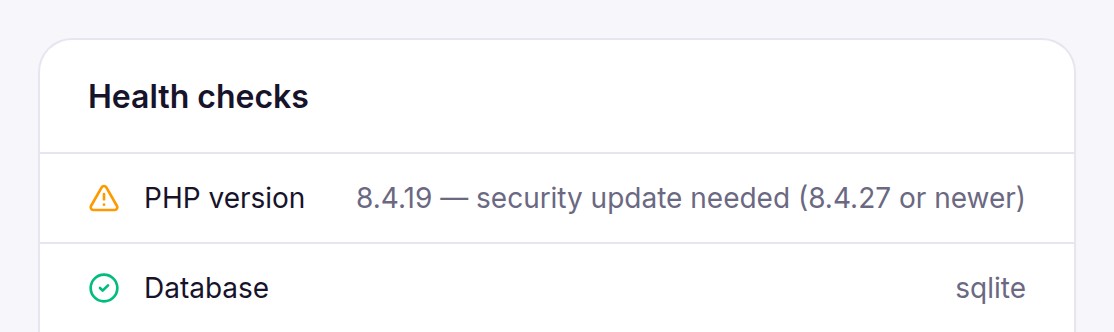
PHP security update, October 2026: how to patch your server (Docker, Ubuntu, Debian, hosting, Windows)
PHP fixed two critical remote code execution flaws (CVE-2026-109618 and CVE-2026-109619, CVSS 9.2) on 21 October 2026. Which versions are safe, how to check yours, and step-by-step updates for Docker, Ubuntu, Debian, RHEL-based servers, cPanel and shared hosting, and Windows.
Who can fill in a form: public, your organisation or specific people and groups
Control access per form and portal in SnagBane — anyone with the link, people of your organisation, or chosen people and groups — plus one response per person, anonymous responses, open and close dates and response limits.
Adding people: invitations, sign-in methods and password resets
How people get into SnagBane — invitation emails with a one-time link, sign-in with Microsoft, Google, Okta or SAML, password reset, and who counts towards your plan.
The Enterprise security package: SIEM, SCIM, IP allowlist, retention and offboarding
What the SnagBane Enterprise plan adds for regulated companies — audit log streamed to Sentinel, Splunk or Elastic, SCIM provisioning from Entra ID and Okta, an IP allowlist, a data retention policy, group-limited sign-in and automatic offboarding.
GDPR and forms: self-hosting, data retention and handling data subject requests
Why self-hosted forms simplify GDPR, how SnagBane's data retention policy deletes old responses automatically, and how to find, export or delete a person's data. Plus the ready-made data subject request and data breach templates.
Install SnagBane: Docker, a Linux VPS or cPanel shared hosting
SnagBane is self-hosted software you install yourself — with Docker in minutes, on an Ubuntu VPS with Nginx, or on ordinary cPanel hosting. Requirements, steps and what runs in the background.
Single sign-on with Okta and SAML 2.0 (AD FS, Entra ID, Ping, OneLogin)
Sign people in to SnagBane with Okta (OpenID Connect) or any SAML 2.0 identity provider, map groups to workspaces and roles, and read job title and manager for approvals. Setup steps and security details.
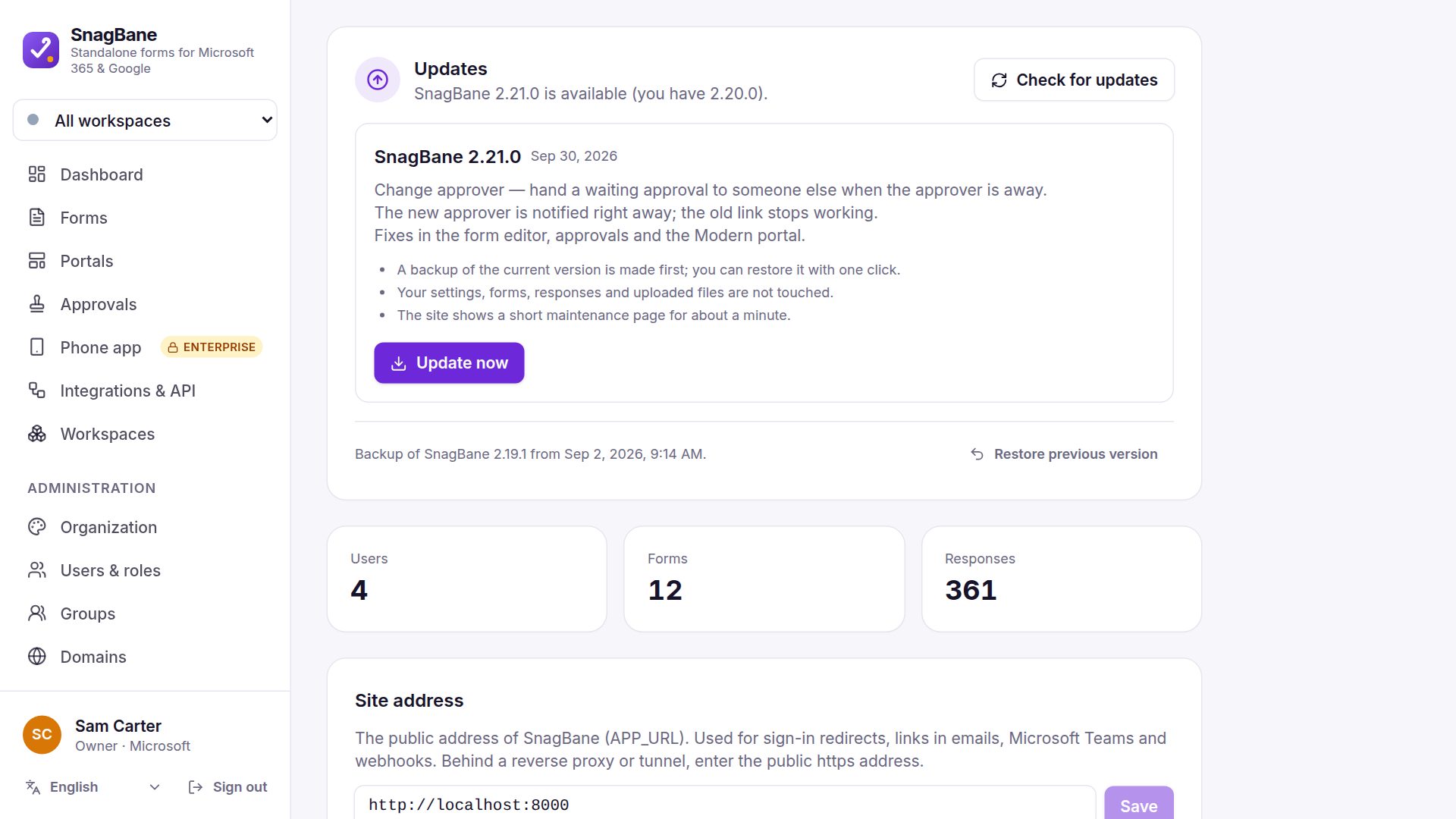
One-click updates that are signed, backed up and reversible
SnagBane checks for new versions daily; the owner clicks Update now. Every package's signature is verified, a backup is kept for Restore previous version, and Docker and cPanel installs update the same way.
The SnagBane REST API: read forms and responses, subscribe to events
A REST API with personal tokens to list forms, read questions and responses, download response PDFs and subscribe REST hooks — 120 requests per minute, with examples in curl, PowerShell and Python.
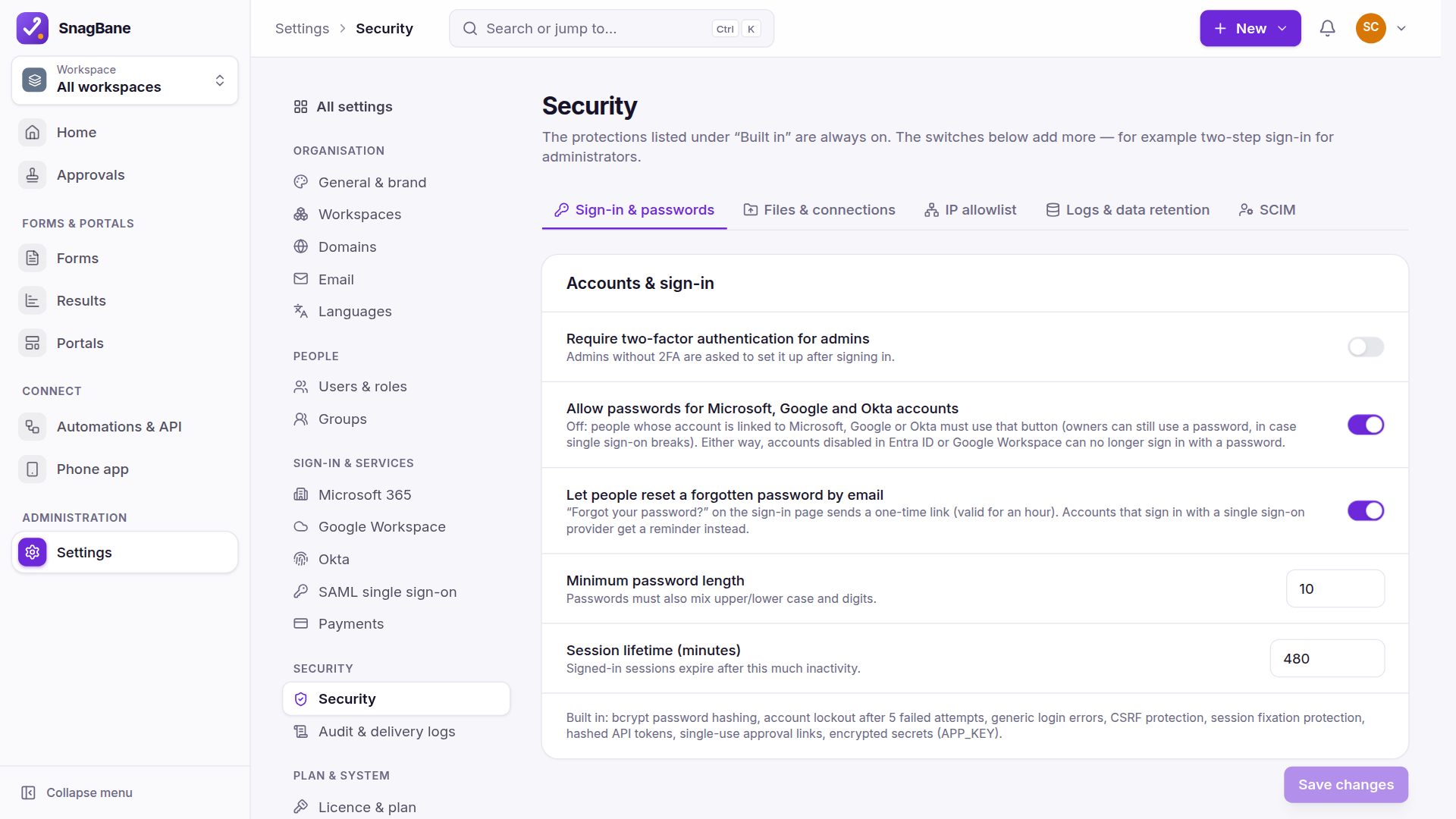
Security in SnagBane: 2FA, signed approval links, encrypted secrets and a full audit log
How SnagBane protects forms and approvals on your own server — two-factor authentication, lockout, personal single-use approval links, no self-approval, encrypted secrets, SSRF and upload protection, strict CSP and an audit log of everything.