SnagBane
Every SnagBane form decides who may answer it. Choose Anyone with the link, My organisation or Specific people & groups, and add one response per person, anonymous answers, open and close dates or a response limit. People who may not open a form see only its title and description — the questions never reach their browser. Access control is on every plan.
Who can respond
| Mode | Who | Typical use |
|---|---|---|
| Anyone with the link | Public, no sign-in | Customer feedback, event registration, job applications |
| My organisation | Anyone who signs in to your organisation | Internal requests: leave, IT, expenses |
| Specific people & groups | Chosen accounts or members of chosen groups (nested groups included for directory groups) | HR-only or Finance-only forms |
On the Free plan, organisation access means SnagBane accounts; with Business, people sign in with Microsoft 365, Google Workspace, Okta or SAML, and directory groups can be used.
More limits
- One response per person.
- Anonymous responses — no name or account stored with the answers.
- Open and close dates — wall-clock times in your organisation's time zone.
- Maximum number of responses.
- Places per option for limited seats or slots.
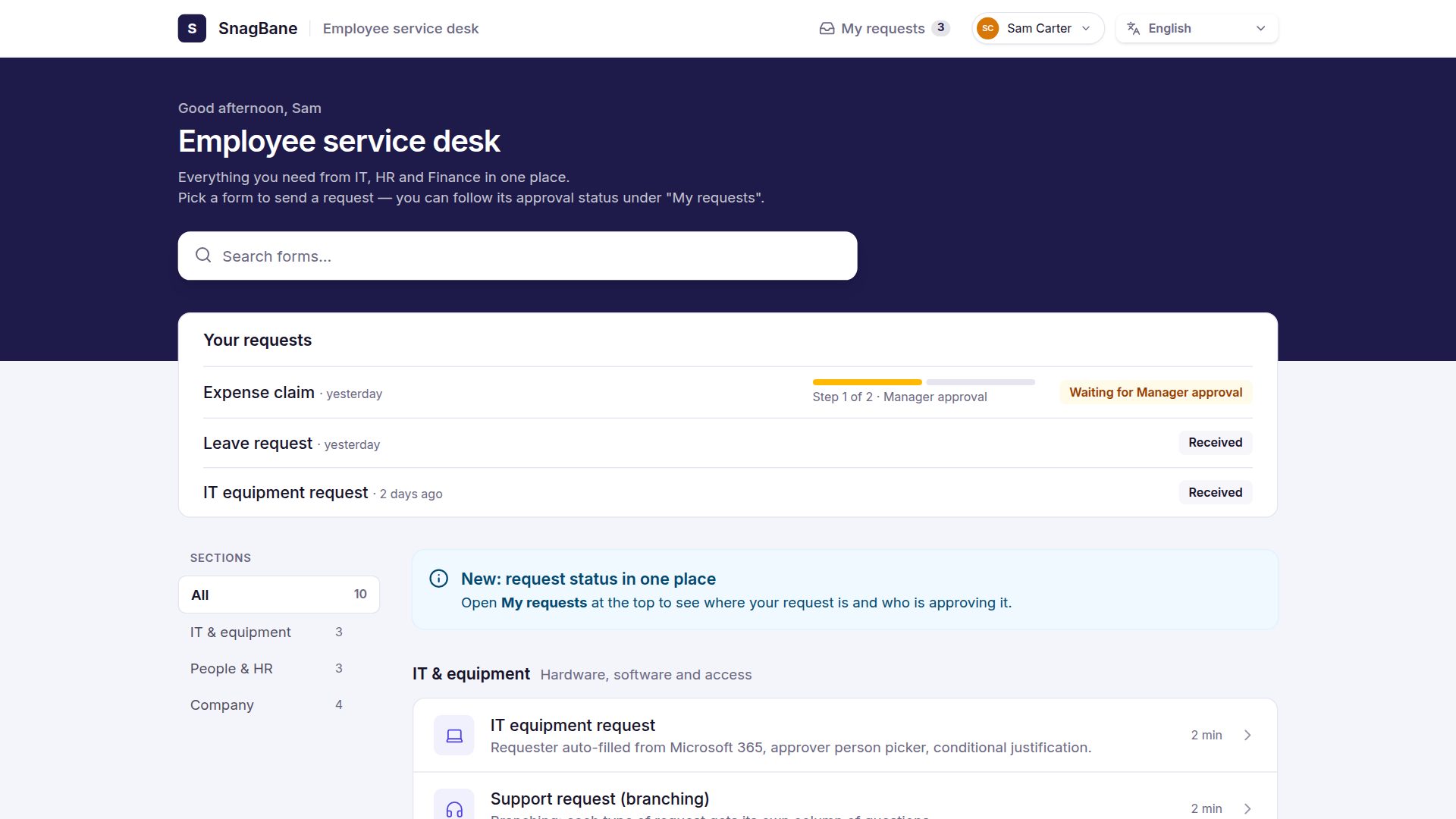
Portals follow the same rules
Portals use the same access model, and each form on a portal keeps its own rules. People only see forms they may fill in, or — if you prefer — see them greyed out with a sign-in hint.
Inside the app: workspaces and roles
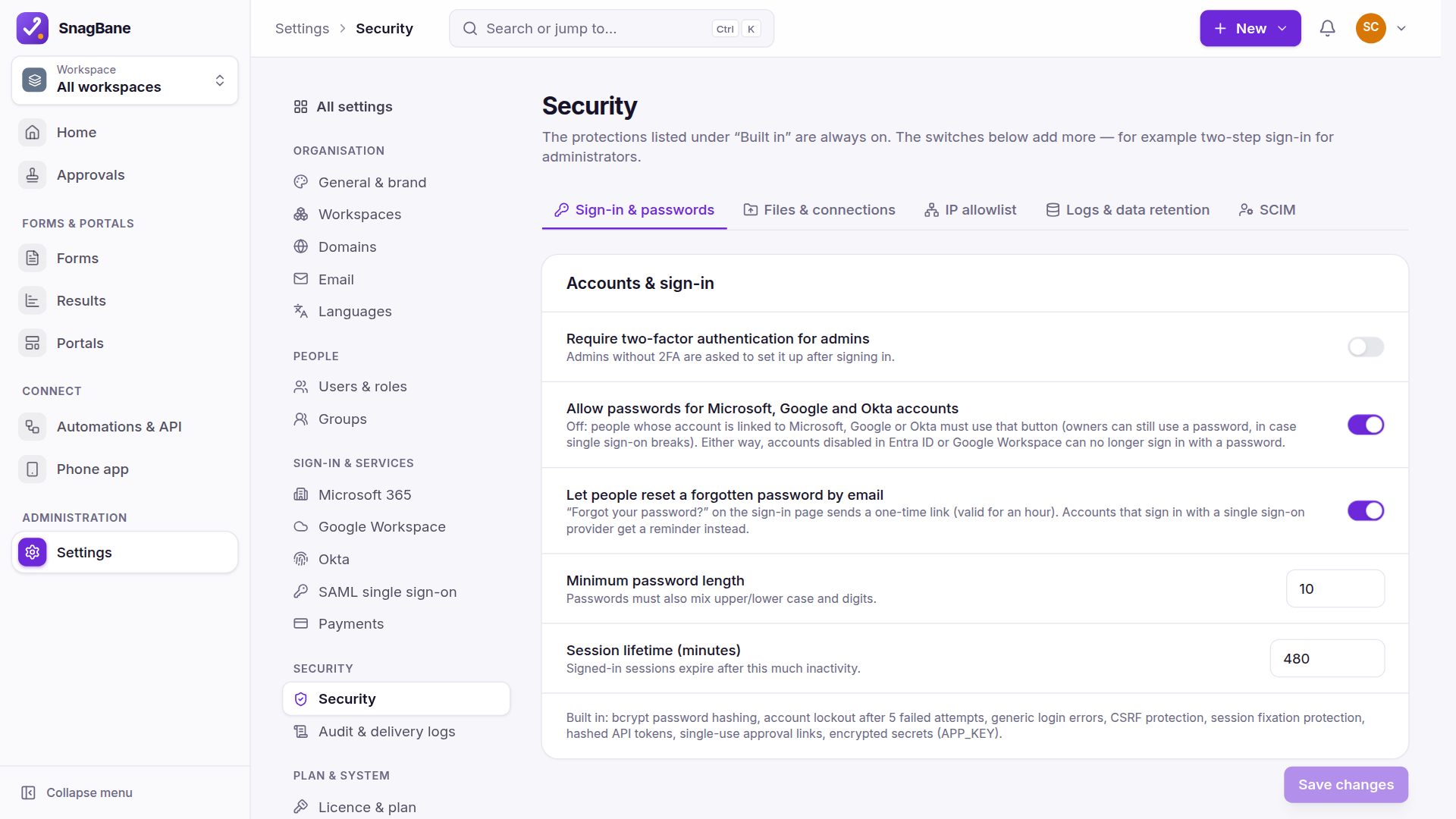
Who may edit forms or see their results is separate: departments get their own workspaces, and people have roles (Owner, Admin, Editor, Viewer, Respondent). New people never get edit rights by default — they start as Respondent.
Frequently asked questions
Can people outside the company see an internal form's questions?
No. Anyone who may not open a form — not signed in, not on the list, or the form is closed — sees only the title and description.
Can a form be open only for a period?
Yes. Set open and close dates; outside them the form shows that it isn't open.
See Access control in the documentation.