SnagBane
 supports single sign-on with Okta and with any SAML 2.0 identity provider — AD FS, Microsoft Entra ID, Ping, OneLogin and others. Groups sent at sign-in can give workspace access and roles, and Okta can also supply job title, department and manager for approval routing. Okta and SAML sign-in are part of the Business plan.
Okta (OpenID Connect)
In the Okta Admin Console create an OIDC Web Application with the Authorization Code grant and the redirect address shown under Settings → Okta, assign it to people or groups, and paste the Okta domain, client ID and secret into SnagBane. Save & test checks the connection.
The step that most often stops a working setup is Okta's app sign-in policy: new apps get Any two factors, so everyone needs a second factor enrolled. Choose the policy you actually want. Add a groups claim to use Okta groups in SnagBane, and optional custom claims title, department and manager for profile details.
With the optional Okta API connection (read-only), person pickers search Okta, prefill job title, department and manager, and Okta groups can be searched and checked live.
SAML 2.0
Under Settings → SAML single sign-on, SnagBane shows its entity ID, reply (ACS) address and metadata URL. Import your identity provider's metadata, switch on the sign-on button and use Test sign-in. The documentation has step-by-step instructions for Entra ID, AD FS and Okta.
| Topic | How SnagBane handles it |
|---|---|
| Who the person is | Email from an attribute or the NameID; display name or first + last name |
| Groups | Read at every sign-in; link them under Settings → Groups → New group → SAML |
| New accounts | Default role (respondent unless you choose viewer or editor) — never administrator |
| Signatures | Response or assertion signed with a saved certificate; SHA-256, SHA-1 refused |
| Replay | Audience, destination and validity are checked; each assertion works once |
| Flow | Only sign-ins started from SnagBane (no IdP-initiated sign-in) |
| Certificate rollover | Add a second certificate before the IdP switches |
SAML is built on the established onelogin/php-saml library — XML signatures are never hand-made.
Roles from groups
Groups from Okta, SAML, Entra ID or Google can grant workspace access and an organisation role. Roles from groups only ever raise a role, and groups never make someone an Owner — an Owner stays Owner.
Frequently asked questions
Can we use SSO and passwords together?
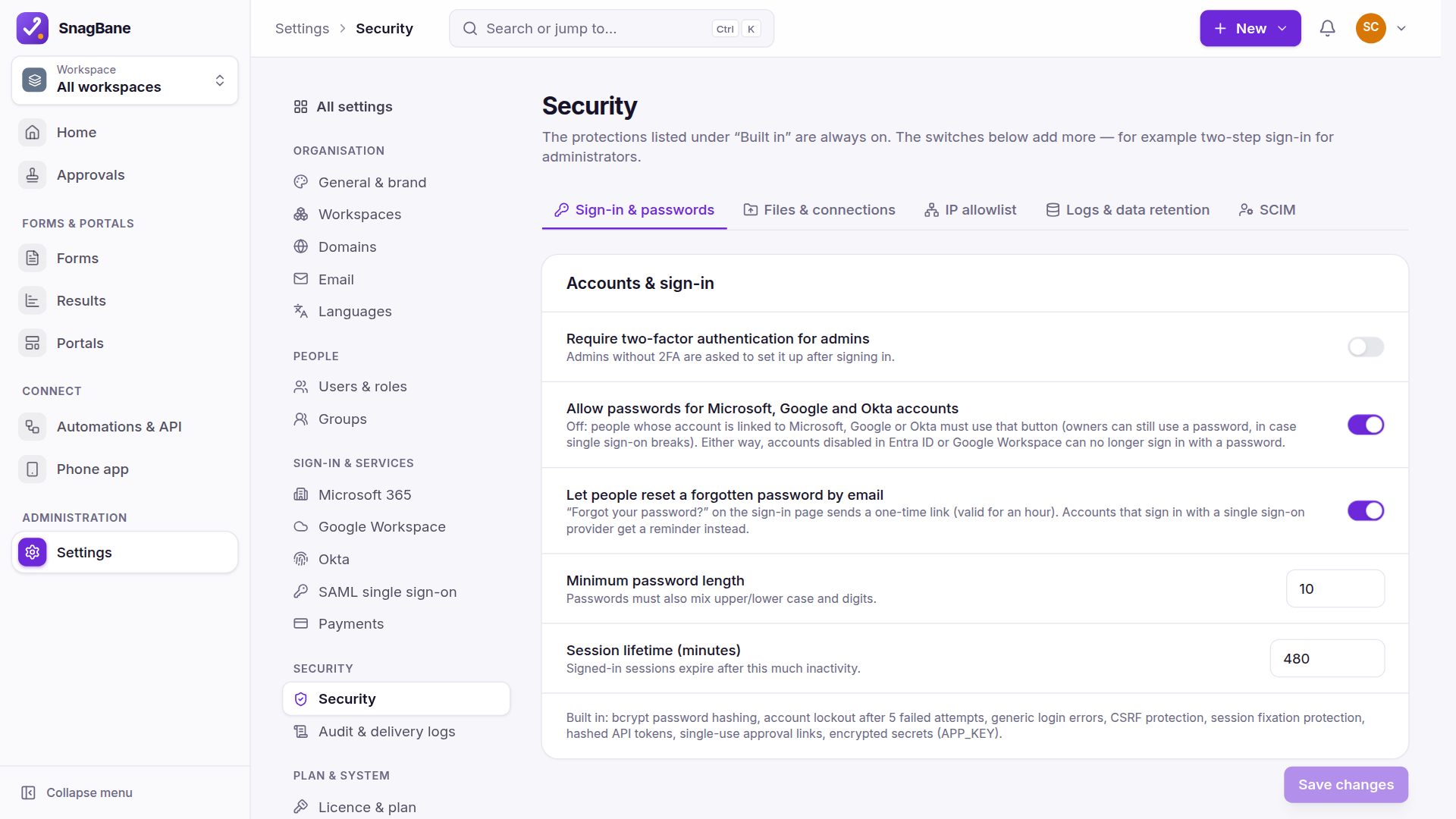
Yes. The sign-in page always offers email and password plus a button per single sign-on that is switched on. Under Settings → Security you can stop linked accounts from using passwords, so they must use single sign-on — owners keep a password so you can't lock yourself out. Administrators can also be required to use two-factor authentication.
Can sign-in be limited to some groups?
Okta's own assignments already decide who may sign in. On the Enterprise plan you can narrow it further to chosen groups.
Do approvals work with Okta managers?
Yes. With the manager claim or the Okta API, the requester's manager works as an approval stage.
See Okta and SAML single sign-on in the documentation.