SnagBane
People join SnagBane by invitation or by signing in with your company directory. An administrator adds someone under Settings → Users & roles → Add user and SnagBane emails them a one-time link to choose their own password — or, with Business, people simply sign in with Microsoft, Google, Okta or SAML. Many people never need an account at all.
Who needs an account
| Person | Account needed? |
|---|---|
| Someone filling in a public form | No |
| An approver deciding from the email | No |
| Someone following My requests or using organisation-only forms | Yes |
| Form editors, viewers and administrators | Yes |
The Free plan allows 25 active accounts; paid plans are sized by company size.
Invitations
With email set up, Email them an invitation is ticked when you add a user: the person gets a link to choose their own password — nobody else sees it. The link works once and for 7 days; a new invitation, a password reset or a changed email address makes the old link stop working. People who sign in with a directory get a sign-in link instead. Resend is available until their first sign-in.
Sign-in methods
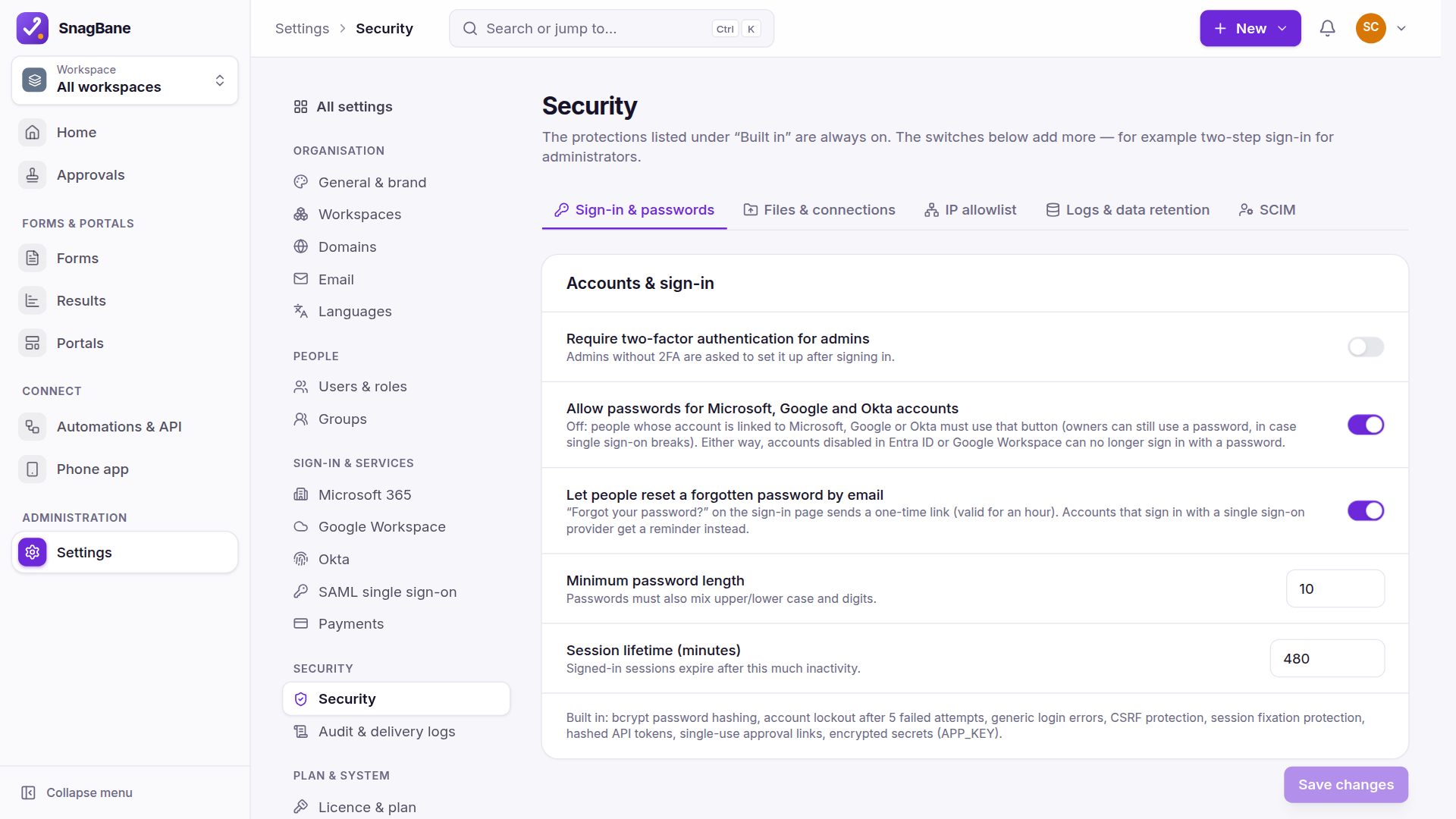
The sign-in page always offers email and password, plus a button for each single sign-on that is switched on. A person is linked to a provider the first time they sign in with it. Under Settings → Security you can make linked people use single sign-on only; owners keep a password so you can't be locked out. SnagBane never changes anything in Entra ID, Google or Okta — its access there is read-only.
Forgot password
A one-time link valid for an hour, stored only as a hash and rate-limited. The answer is the same whether or not an address has an account, and using the link never skips two-step verification.
Frequently asked questions
Do new people get edit rights?
No. New people start as Respondent — also when they sign in with a directory — until someone gives them a role.
Can we add people automatically?
Yes: directory sign-in creates accounts on first sign-in, and the Enterprise plan adds SCIM provisioning.
See Adding people and Sign-in methods in the documentation.