SnagBane
Workspaces let every department run its own forms in one SnagBane installation. HR, IT, Finance and Facilities each get a workspace with their own forms, portals and integrations; members see only their workspaces. Roles decide who can edit, view or manage, and groups bring whole teams in at once. Workspaces, roles and groups are on every plan.
Workspaces
Create one under Workspaces → New workspace (name, colour, icon, members). Every form, portal and workspace-wide integration belongs to one workspace. The switcher at the top of the sidebar works in one workspace or shows all of them.
| Workspace role | Can do |
|---|---|
| Owner | Members, settings, workspace integrations, the approvals overview and Change approver |
| Editor | Create and edit forms and portals |
| Viewer | See forms and results |
Organisation roles
| Role | Can do |
|---|---|
| Owner | Everything, including security, sign-in connections, licence and system |
| Administrator | All workspaces and organisation settings, except security, Microsoft 365 / Google connections, licence and system |
| User & access admin | Editor rights plus users, groups and workspace members |
| Editor | Create forms and portals |
| Viewer | See forms and results |
| Respondent | Fill in forms and follow their requests |
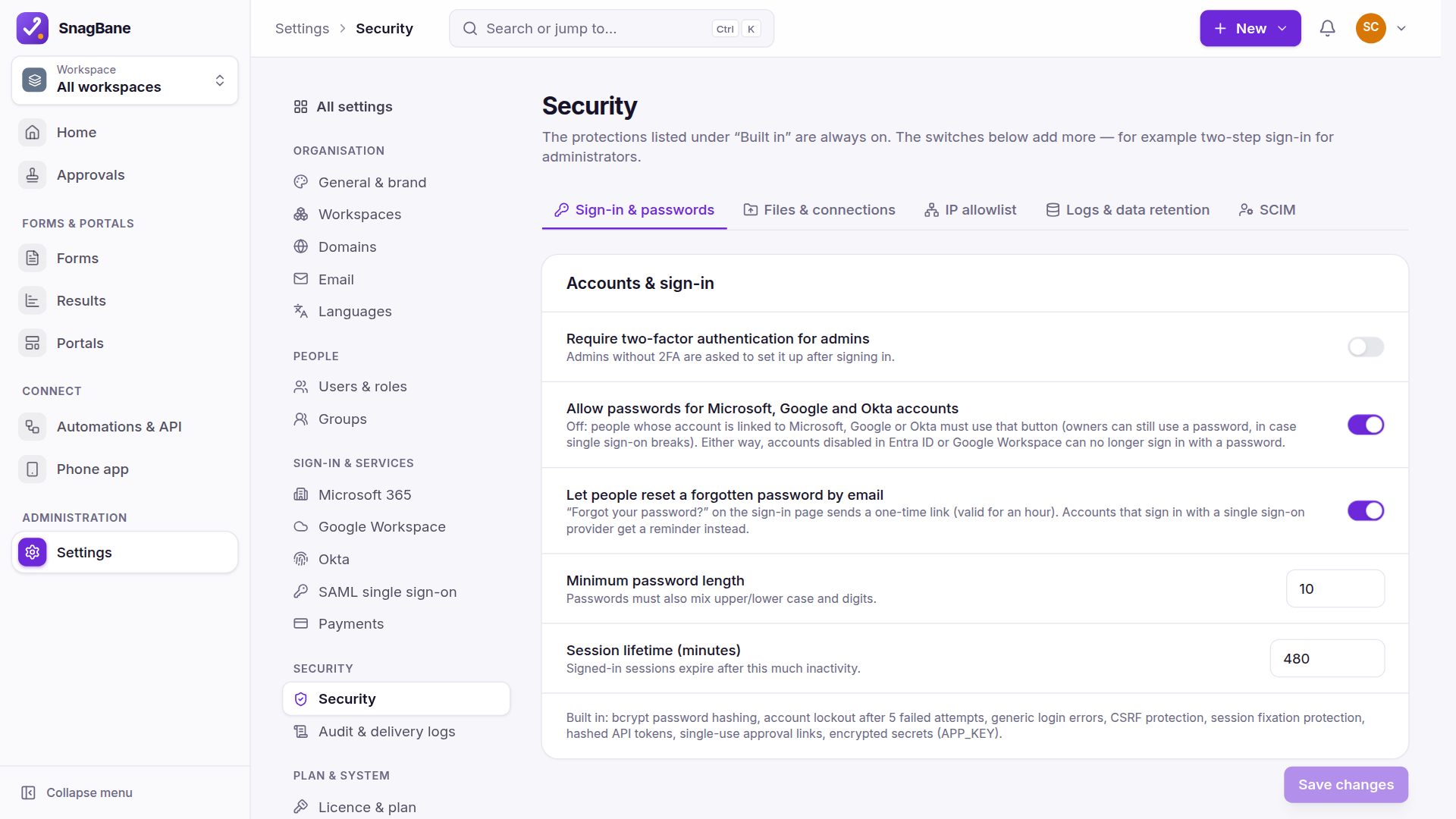
New people never get edit rights by default — they start as Respondent, also when they first sign in with Microsoft, Google, Okta or SAML. Directory sign-ins never create administrators, and roles mapped from groups only ever raise a role.
Groups
Under Settings → Groups, a group is either made by hand or linked to an Entra ID, Google Workspace, Okta or SAML group (Business). Linked groups are checked live, and the group page shows its members — including who doesn't have a SnagBane account yet. Add groups to workspaces, use them as approvers or for form access, and optionally give every member an organisation role (for example IT admins → Administrator).
Frequently asked questions
Can a department manage its own forms without seeing other departments'?
Yes. Members see only the workspaces they belong to; organisation administrators see all.
Can someone be an editor in one workspace and a viewer in another?
Yes. Workspace roles are set per workspace.
Who can create new workspaces?
You decide under organisation settings, together with whether new users join a workspace automatically (off by default).
See Workspaces, roles & groups in the documentation.