SnagBane
 looks like your company's own tool. Set the name, logo, colours, font and login page for the whole app, give each form its own theme, put portals on your own domains, and let everyone choose light or dark mode. Branding is on every plan; hiding Powered by SnagBane (white-label) is part of Business.
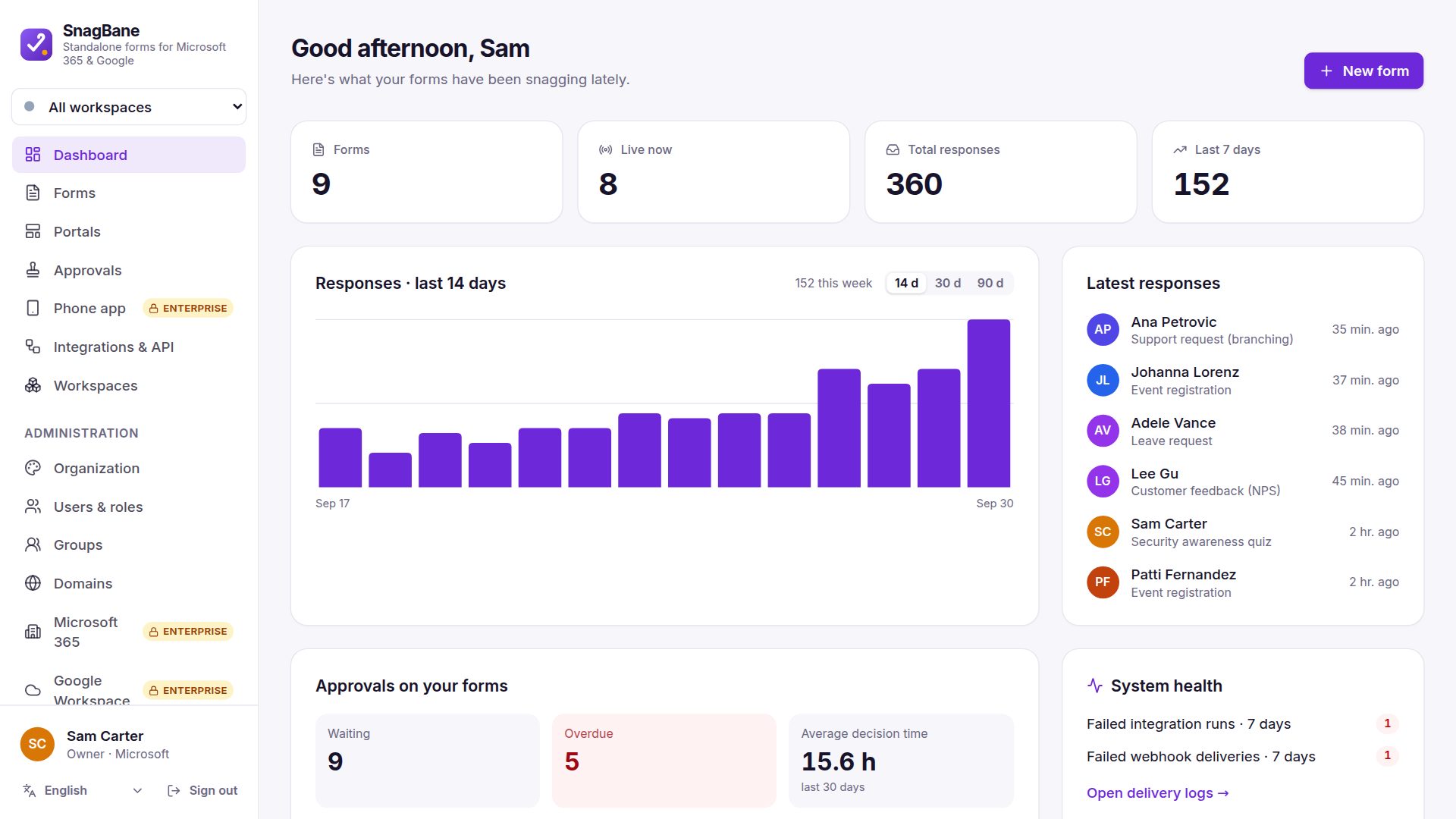
Organisation branding
Under Settings → General & brand:
| Setting | Choices |
|---|---|
| Name, logo, favicon | Your own |
| Colours | Primary and accent |
| Font | Inter, system, humanist, rounded or serif |
| Corners | Standard, sharp or round |
| Sidebar | White, tinted, grey, dark or your brand colour |
| Login page | Default, brand colour, your image or none — with your headline and text |
| Light or dark | The default for everyone; each person can choose their own |
| White-label | Hide Powered by SnagBane (Business) |
A theme per form and portal
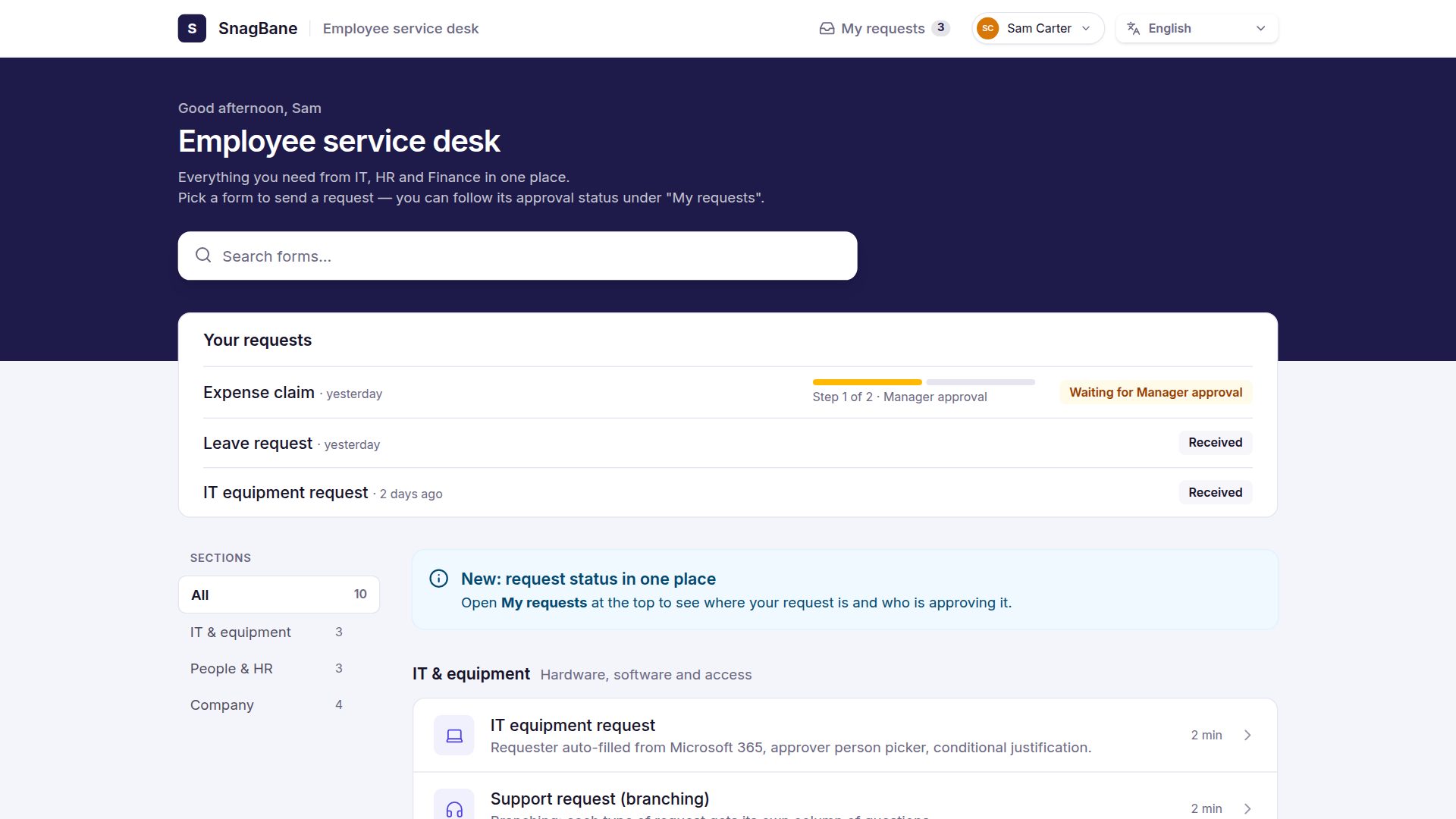
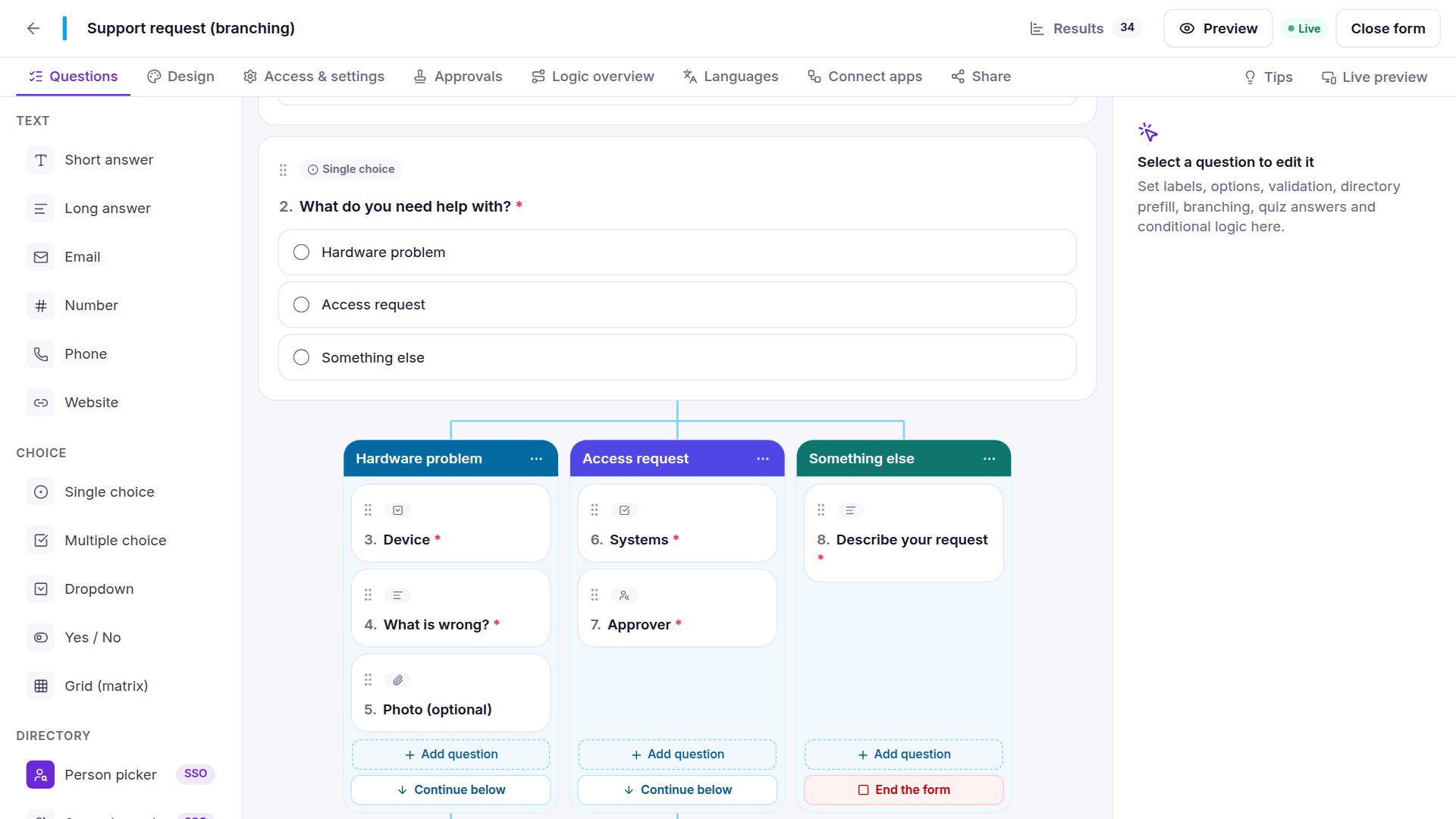
Each form has its own accent colour, background, logo and cover image; text on the accent automatically stays readable, even with a light colour like yellow. Portals have 20 looks with their own colours — see request portals.
Own domains
Under Settings → Domains, give a portal its own address such as hr.company.com. Point DNS at your server, click Check, and SnagBane confirms the domain. People who sign in with Microsoft or Google come back to the portal already signed in. Links in emails and webhooks always use your verified addresses — never one taken from an unverified request.
Light and dark mode
Everyone picks Light, Dark or Follow the device in their account menu; administrators set the default. Forms, portals and approval pages that people fill in stay light, so they always match your brand.
Customise any wording
Under Settings → Languages → Customise wording, search any text in any language and replace it — for example Submit → Send request. Your wording survives updates.
Frequently asked questions
Can we remove the SnagBane name?
Yes, with Business: white-label hides Powered by SnagBane on forms and portals.
Can each department have its own look?
Yes. Every form and portal has its own theme, and each portal can be on its own domain.
See Branding and Own domains in the documentation.