SnagBane
 can copy every response and its files to the storage you already use. Each response gets its own folder with the answers (HTML and JSON), the uploaded files and, optionally, the PDF — and after an e-signature, the signed document. Dropbox and a server folder are on the Free plan; SharePoint/OneDrive, Google Drive and S3 are part of Business.
| Destination | Plan |
|---|---|
| SharePoint / OneDrive document library | Business |
| Google Drive folder | Business |
| Amazon S3 and compatible (Cloudflare R2, Wasabi, MinIO) | Business |
| Dropbox | Free |
| A folder on your server (CSV, JSON lines or a folder per response) | Free |
Typical uses
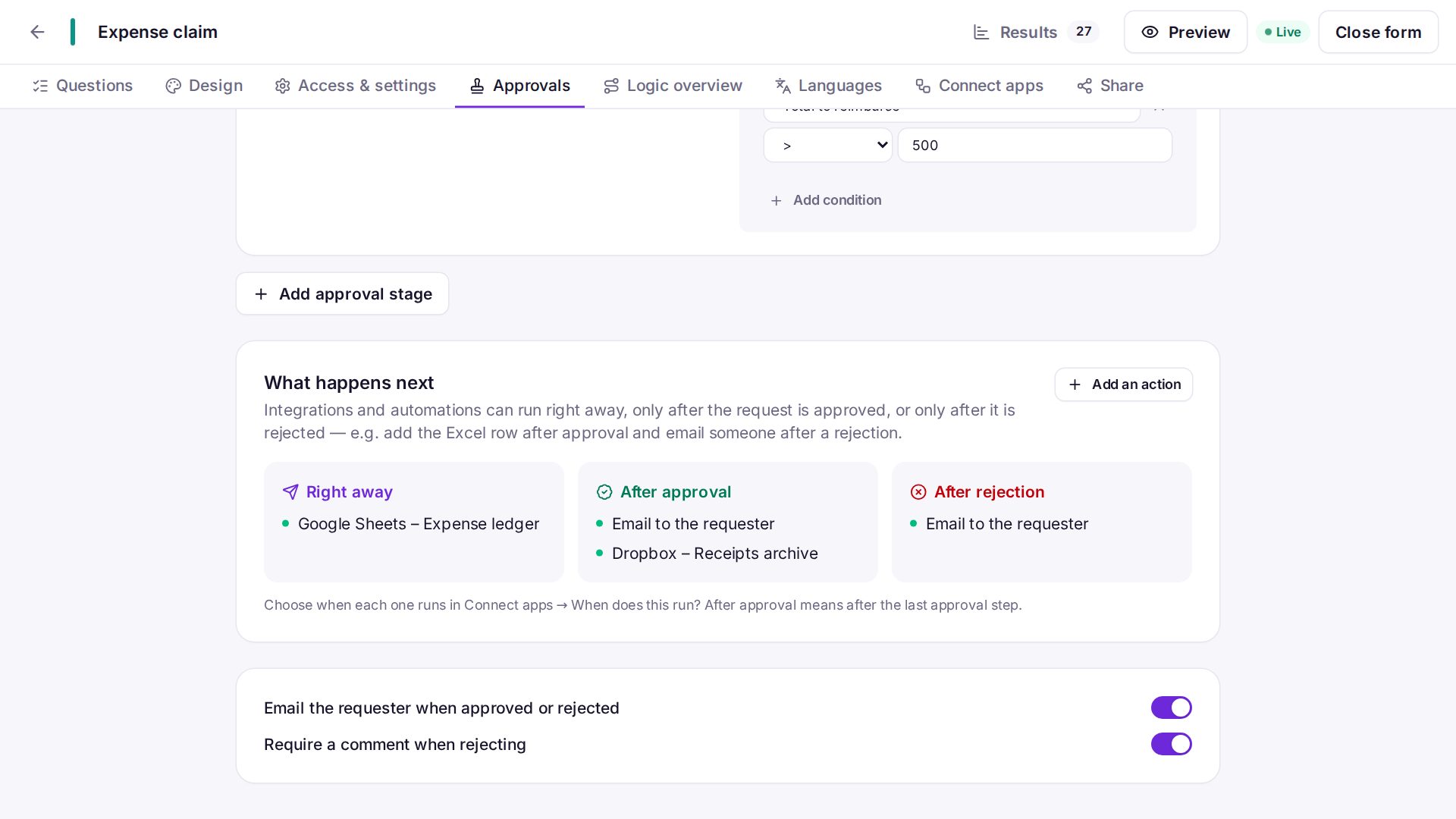
- Expense claims with receipts archived to Finance's SharePoint library after approval.
- Signed contracts saved to Drive after signing.
- A nightly backup of responses to S3 or a network share mounted on the server.
Frequently asked questions
Are files stored in SnagBane too?
Yes. Uploads stay with the response in SnagBane; the integration adds a copy.
Can files be uploaded only after approval or signing?
Yes: choose After approval or After signing under When does this run?
See the integration setup guides in the documentation.