SnagBane
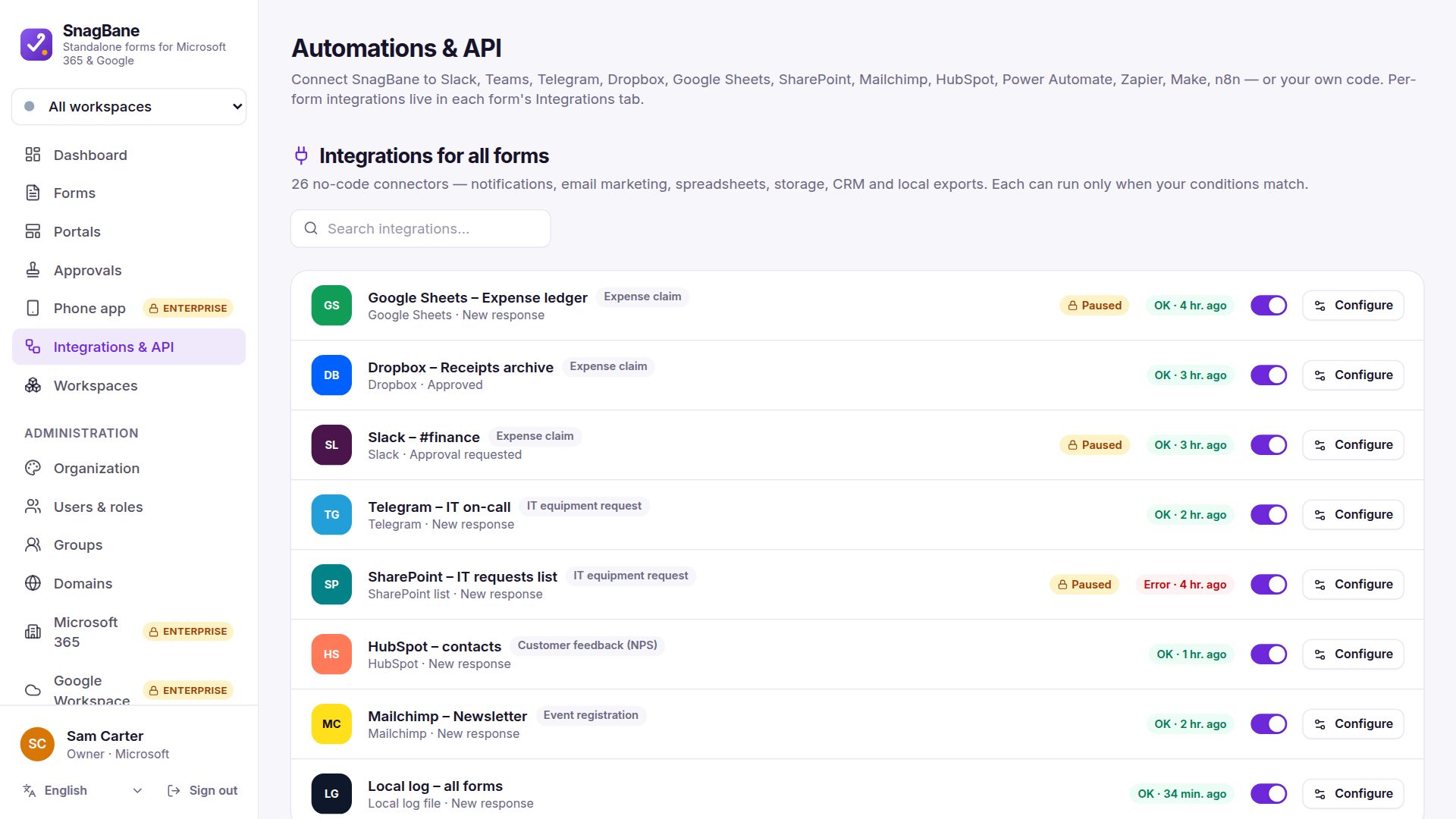
 can write every request into a SharePoint list or an Excel table, and save its files to SharePoint or OneDrive. Set the integration to After approval and only approved requests become rows — with the list, table and columns created for you if they don't exist. SharePoint and Excel are part of the Business plan.
SharePoint lists
Add SharePoint list in a form's integrations and paste the site address. SnagBane can create the list and a column per question; columns are typed by question — numbers and amounts become Number columns, short answers single-line text — so you can sort and total in SharePoint. Needs the Microsoft Graph permissions Sites.ReadWrite.All and Sites.Manage.All.
Excel
Add Excel, paste the workbook's sharing link and a table name. If the table doesn't exist, SnagBane adds a sheet named after it and creates the table with a column per question; with Create the table and missing columns automatically on, new questions get a new column at the end.
Microsoft's Excel API only works for a signed-in account, so an administrator connects one service account under Settings → Microsoft 365 → Excel account (like a Power Automate connection) and gives it edit rights on the workbooks.
Files to SharePoint and OneDrive
SharePoint / OneDrive files saves each response and its uploaded files — and optionally the PDF of the response — into a folder in a document library.
Only approved requests
| When does this run? | Result |
|---|---|
| Right away | Every request becomes a row when it's sent |
| After approval | Only requests approved by the last stage |
| After rejection | A log of rejected requests |
On forms with approvals, new integrations that write data start as After approval.
Frequently asked questions
Can SharePoint list options feed a dropdown?
Yes. A dropdown's options can come from a SharePoint list or an Excel table and stay in sync (Business).
Can non-admins point a form at any SharePoint site?
Administrators can limit the SharePoint sites and Excel files that other editors may use, under Settings → Security.
Do we need Power Automate for this?
No. SnagBane writes to SharePoint and Excel directly through Microsoft Graph.
See Microsoft 365 and the integration setup guides in the documentation.