SnagBane
 can turn every response into a PDF, made entirely on your own server. The PDF holds the form's answers — tables, grids, signatures, consent with its time — the approval history and page numbers, with your organisation's name and logo. Nothing is sent to another service to create it. Response PDFs are on every plan.
Where the PDF is available
| Where | How |
|---|---|
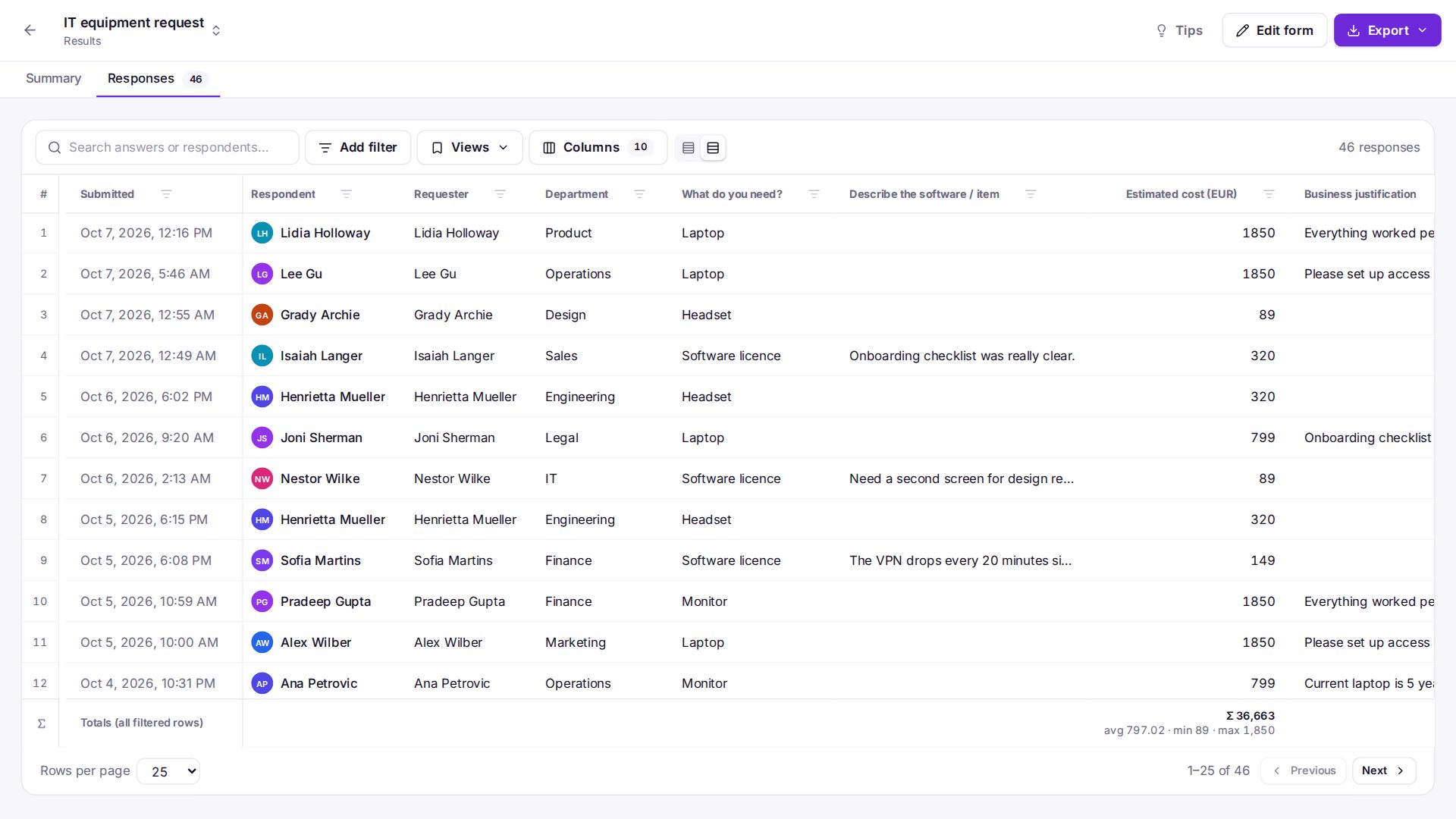
| Results | Download PDF on a response |
| The respondent | Download PDF on their receipt page |
| The approver | Download PDF on the approval page |
| Emails | Attach a PDF of the response (to your team) and Attach a PDF of their answers (the respondent's copy, in their language) |
| Integrations | Send email, Outlook and Gmail attach it; SharePoint, Google Drive, Dropbox and S3 upload response.pdf (Business for SharePoint, Drive and S3) |
| REST API | GET /api/v1/forms/{form}/responses/{id}/pdf (Business) |
Languages and scripts
Latin, Cyrillic, Greek, Hebrew and Arabic are built in — Arabic letters are joined and right-to-left text is wrapped in reading order. For Chinese, Japanese, Korean, Thai and others, copy a TrueType font (for example Noto Sans) to the server and SnagBane uses it for the characters the built-in font lacks.
E-signatures
On Business, the same PDF can be sent for signature with DocuSign, Adobe Acrobat Sign or Dropbox Sign after the last approval, and the signed PDF is saved back with the response. See e-signatures.
Requirements
The PHP extensions dom and mbstring (and gd for signatures and PNG logos). The Docker image includes all three; on shared hosting they are usually on. Settings → System & updates shows whether response PDFs are available.
Frequently asked questions
Is the PDF generated by an external service?
No. It is made by SnagBane on your server with an open-source PDF library; no answers leave your server.
Does the PDF include the approval history?
Yes: each stage, who decided, when and their comment.
See PDF of a response in the documentation.