SnagBane
 connects to Google Workspace for sign-in, the directory and the Google apps your teams use. People sign in with Google, person pickers search your directory, the requester's manager can approve automatically, and requests become rows in Google Sheets, files in Drive, emails from Gmail and events in Google Calendar. Google Workspace is part of the Business plan; your data stays on your own SnagBane server.
What you get
| Feature | What it does |
|---|---|
| Sign in with Google | Login with the Workspace account, restricted to your domain |
| Directory | Person pickers, profile prefill (job title, department, manager), Google groups for access and as approvers |
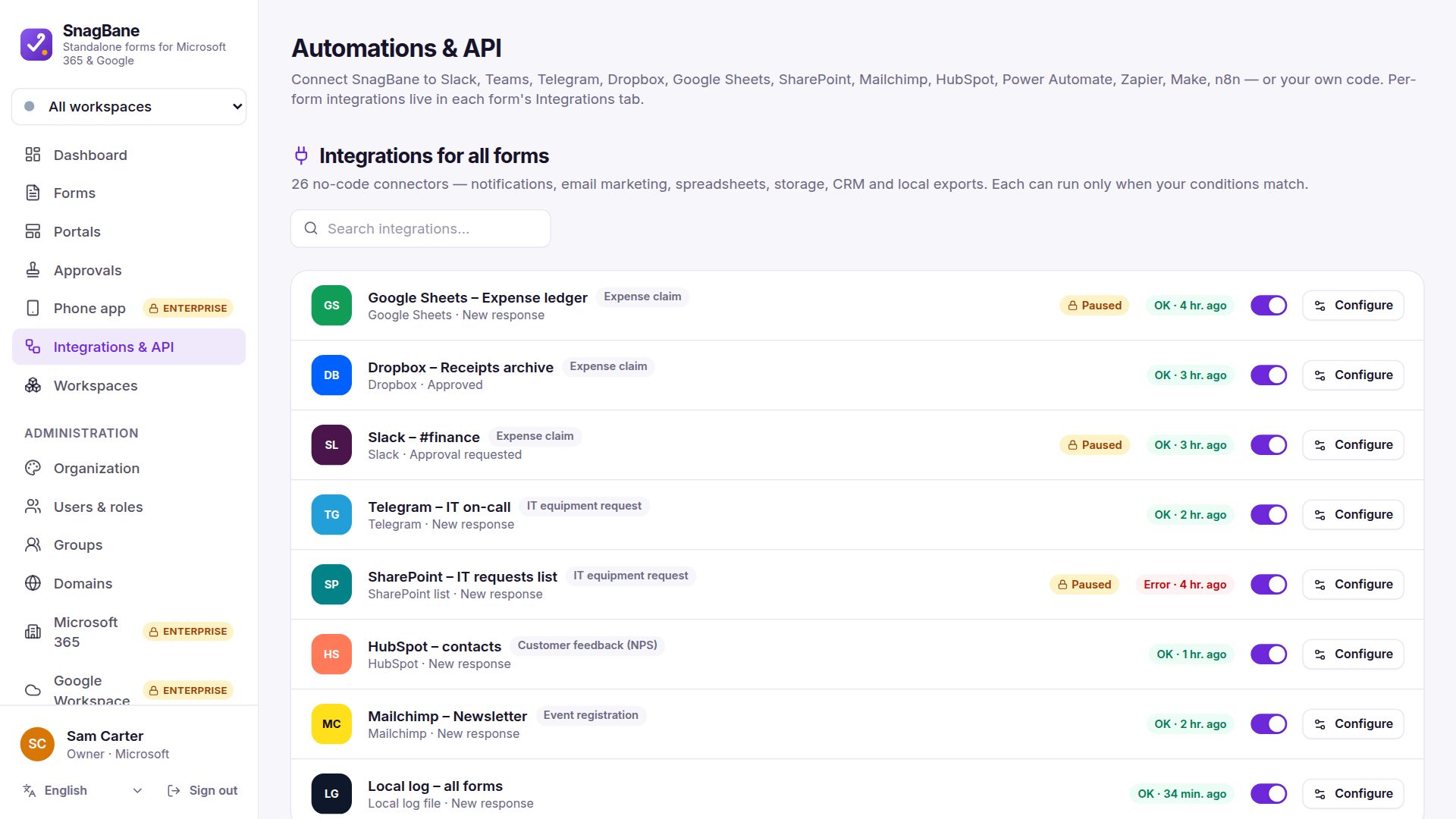
| Google Sheets | A row per request; new questions get new columns automatically |
| Google Drive | Each response and its uploaded files (and the PDF) in a Drive folder |
| Gmail | SnagBane's emails, or a Send email action, sent from Gmail |
| Google Calendar | Approved leave, trips or bookings in a shared or team calendar |
| Google Chat | A card in a Chat space for new or approved requests |
| Options from Sheets | Dropdown options kept in sync with a Google Sheets tab |
Two ways to connect
Google doesn't let apps create OAuth clients for you, so Settings → Google Workspace gives you a checklist with every value ready to copy. Then choose how SnagBane connects:
| Connect with Google (recommended) | Service account (advanced) | |
|---|---|---|
| Setup | Enable the APIs, click Connect with Google, sign in once | JSON key + domain-wide delegation |
| Acts as | One dedicated account (e.g. a SnagBane account with a role that may only read users and groups) | Any user in the domain, within the scopes you list |
| Gmail | From the connected account | From the mailbox you choose |
| Calendar | Shared or team calendars | Also each requester's own calendar |
| Drive / Sheets | What the account can edit | Shared with the service account |
Save & test checks each part and explains any problem. Google features lock after setup so they can't change by accident; Change features opens them again.
Enterprise: who can sign in and who left
On the Enterprise plan, sign-in can be limited to up to 20 Google groups (nested groups count), and accounts are switched off automatically when people are suspended, archived or deleted in Google.
Frequently asked questions
Does SnagBane store data in Google?
No. Forms, answers and files are in SnagBane's database on your server. Google only receives what you send to it, such as a Sheets row or a Drive file.
Can we use Google and Microsoft 365 at the same time?
Yes. Each directory has its own copy and its own page; every person picker and approval stage chooses which directory to search.
Is Google Workspace in the Free plan?
No, Google Workspace is part of Business and Enterprise. Free works without any Google account.
See the Google Workspace documentation.