SnagBane
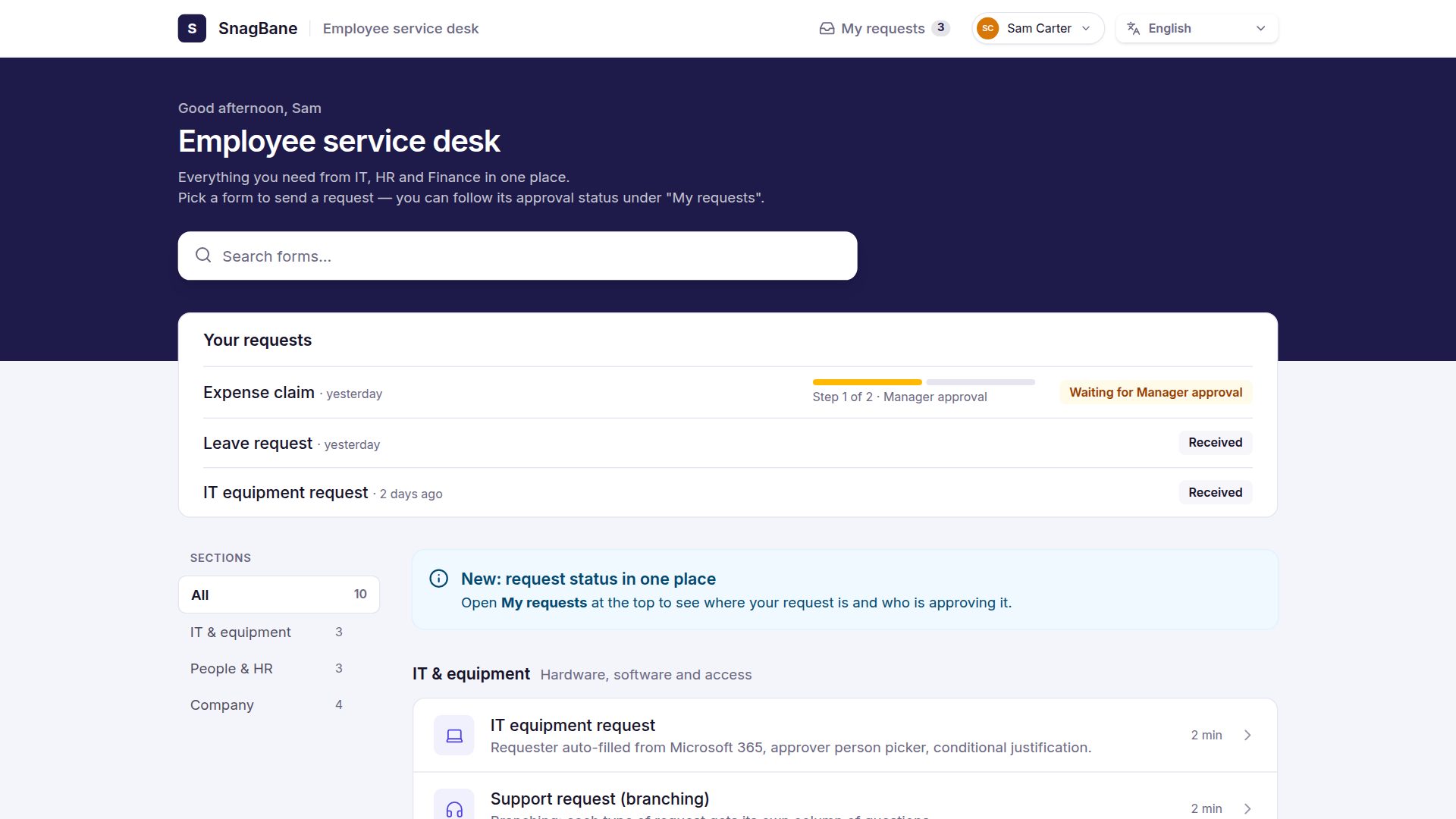
 connects to Microsoft 365 through an app registration in your own tenant. People sign in with their Microsoft account, person pickers search Entra ID, the requester's manager becomes an approver automatically, and approved requests land in SharePoint lists, Excel tables, Outlook calendars and Microsoft Teams. The Microsoft 365 connection is part of the Business plan; SnagBane itself runs on your own server.
What you get
| Feature | What it does | Microsoft Graph permission |
|---|---|---|
| Sign in with Microsoft | Login with the work account, MFA and Conditional Access as usual; accounts created on first sign-in with a role you choose | openid, profile, email, User.Read (delegated) |
| Person picker & prefill | Search the directory while typing; fill in name, email, job title, department, office, mobile, employee ID or manager | User.Read.All |
| Groups | Form and portal access for Entra groups; groups as approvers; an admin group | GroupMember.Read.All |
| Send SnagBane's emails from a Microsoft 365 mailbox | Mail.Send | |
| SharePoint lists and files | A list item per request (the list and columns can be created for you), files into a document library | Sites.ReadWrite.All, Sites.Manage.All |
| Excel | A row per request in a table, written as a connected service account | Files.ReadWrite.All (delegated) |
| Outlook calendar | Approved leave, trips and bookings in the requester's or a team calendar | Calendars.ReadWrite |
| Teams | Approvals in Teams, portals as Teams apps, messages to channels | See approvals in Teams |
You tick only the features you want; SnagBane asks for exactly those permissions.
Setup: a script you can review
Go to Settings → Microsoft 365, tick the features, and use the PowerShell tab (recommended). It shows the script New-SnagBaneApp.ps1 for your selection, so your security team can read it first. A Global Administrator (or Application Administrator + Privileged Role Administrator) runs it; it signs in with the normal browser — MFA, Security defaults and Conditional Access work — and creates the SnagBane Forms app registration, a 24-month client secret and admin consent. Paste the three values it prints into SnagBane and click Save & test.
Prefer to click? The Manual tab lists the redirect address and permissions for the Entra admin center. Changing features later updates the same app registration instead of creating a second one.
SnagBane stores only the tenant ID, client ID and client secret, and the secret is encrypted with your own key. Nothing passes through a third party.
The manager as approver
With the person picker feature, an approval stage can go to the requester's manager straight from Entra ID. SnagBane keeps a small local copy of the directory (enabled users: name, email, job title, department, office, manager), refreshed every night, so people search answers instantly even in tenants with tens of thousands of users. If someone has no manager, the task goes to the form owner — never approved by mistake.
SharePoint and Excel after approval
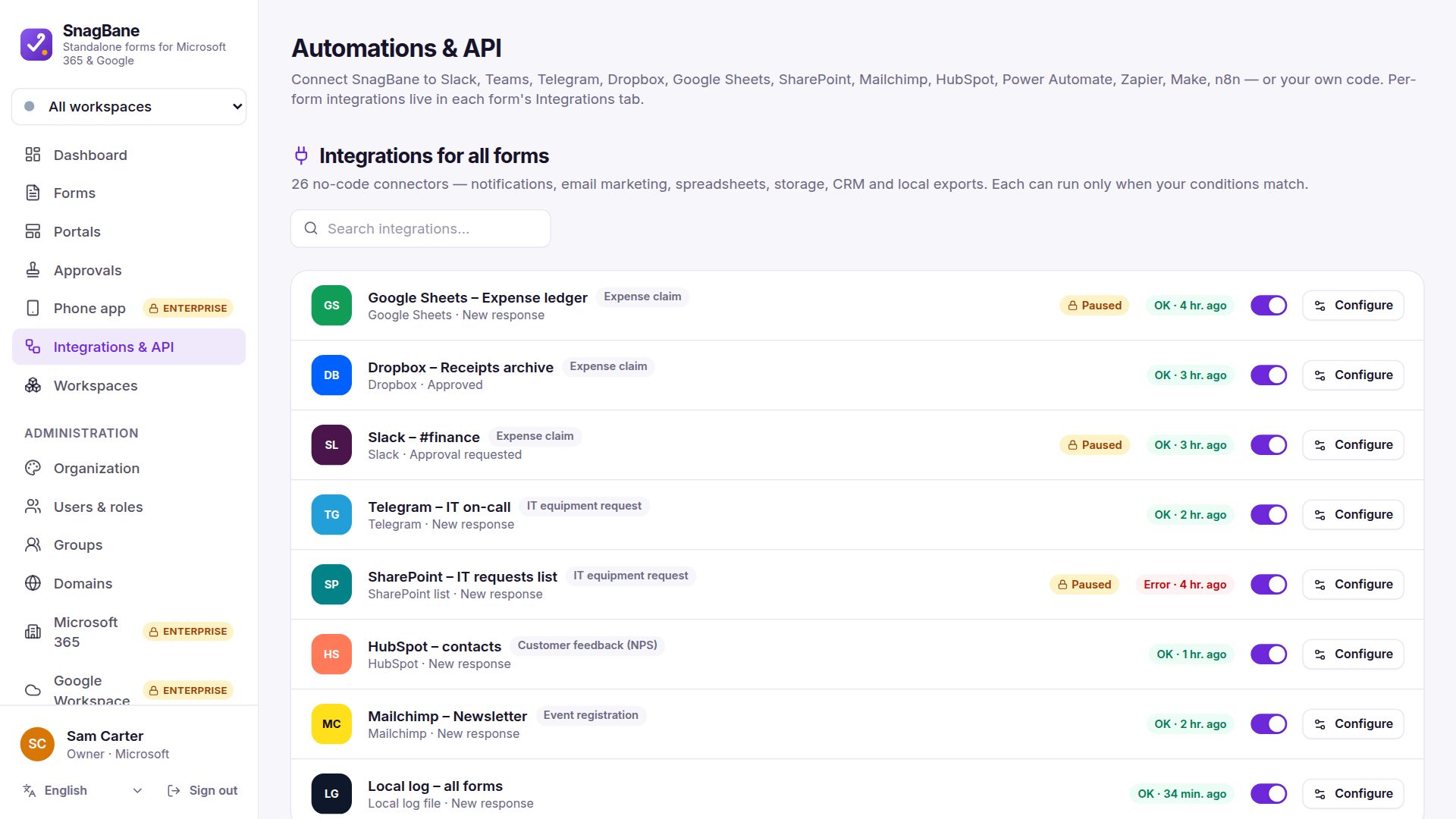
Add SharePoint list or Excel in a form's integrations and choose After approval: the row is created only once the last stage approves. Columns are typed by question (numbers stay numbers), and new questions can get new columns automatically. Excel's API only works for a signed-in account, so an administrator connects one service account under Settings → Microsoft 365 → Excel account and gives it edit rights on the workbooks.
Enterprise: who can sign in and who left
On the Enterprise plan you can limit sign-in to up to 20 Entra groups, switch off accounts automatically when people leave (each one confirmed with Microsoft first), and provision users with SCIM.
Frequently asked questions
Does SnagBane need Power Automate or Power Apps?
No. Approval stages, reminders and the actions after approval are built into SnagBane. If you already use Power Automate, the SnagBane connector can trigger your flows.
Where is the data stored?
In SnagBane's database on your own server. Microsoft 365 only receives what you send to it — a SharePoint row, an Excel row, a calendar entry or a notification.
Can we try it before connecting our tenant?
Yes. Without a tenant, SnagBane uses a built-in demo directory (Contoso users), so person pickers and manager approvals can be tried right away.
Which plan includes Microsoft 365?
Business and Enterprise. Free works without any Microsoft account — sign-in with SnagBane passwords and person pickers over SnagBane's own accounts.
See the Microsoft 365 documentation and permissions explained.