SnagBane
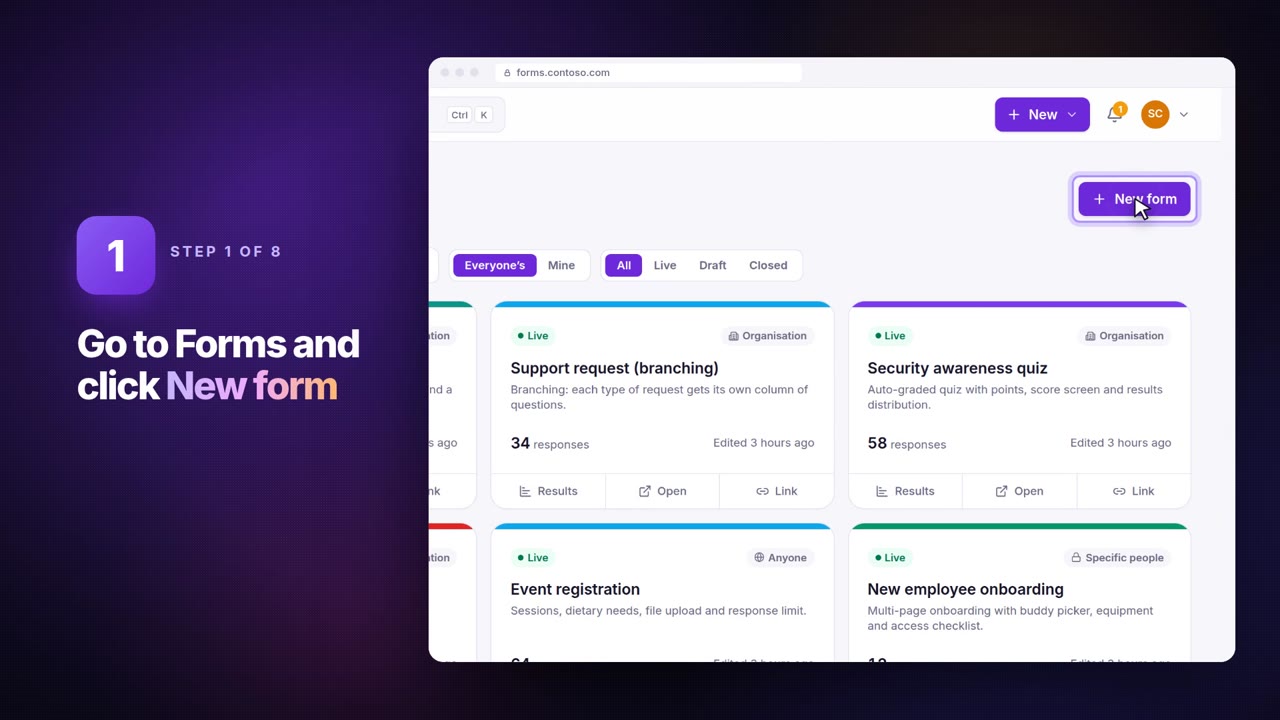
 imports existing Google Forms and Microsoft Forms forms from their link. Click New form → Bring your form, paste the link, check the preview and click Create form — then add what those tools don't have: approval stages, reminders, a request portal and your own server. Import is on every plan.
Google Forms
Paste the link people open to fill in the form (docs.google.com/forms/… or forms.gle/…). Sections, choices, “Other”, grids, scales, ratings, dates and file questions come along.
The form must accept responses from anyone while you import: if it's limited to your organisation, switch that off for a minute, import, then switch it back.
Microsoft Forms
Paste the form's share link (forms.office.com/… or forms.cloud.microsoft/…). Microsoft has no public API for a form's questions, so SnagBane reads what the response page itself loads — this works for forms anyone can fill in. If the form needs sign-in, open it, copy the questions and use Paste your questions instead.
InfoPath
Upload the .xsn template or a zip of its source files — see moving InfoPath forms.
After the import
| Add in SnagBane | Why |
|---|---|
| Approval stages | Manager, then Finance over a threshold — see approval workflows |
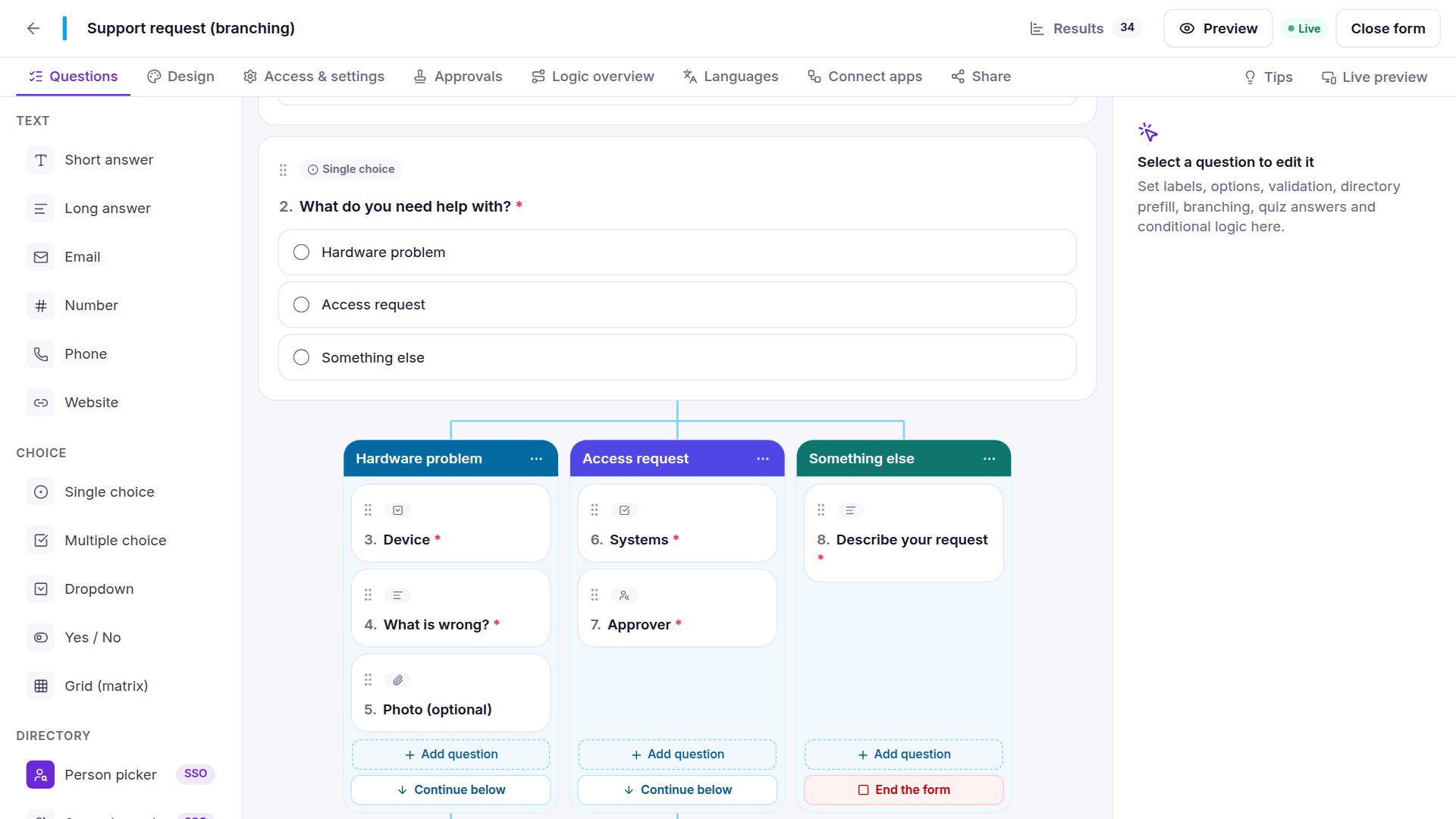
| Conditions and branching | Show only the questions each answer needs |
| A portal | One place for all your forms, with My requests |
| Integrations | SharePoint, Excel, Google Sheets or a webhook, after approval |
Your old form keeps working until you switch the link, so you can test the new one first.
Frequently asked questions
Are existing responses imported?
No. The import brings the questions; export old responses from Google or Microsoft if you need them.
What does the server need?
Outbound HTTPS to Google or Microsoft for link imports. InfoPath files are read entirely on your server.
See Bring your form in the documentation.