SnagBane
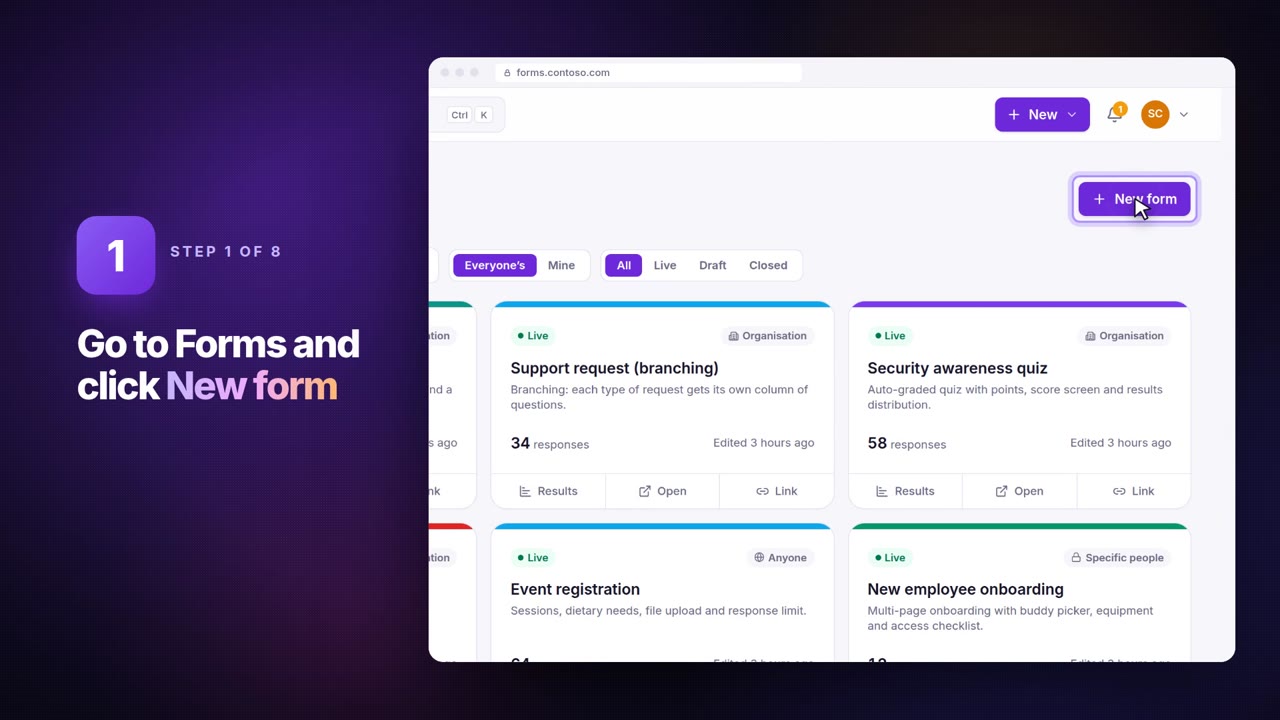
The fastest way to build a form in SnagBane is to paste your questions. Click New form → Paste your questions and paste a list from Word, an email or an old paper form — one question per line. SnagBane picks the type from the wording, turns the lines under a question into its choices, and shows a preview you can adjust before creating the form. On every plan.
How to write the list
| You write | You get |
|---|---|
Start date | A date question (picked from the wording) |
Work email | An email question |
A question with - Yes / - No lines | A yes/no question |
More than 6 - lines | A dropdown |
[ ] before choices | Multiple choice (pick several) |
Reason * | A required question |
How satisfied are you? (1-5) | A star rating; other ranges such as (0-10) become a scale |
Receipt [file] | Forced type — also [date] [long] [email] [number] [dropdown] [multiple] [person] [file] [stars] |
--- | A new page |
# Leave request on the first line | The form's title |
Prefilled for signed-in people
Questions like Name, Email, Job title or Department are set to fill in from the respondent's profile, and a person question about the manager gets the respondent's manager. Questions about someone else — Manager's email — are left alone.
Example
# Equipment request
Your name *
Department
What do you need? *
- Laptop
- Monitor
- Headset
Needed by [date]
Why do you need it? [long]
…becomes a five-question form with a required name, a single-choice list, a date and a long answer. Then add approval stages in the Approvals tab — see approval workflows.
Frequently asked questions
Can I change the types before creating the form?
Yes. The preview shows each question's type, and you can change any of them.
Does it work in other languages?
Yes. When the questions are, for example, in Serbian or Croatian, the form's language is set to match, so buttons and messages are in that language too.
See Paste your questions in the documentation.