SnagBane
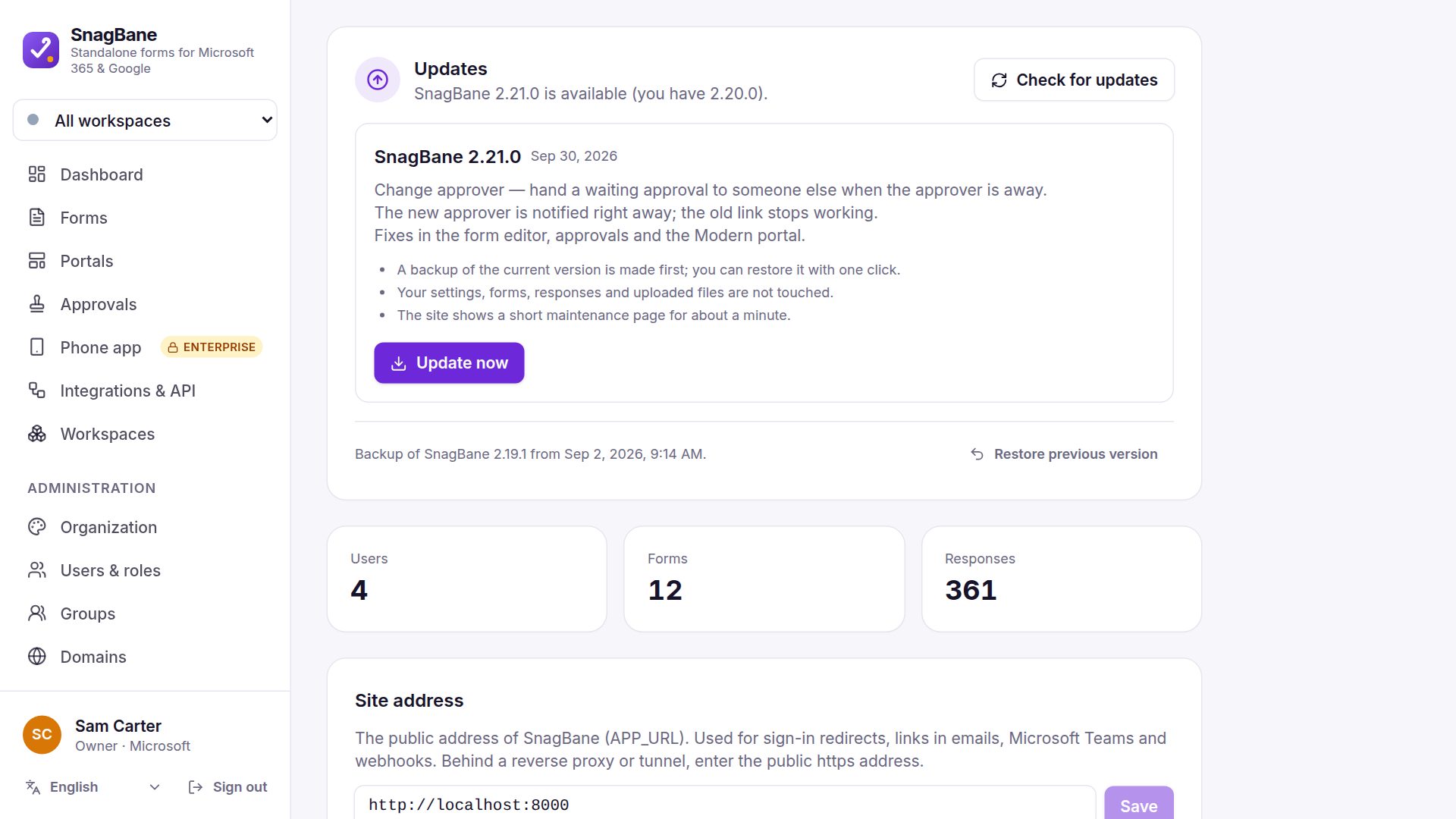
 updates itself with one click — safely. It checks for a new version once a day, and the owner clicks Update now under Settings → System & updates. Every package's digital signature is verified first, and a backup of the current version is kept, so Restore previous version undoes the update. Updates are on every plan.
What happens during an update
- SnagBane downloads the new version and checks its signature — a package not signed by SnagBane is refused.
- It saves a backup of the current version.
- It shows a short maintenance page, copies the new files and updates the database.
- Files the new version no longer has are removed from SnagBane's own code folders, so leftovers can't break it. Your
.env,storage/, uploads and data are never touched.
If a proxy cuts the connection during the long request, SnagBane finishes the update by itself within a few minutes.
Docker and shared hosting
- cPanel / shared hosting — works as-is; the web server needs write access to the SnagBane folder.
- Docker — the update is kept in the storage volume and re-applied when containers restart; a newer image you pull later wins.
- Command line —
php artisan snagbane:update(or--check).
Licences and updates
On Business and Enterprise, updates need an active licence. When a licence ends, the version you have keeps working — you just don't get new versions until you renew. The Free plan always gets updates.
Frequently asked questions
Can an update be undone?
Yes: Restore previous version brings back the backup made before the update.
Do updates run automatically?
SnagBane checks automatically, but the owner decides when to install.
See Updating in the documentation.