SnagBane
 choice questions can do three things most form builders can't: limit the places per option, show options that depend on an earlier answer, and keep their options in sync with a list maintained elsewhere. Places and dependent lists are on every plan; options from SharePoint, Excel and Google Sheets need Business.
Places per option
Turn on Limit places per option on a single-choice, multiple-choice or dropdown question and type how many people can choose each option — seats in a session, time slots, T-shirt sizes.
- A full option shows as Full and can't be chosen.
- The server checks again when the form is sent, so two people can't take the last place.
- Rejected requests give their place back; editing a response keeps its place.
- Show places left shows “3 places left”; the summary shows “12 of 20 places taken”.
Dependent lists
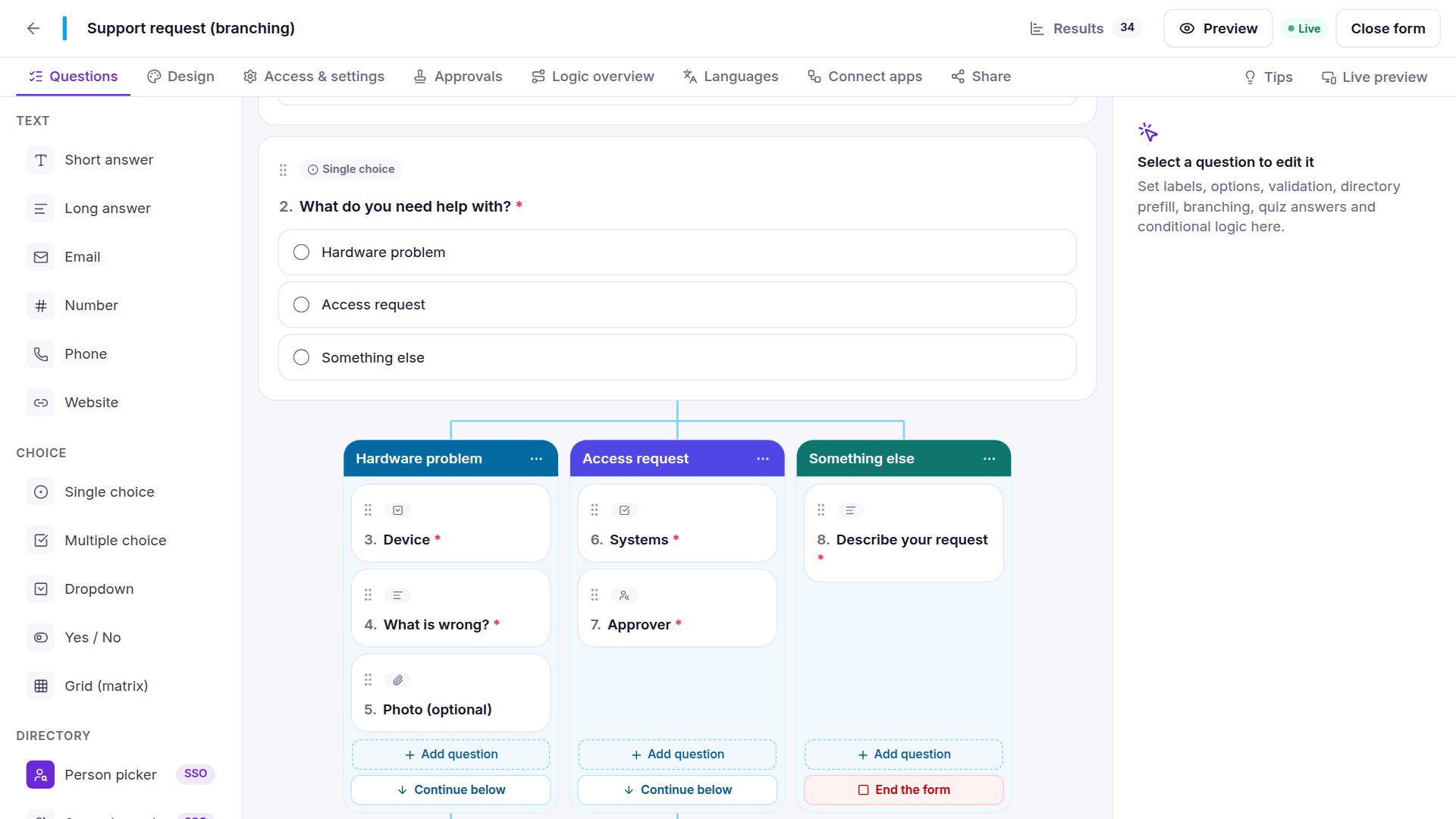
Show options depending on picks an earlier choice, dropdown or yes/no question; next to each option you choose the answer it belongs to.
| First question | Second question shows |
|---|---|
| Country: Serbia | Belgrade, Novi Sad, Niš |
| Department: IT | Service desk, Infrastructure, Security |
| Equipment: Laptop | 14", 16" |
Respondents see only the matching options, a changed answer unticks what no longer fits, and the server accepts only matching options.
Options from a list
| Source | Plan |
|---|---|
| CSV file or pasted cells (import once) | Free |
| A CSV file on the web, kept in sync | Free |
| SharePoint list | Business |
| Excel table | Business |
| Google Sheets tab | Business |
Pick the column with the names — and, for dependent lists, the column with the answer each belongs to, and places. SnagBane refreshes linked lists every hour; a name that disappears can no longer be chosen, while earlier answers keep it.
Also on choice questions
- “Other” with a text box — the typed answer shows in results; summaries count it as Other.
- Shuffle the options against order bias in surveys; Other stays last.
Frequently asked questions
Can a workshop sign-up close options automatically when full?
Yes — that's exactly what places per option do.
Can our cost centres come from a SharePoint list?
Yes, with Business: link the dropdown to the list and it stays up to date.
See the documentation.