SnagBane
Short answer: Power Apps can build almost any business app on Microsoft's platform, and Microsoft suggests it as an InfoPath replacement. But every form becomes an app someone builds and maintains, and production use is licensed per user. SnagBane gives you request forms with approvals out of the box, on your own server, at one price for your company size — while still connecting to Microsoft 365.
At a glance
| SnagBane | Power Apps | |
|---|---|---|
| What you build | Forms with approval stages, portals, integrations | Custom apps (canvas and model-driven) |
| Who builds | Business teams, from templates or pasted questions | Makers comfortable with Power Fx and data modelling |
| Approvals | Built into each form | With Power Automate flows |
| Licensing | By company size; respondents and email approvers don't count | Premium $20 per user/month (billed yearly); $12 with a 2,000-seat minimum; Developer plan free for building and testing only |
| Data | Your own database | Dataverse (250 MB database / 2 GB files per Premium licence; more as an add-on) |
| Hosting | Your own server | Microsoft's cloud |
| Microsoft 365 | Sign-in, directory, SharePoint, Excel, Teams (Business) | Native |
Prices as published on Microsoft's Power Apps pricing page on the date above.
Where Power Apps is the better choice
- Anything beyond forms — custom screens, offline field apps, complex data models.
- Native in the Microsoft ecosystem, with hundreds of connectors.
- Your organisation already has Power Platform makers and licences.
Where SnagBane is the better choice
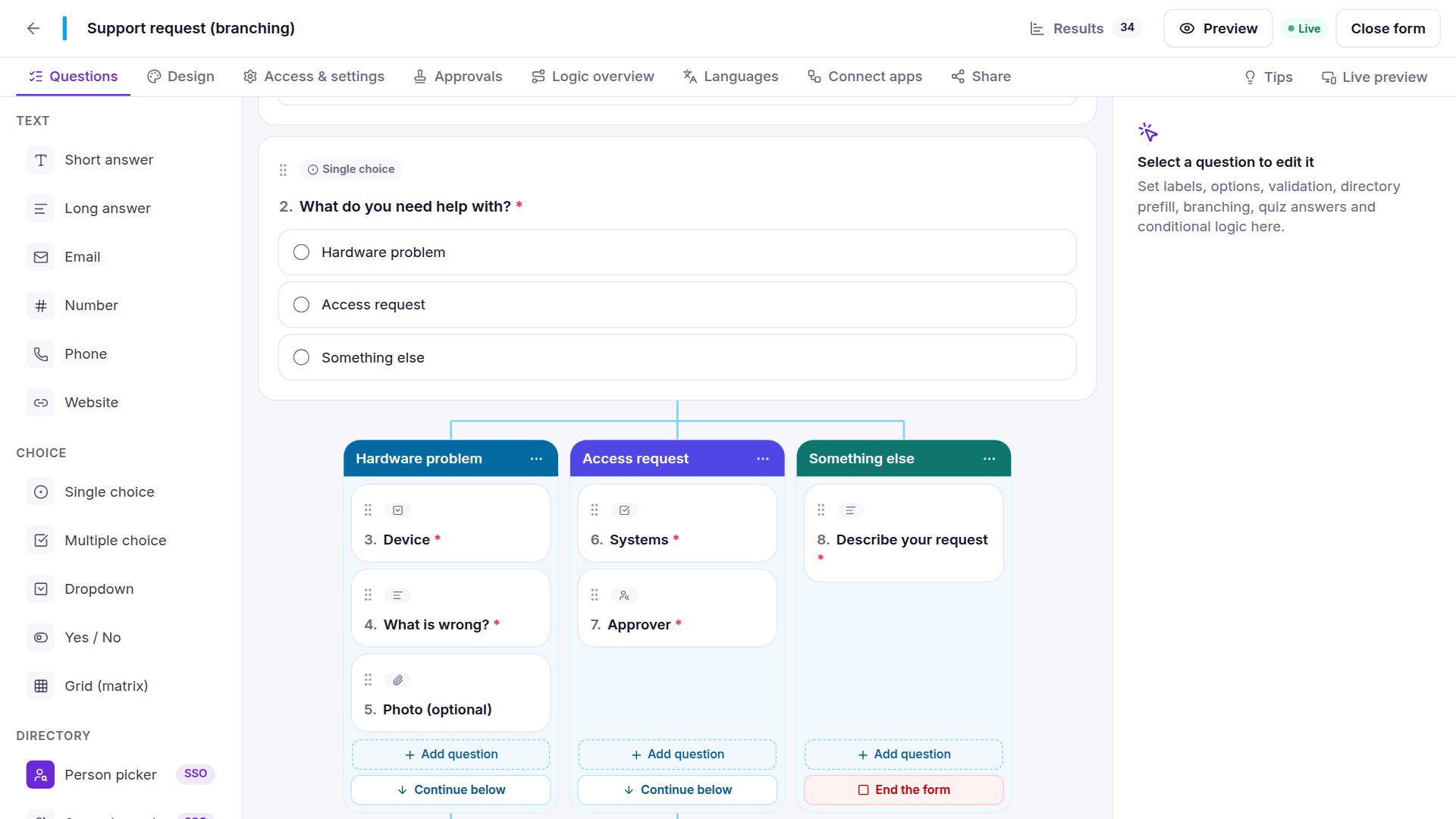
- Faster for forms: 118 templates, paste your questions, import InfoPath, Microsoft Forms or Google Forms.
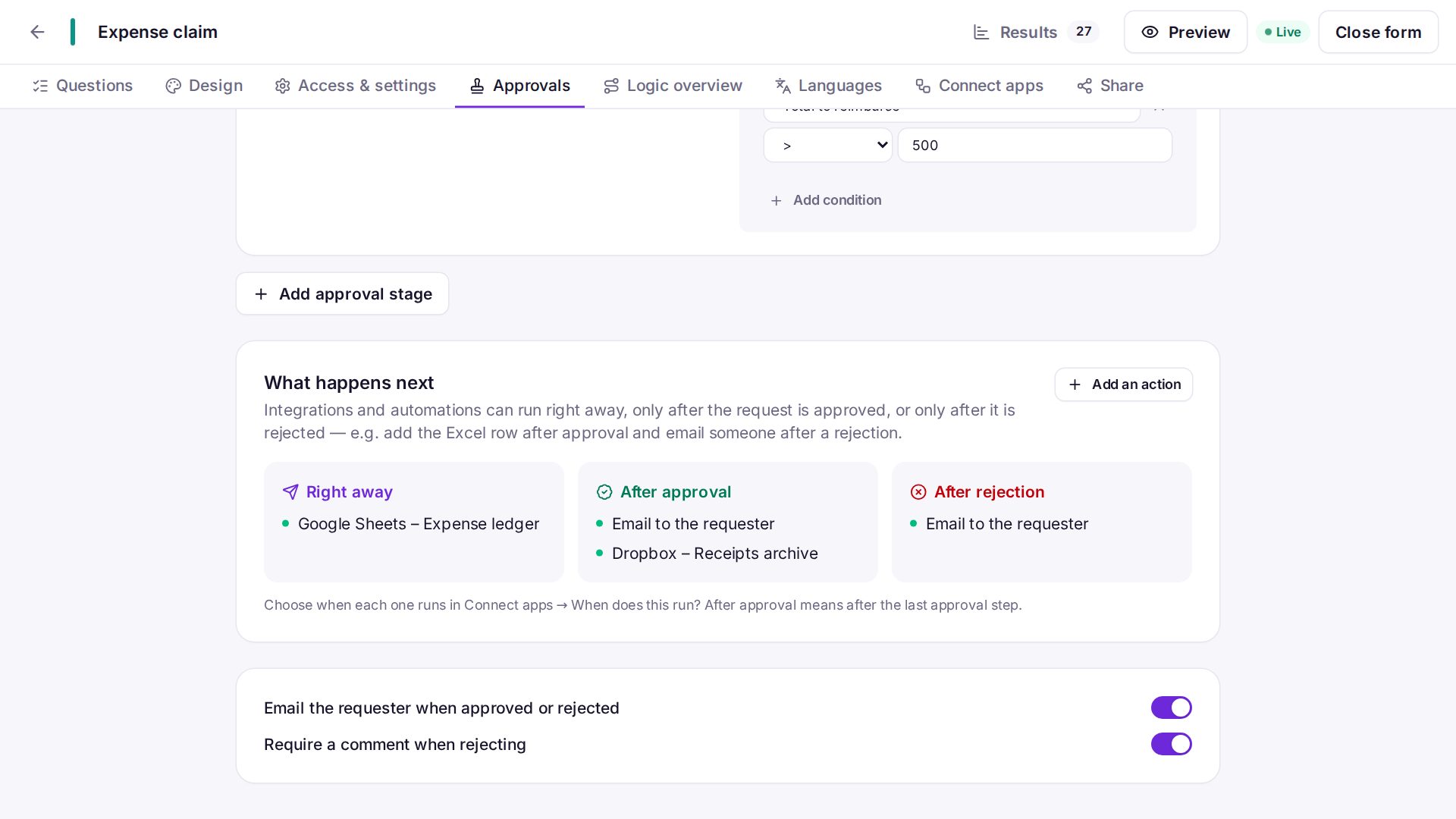
- Approvals without flows — stages, conditions, reminders and Change approver are part of the form.
- No per-user licence for requesters — everyone in the company can send requests.
- Your own server when data shouldn't sit in a public cloud.
Which one to choose
Choose Power Apps if you need custom business applications beyond forms and already invest in the Power Platform.
Choose SnagBane if your goal is request forms with approvals — especially when replacing InfoPath — and you want them live quickly, for everyone, without per-user licences.
Frequently asked questions
Can SnagBane replace InfoPath like Power Apps can?
For forms, yes: SnagBane imports InfoPath templates (.xsn) directly. See moving InfoPath forms.
Can we use both?
Yes. SnagBane can trigger Power Automate flows, and Power Apps can read SnagBane data through the REST API.
Power Apps and Microsoft are trademarks of Microsoft; SnagBane is independent software.
Sources
Facts about other products were checked against their public documentation on 15 October 2026. Products change — if something here is out of date, tell us at contact@snagbane.com and we will correct it.