SnagBane
Microsoft Forms is excellent for quick surveys, quizzes and polls inside Microsoft 365. SnagBane is built for company requests that need a decision — leave, purchases, expenses, IT access — with approval stages, reminders, a request portal and a record of every step, on your own server. Many companies use both. Here is a fair comparison.
At a glance
| SnagBane | Microsoft Forms | |
|---|---|---|
| Best for | Requests that go through approval | Surveys, quizzes, polls, quick sign-ups |
| Approvals | Built in: stages, conditions, any/all, reminders, Change approver | Not built in; build a flow in Power Automate |
| Branching | Columns per answer side by side, sections with routing rules, conditions | Branching per question / section |
| Question limit | No fixed limit | Up to 200 questions per form (work/school) |
| Response limit | Your database | Up to 5,000,000 per form (work/school); summary charts and individual responses unavailable above 50,000 |
| Request portal with status | Built in: My requests with each step | Not built in |
| Where data lives | Your own server and database | Microsoft's cloud, in your tenant |
| Works without Microsoft 365 | Yes | No |
| Microsoft 365 sign-in, directory, SharePoint, Excel, Teams | Yes (Business) | Native |
| Price | Free up to 25 people; then per company size | Included in Microsoft 365 plans |
Microsoft Forms limits are from Microsoft's support article (see sources); they apply to work and school accounts.
Where Microsoft Forms is the better choice
- Nothing to install. It's already in Microsoft 365 and in Teams.
- Quick surveys and polls — including polls in Teams meetings.
- Quizzes for classrooms with Microsoft's education tools.
- Zero extra cost when you already pay for Microsoft 365.
If a form only collects answers and nobody has to approve anything, Microsoft Forms is often enough.
Where SnagBane is the better choice
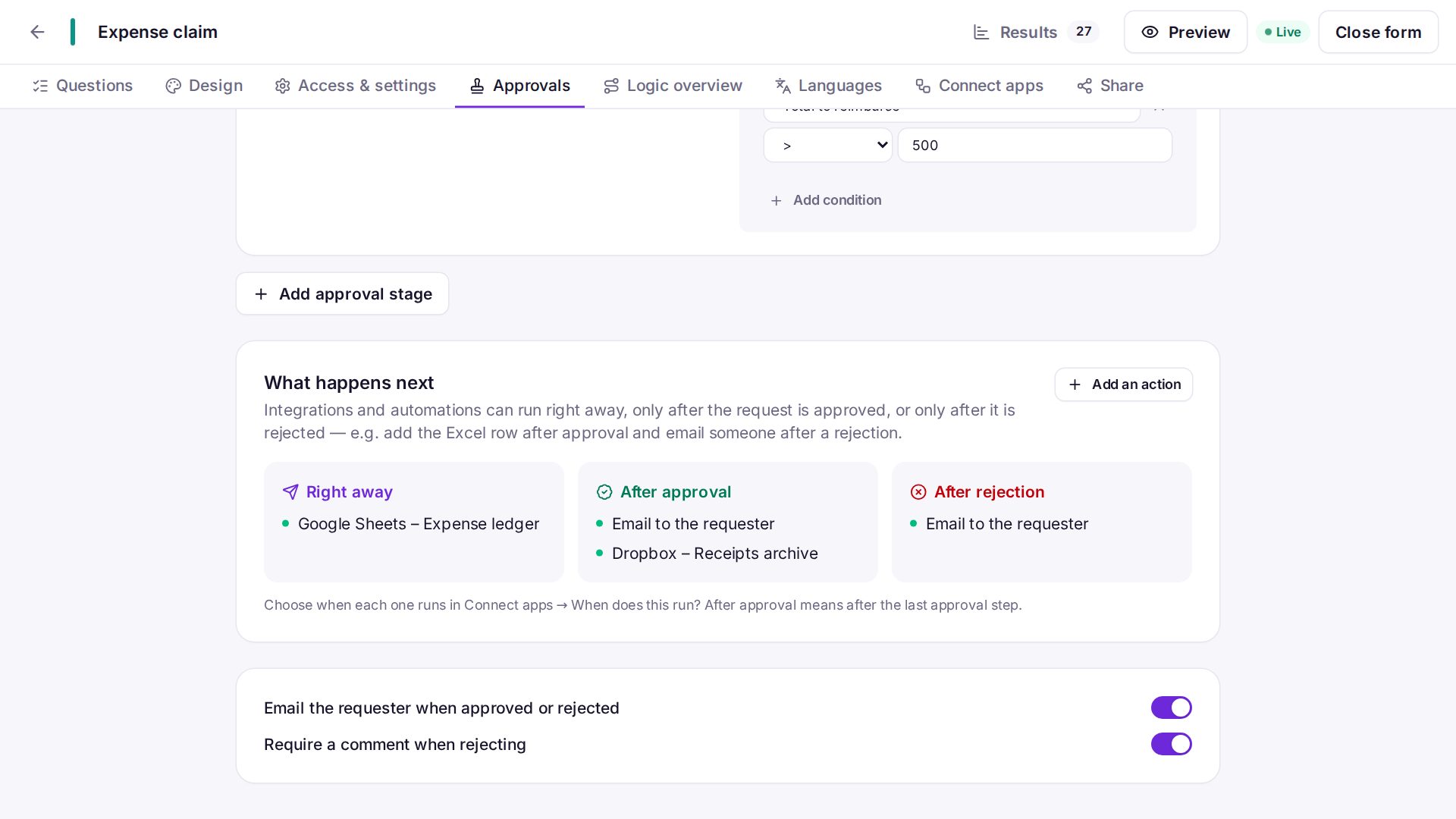
- The form is the process. Add stages in the form's Approvals tab — the requester's manager from Entra ID, then Finance only over 500 — instead of building and maintaining a Power Automate flow per form. See approval workflows.
- Nothing waits unnoticed. Reminders, due dates, an overdue list, Change approver and Remind now.
- Employees see where their request is. A portal with My requests and every step.
- Real company forms. Repeating tables with totals, amounts in a currency, signatures, consent, places per option, dependent lists — and 118 templates.
- Data on your server. Useful when policy or regulation keeps certain data out of public clouds.
- Actions only after the final decision. SharePoint or Excel rows, calendar entries and tickets only for approved requests.
Which one to choose
Choose Microsoft Forms if you need quick surveys, quizzes or polls inside Microsoft 365 and nobody has to approve the answers.
Choose SnagBane if the form starts a request that someone must approve, employees should see where it stands, or data has to stay on your own server.
Using them together
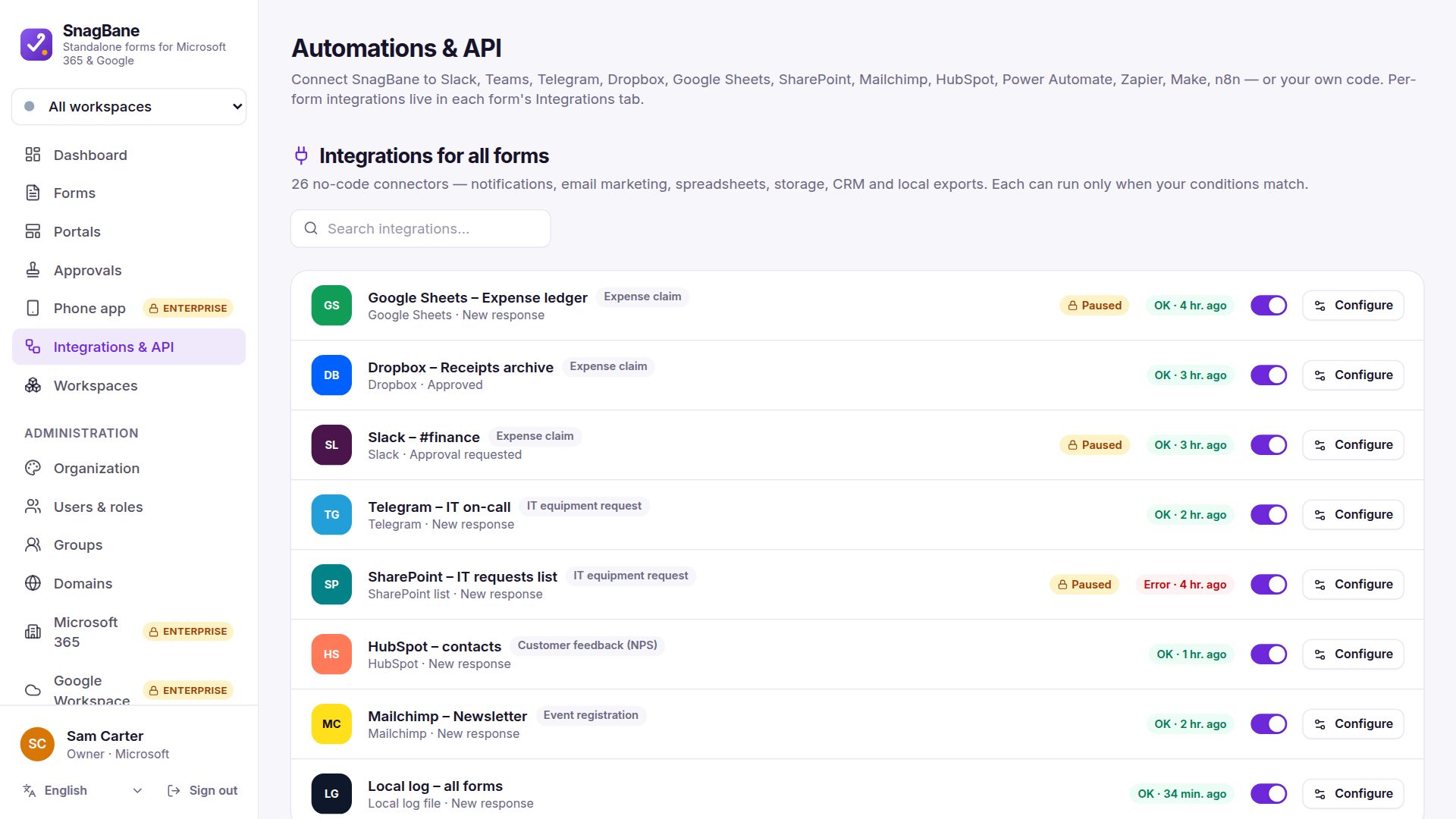
SnagBane connects to Microsoft 365 rather than replacing it: people sign in with Entra ID, approvers decide in Teams, and approved requests land in SharePoint, Excel and Outlook calendars. You can also import a Microsoft Forms form from its link and add approvals to it.
Frequently asked questions
Can Microsoft Forms do approvals?
Not by itself. Microsoft's documented way is a Power Automate flow with the Start and wait for an approval action. See Power Automate approvals and their limits.
Can I move my Microsoft Forms forms to SnagBane?
Yes: paste the form's share link under New form → Bring your form (forms anyone can fill in), or paste the questions.
Is SnagBane a Microsoft product?
No. SnagBane is independent software you install yourself; Microsoft and Microsoft Forms are trademarks of Microsoft.
Sources
Facts about other products were checked against their public documentation on 15 October 2026. Products change — if something here is out of date, tell us at contact@snagbane.com and we will correct it.