SnagBane
 can turn requests into work items in the project tools your teams use — Jira, ClickUp, Asana, monday.com and Trello. An approved IT change request becomes a Jira issue, a marketing request a ClickUp task, a new starter an Asana task list — with the answers mapped to fields and the uploads attached. These integrations are part of the Business plan.
What each tool gets
| Tool | Creates | Notes |
|---|---|---|
| Jira | An issue with answers, uploads and custom fields | Cloud (email + API token) and Data Center (personal access token) |
| ClickUp | A task in a list | Custom fields, tags, due date, uploads |
| Asana | A task in a project | Custom fields, due date, uploads |
| monday.com | An item on a board | Answers in its columns and as an update |
| Trello | A card in a list | Labels, due date, uploads |
How the mapping works
- Title and description are templates with merge tags — “{{equipment}} for {{respondent.name}}” — and the description includes a link back to the response.
- Fields are mapped by the tool's own field or column names; an unknown name fails the run with a clear message instead of silently dropping data.
- IDs from links — paste a project, list or board link and SnagBane reads the ID from it.
- Due date from a date answer.
Only after approval
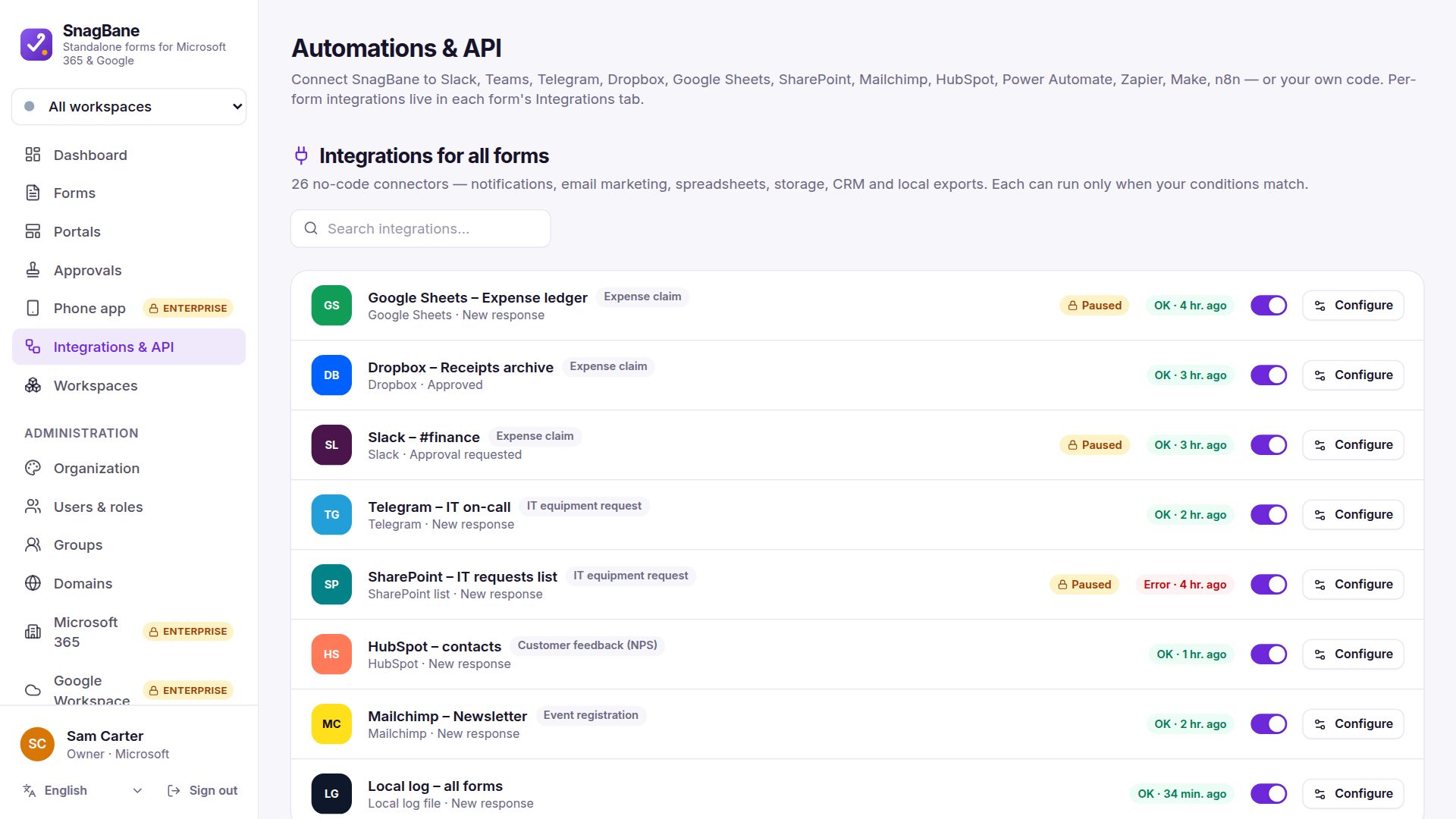
Set the integration to After approval so a task is created only once the last stage approves — no tickets for requests that were rejected.
Frequently asked questions
Does it update the task when the request changes?
Each run creates a new item. Use More events if you also want an item for edits.
Is ServiceNow supported?
Not as a built-in integration. Use a webhook, the HTTP request action or Power Automate.
See the integration setup guides in the documentation.