SnagBane
 can email a form to a list of people, track who has answered and remind the rest automatically. Use Share → Send to people for SnagBane accounts, whole groups or pasted addresses — up to 1,000 at a time. Everyone gets a personal link, so the list shows who has answered and who hasn't. Send to people works on every plan, once email is set up.
How it works
- Publish the form and open Share → Send to people.
- Add people: accounts, groups (their active members) or pasted email addresses. Add an optional message.
- Choose automatic reminders: every 1–14 days, up to 5 times.
- Watch the list: Answered, Not yet, or Not delivered with the reason.
SnagBane checks every hour and stops reminding when the person answers, when the form closes or when you remove them. Remind now sends a reminder to one person or to everyone who hasn't answered (at most once an hour per person). Sending again skips people who already received the form.
Typical uses
- Policy acknowledgements and annual declarations (conflict of interest, gifts and hospitality).
- Engagement and pulse surveys.
- Training sign-ups and course feedback.
- Collecting details from new starters before day one.
Privacy
- Anonymous forms: SnagBane only notes that a person answered, never which response is theirs.
- The personal link doesn't give access by itself — a form for signed-in colleagues still asks them to sign in.
Frequently asked questions
Can I see who hasn't answered?
Yes. The list shows each person's status, and Remind now reaches only those who haven't answered.
Do recipients need an account?
Not for forms open to anyone with the link. For organisation-only forms they sign in as usual.
What do I need to set up first?
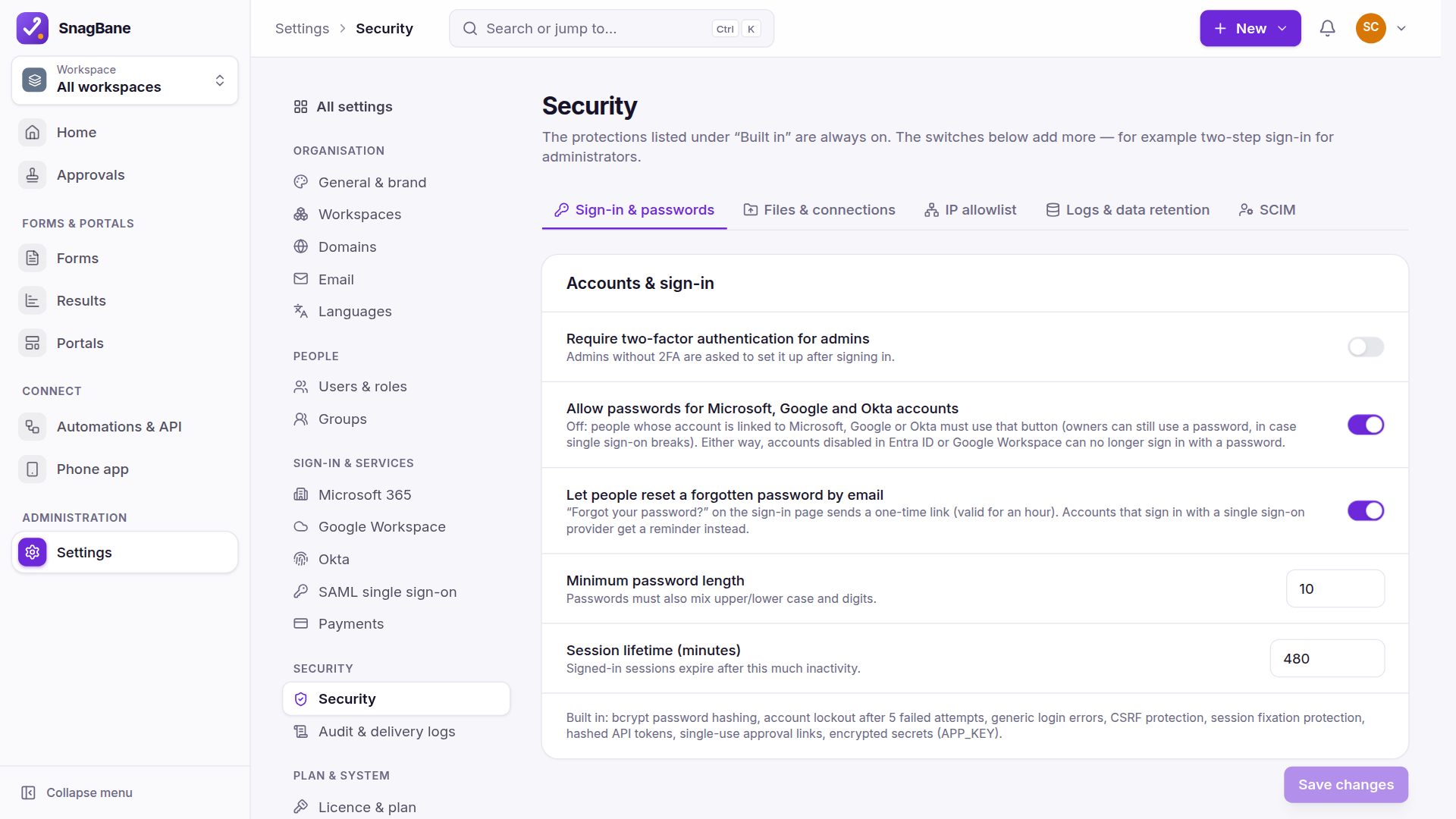
Email: Settings → Email (SMTP or a mail provider).
See Send to people & reminders in the documentation.