SnagBane
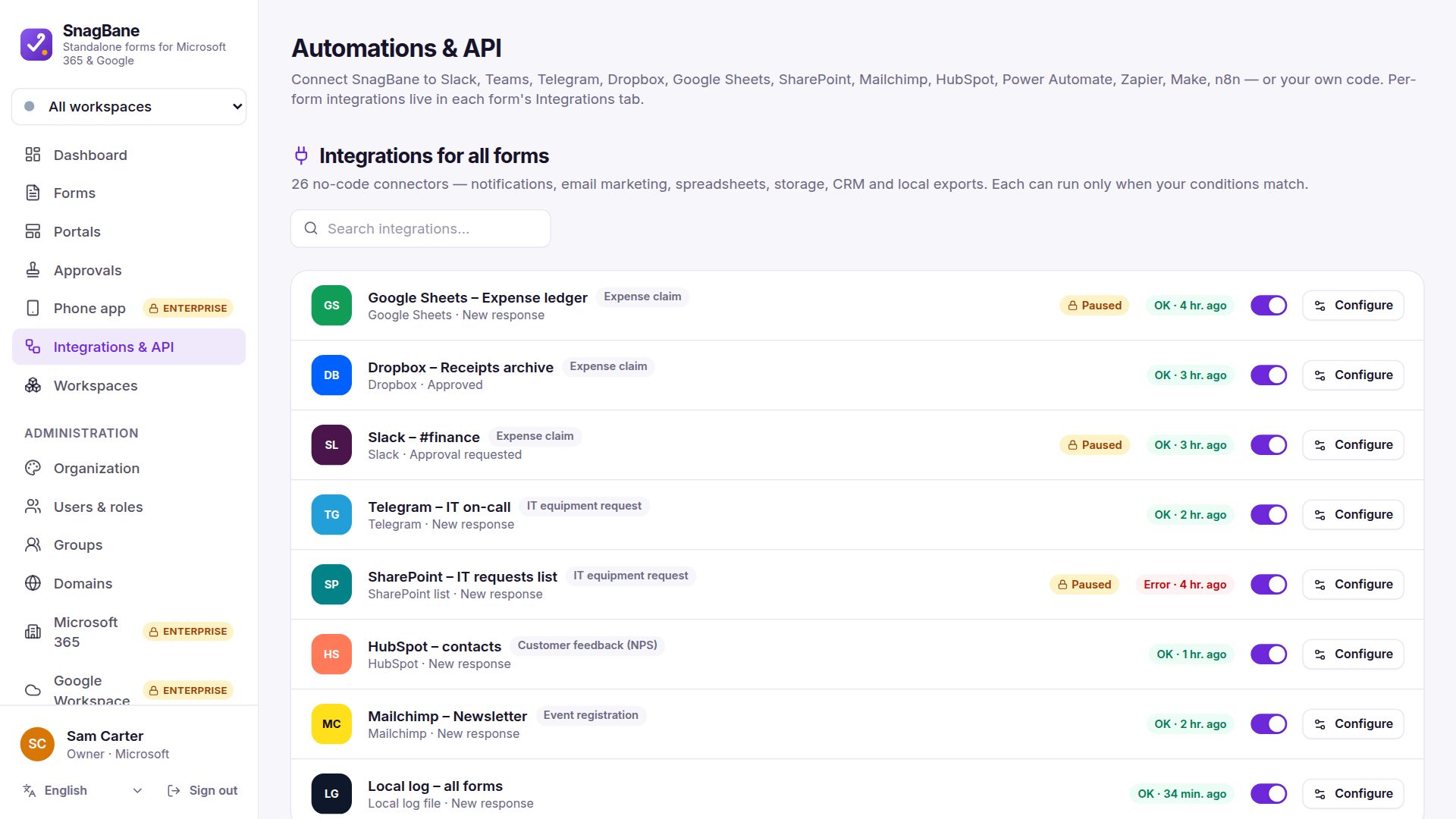
 can post a message wherever your team talks whenever a request arrives, is approved or is rejected. Discord, Telegram and Twilio SMS/WhatsApp work on the Free plan; Microsoft Teams channels, Slack and Google Chat are part of Business.
| Channel | What it sends | Plan |
|---|---|---|
| Microsoft Teams | An Adaptive Card to a channel or chat (Workflows webhook — no Power Automate Premium needed) | Business |
| Slack | A rich message to a channel | Business |
| Google Chat | A card in a Chat space | Business |
| Discord | A message to a channel | Free |
| Telegram | A message from your bot | Free |
| Twilio | A text message or WhatsApp message | Free |
Messages use merge tags, so they can include the requester, key answers and a link to the response. Choose When does this run? — for example right away to tell the team a request came in, and after approval to tell the warehouse to ship.
For approvers themselves, approvals in Teams and the phone app notify them personally.
Frequently asked questions
Can different forms post to different channels?
Yes. Integrations are set per form (or per workspace).
See the integration setup guides in the documentation.