SnagBane
Access to systems should be requested, approved and recorded — SnagBane's System access request template does exactly that. The requester picks the system and access level and explains why; their manager approves, then IT; every step is in the audit log. Free for the form and approvals; Jira and Teams need Business.
1. The template
New form → Templates → IT → System access request:
| Question | Type |
|---|---|
| Requested by | Person |
| Department | Short answer (can be prefilled from the directory with Business) |
| System | Dropdown — Email, File share, CRM, ERP, Finance system, HR system, Other |
| Access level | Single choice — Read only, Edit, Administrator |
| Why do you need it? | Long answer (required) |
| Needed by | Date |
| Approving manager | Person |
2. Two approval stages
- Manager approval — the approving manager, due in 3 days.
- IT approval — your IT team's address or group, due in 3 days.
Add a third stage — Security, only when Access level is Administrator — for privileged access.
3. After approval
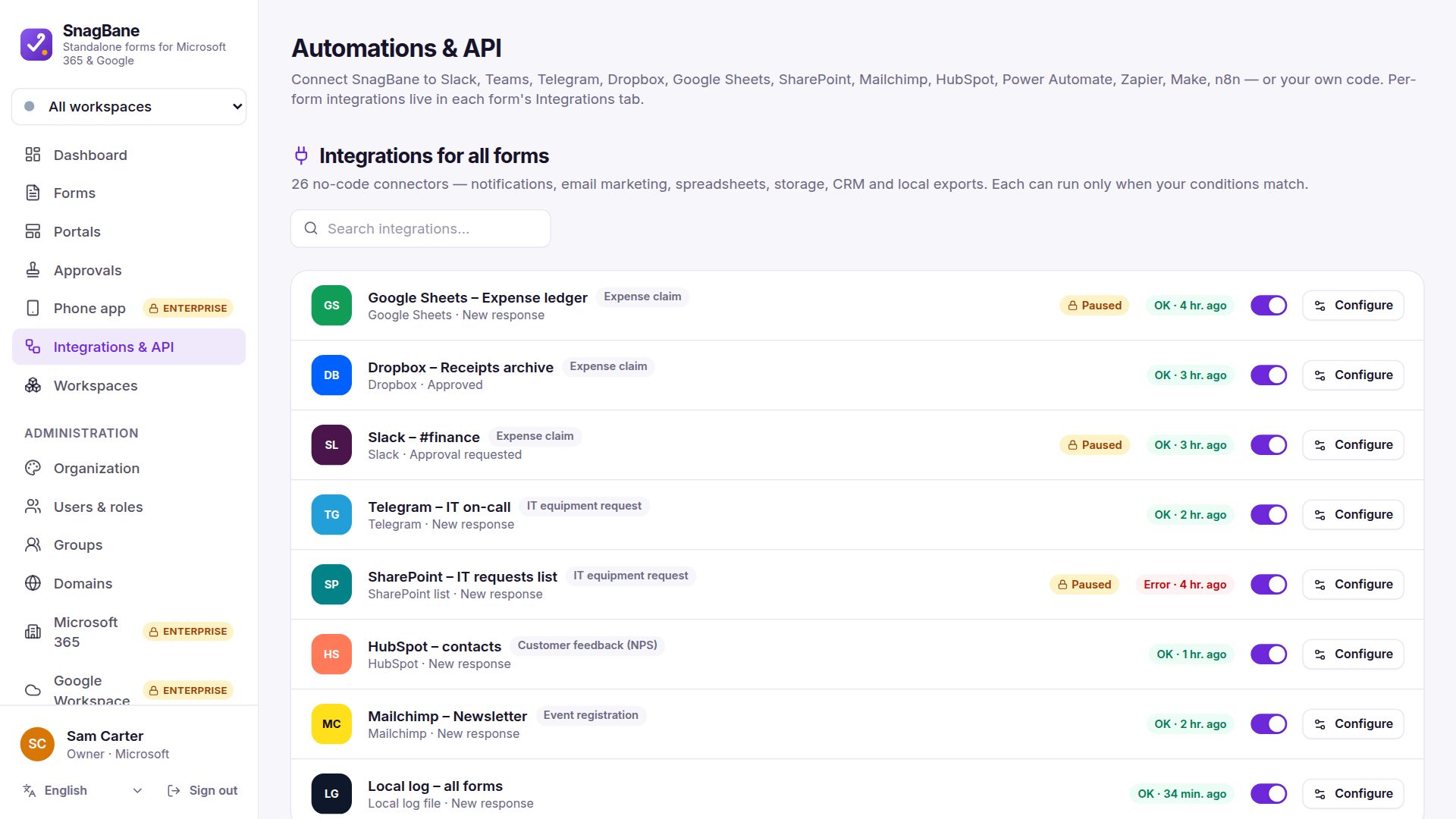
- A Jira issue (Cloud or Data Center) for the IT team, with the answers in fields.
- A message in the IT Teams or Slack channel.
- For audits: the audit log shows who requested, who approved and when; on Enterprise it streams to your SIEM.
More IT templates
IT equipment request, software request, remote access (VPN), IT change request, IT setup for a new starter, IT offboarding, lost or stolen device and Report a suspicious email — see all 118 templates.
Frequently asked questions
Can someone approve access to their own account?
No. No approving your own request applies to every stage, including administrators.
Can we prove who approved access?
Yes. Every decision with its comment is in the audit log and on the request's history.