SnagBane
A leave request process in SnagBane takes a few minutes to set up from the built-in template. Employees fill in one form, their manager approves from the email, Teams or a phone, and the approved leave lands in the calendar and in your HR records. The form and approvals work on the Free plan; calendars and Excel/SharePoint need Business.
1. Start from the template
New form → Templates → HR → Leave request creates the form with these questions:
| Question | Type |
|---|---|
| Employee | Person (prefilled for signed-in people) |
| Leave type | Single choice: Annual, Sick, Parental, Unpaid, Other |
| From / To | Dates |
| Who covers for you? | Person |
| Manager | Person |
| Notes | Long answer |
Prefer one question for the period? Replace From and To with a Date range — it counts the days for you.
2. Ask only what each leave type needs
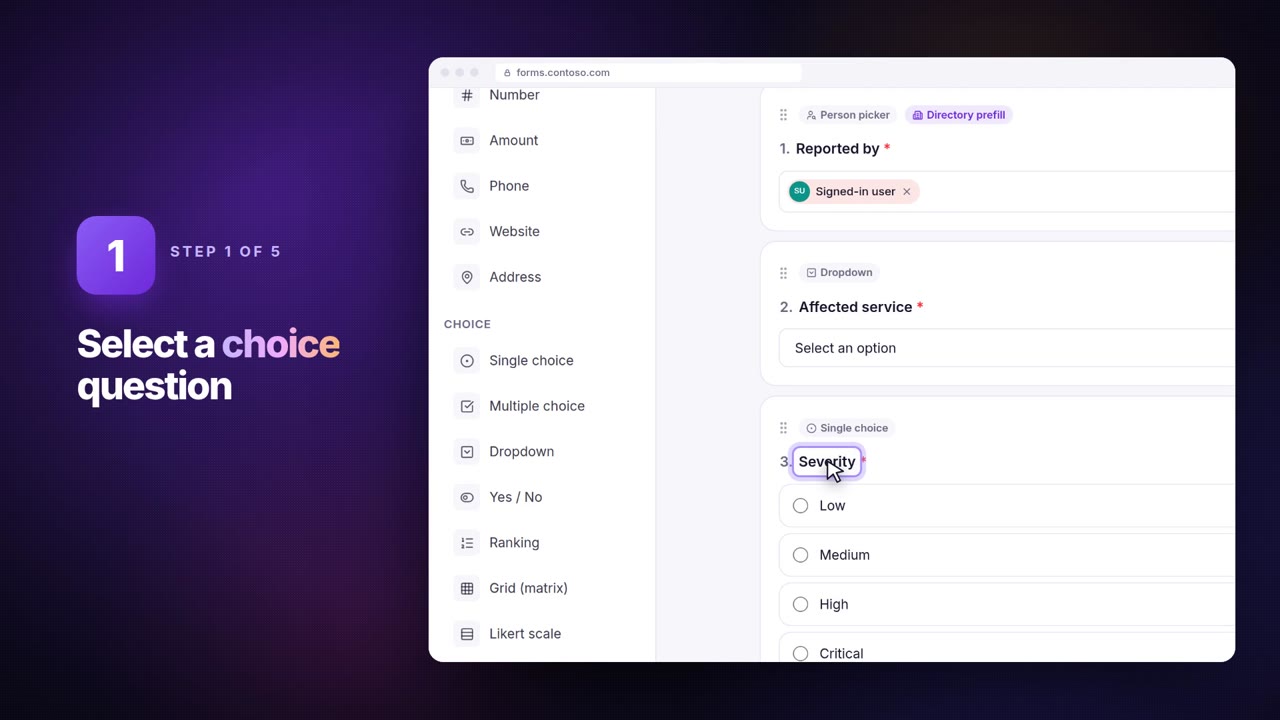
Select Leave type and click Add branching: give Sick leave its own questions (for example a doctor's note as a file upload) and end the form for types that need HR first. See form branching.
3. Manager approval
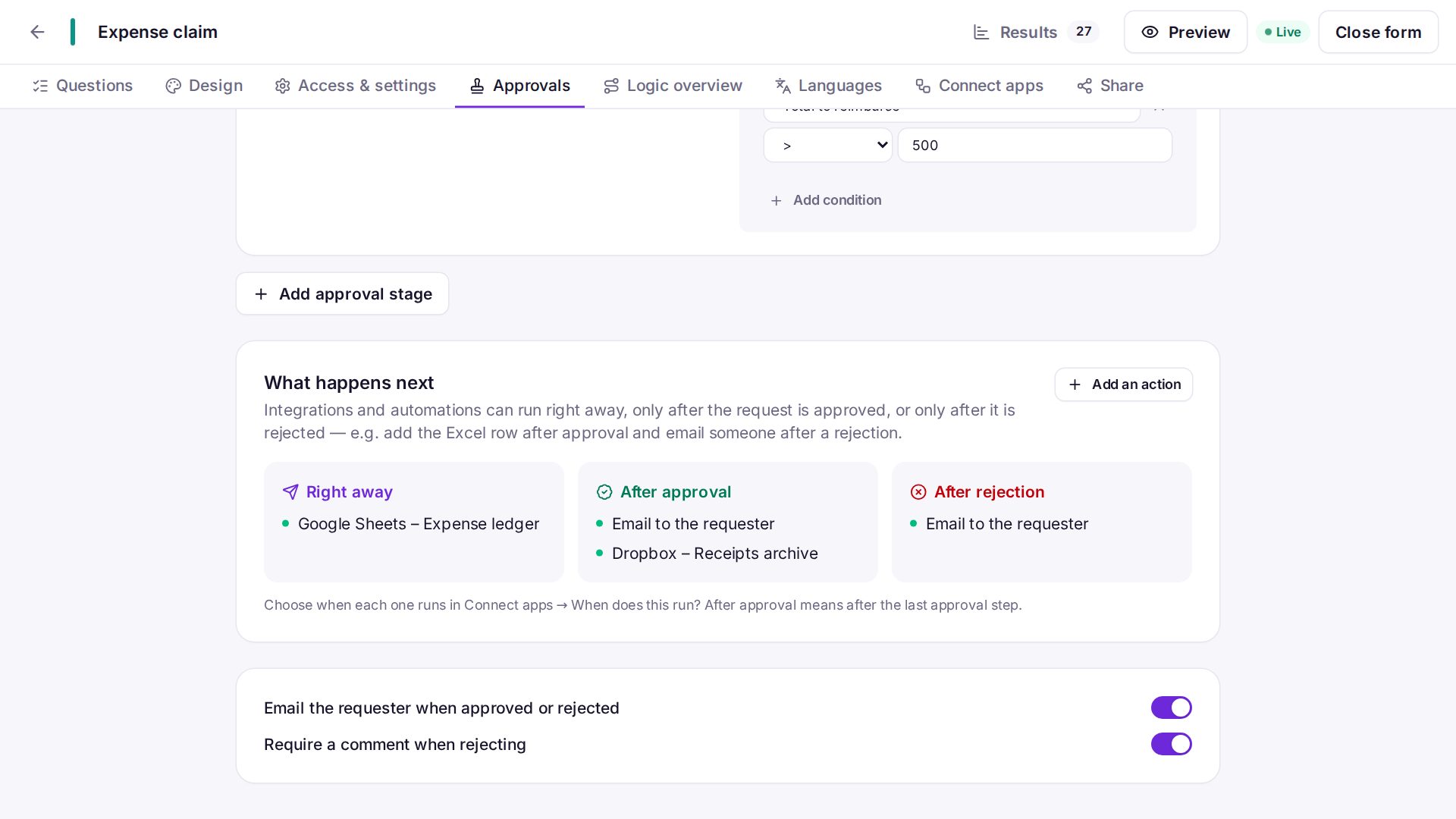
The template already has a Manager approval stage: the approver is the person chosen in Manager, due in 3 days, with no approving your own request. With Business you can switch it to the requester's manager from Entra ID, Google or Okta, so nobody has to pick their manager. Add a second stage — HR, only when the period is more than 10 days — if your policy needs it.
4. What happens after approval
| Integration | Runs | Result |
|---|---|---|
| Outlook or Google Calendar | After approval | The leave in the employee's or the team calendar |
| Excel or SharePoint list | After approval | A row per approved leave for HR |
| Email to the employee | Automatically | The decision and the manager's comment |
5. Give employees one place
Put the form on an HR portal. Employees see their leave requests and each step under My requests — and stop emailing “has my leave been approved?”.
Frequently asked questions
Can the employee correct a rejected request?
Yes, if editing after sending is on: the corrected request goes through approval again.
What if the manager is on holiday?
They get reminders; an administrator or the workspace owner can Change approver.
See approval workflows for every option.