SnagBane
 brings onboarding into one form instead of emails between HR, IT and the hiring manager. The New employee onboarding template collects the start date, equipment and system access; IT gets its tasks, and the hiring manager is kept in the loop. A Checklist portal can guide new starters through their first steps. All on the Free plan; Jira, Teams and directory prefill need Business.
1. The template
New form → Templates → HR → New employee onboarding has two sections:
| Section | Questions |
|---|---|
| New starter | Full name, personal email, start date, hiring manager |
| Setup | Equipment needed (laptop, monitor, docking station, phone, badge), system access (Microsoft 365, Teams channels, intranet, CRM, finance system), onboarding buddy, notes for IT |
There's also an IT setup for a new starter template if IT runs its own form.
2. Route it
- Add an approval stage for the hiring manager if purchases or access need sign-off.
- Use conditions to ask follow-up questions only for the equipment chosen.
3. Tasks after the decision
- A Jira, Asana or ClickUp task for IT with the equipment and accounts.
- A message in the IT Teams channel.
- A row in the HR Excel or SharePoint onboarding list.
4. A checklist portal for new starters
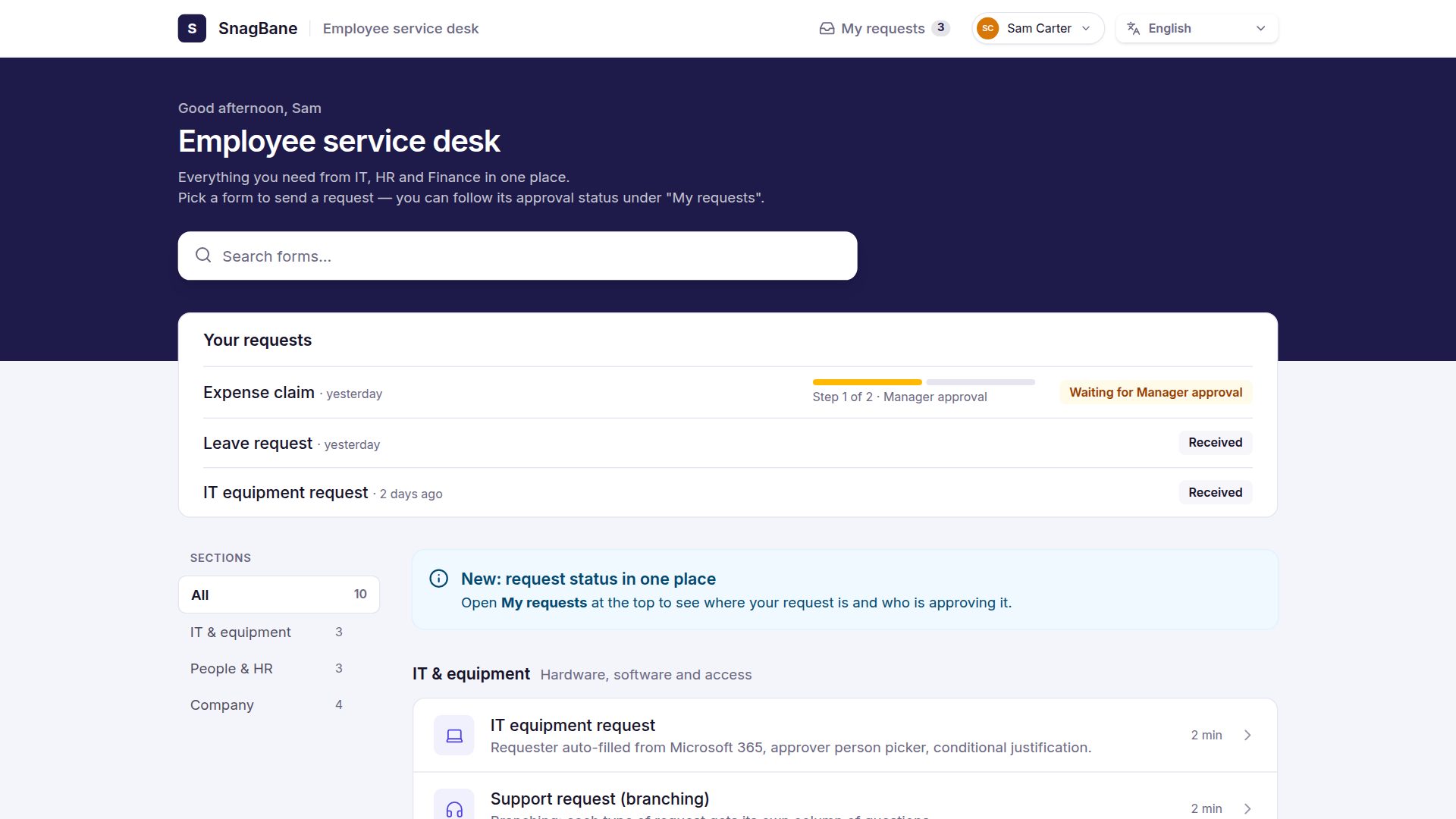
Create a portal with the Checklist look: the forms appear as numbered steps — personal details, bank details, equipment hand-over with a signature, policy acknowledgement — so new people know exactly what to do in their first week.
Frequently asked questions
Can new starters fill in forms before they have an account?
Yes. Set those forms to Anyone with the link or send them with Send to people, which gives each person a personal link and reminders.
Is there an offboarding template too?
Yes: IT offboarding, Exit interview and Resignation notice.
See all 118 templates and request portals.