SnagBane
A purchase request in SnagBane goes to the requester's manager, and to Finance only when the total is over your limit. The built-in template has line items with an automatic total, a place for the quote and both approval stages ready. Everything here works on the Free plan; SharePoint, Excel and Jira need Business.
1. Start from the template
New form → Templates → Purchasing → Purchase request:
| Question | Type |
|---|---|
| Requested by | Person |
| Preferred supplier | Short answer |
| Items | Repeating table (item, quantity, price…) |
| Total | Calculation from the items |
| Needed by | Date |
| Quote | File upload |
| Approving manager | Person |
Want the total in a currency? Use an Amount column; decimals follow the currency.
2. Two stages, one condition
| Stage | Approver | Runs |
|---|---|---|
| Manager approval | The person in Approving manager (or the requester's manager from your directory with Business) | Always |
| Finance approval | Finance's address or group | Only when Total > 1,000 |
Change the threshold to your policy — it's the stage's condition. Replace the template's finance@example.com placeholder with your real Finance group; SnagBane warns you before publishing while a sample address is still there.
3. After approval
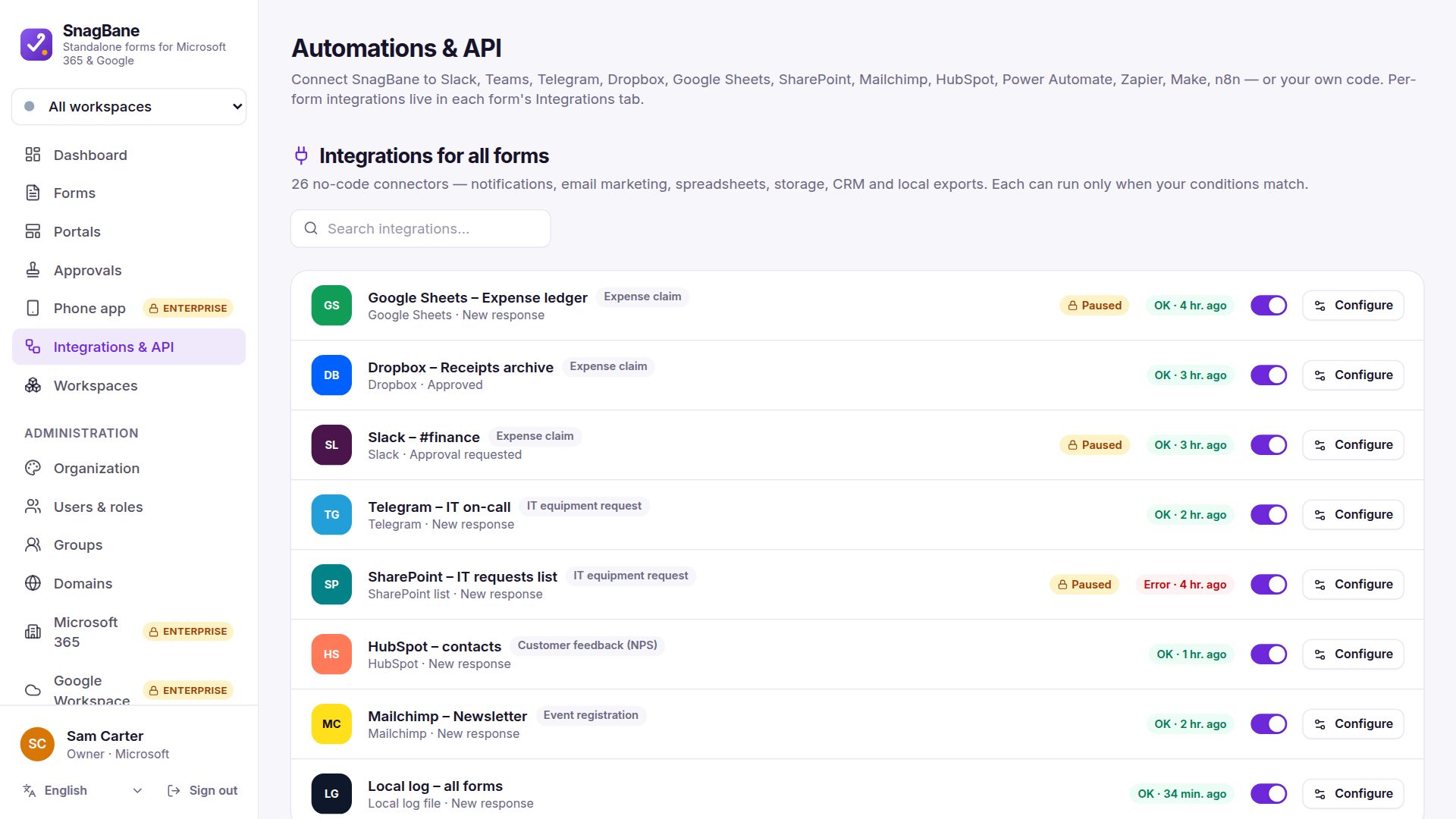
- A row in Excel or a SharePoint list for the purchasing team.
- A Jira or ClickUp task for whoever places the order.
- The quote and the PDF of the request saved to SharePoint, Drive or Dropbox.
All set to After approval, so nothing is ordered for a rejected request.
Frequently asked questions
Can the requester approve their own purchase?
No. No approving your own request is on for both stages — also for administrators.
Can Finance see the quote?
Yes. Approvers open uploaded files from the approval page, even without access to the form.
See conditional logic and calculations for totals and thresholds.