SnagBane
Google Forms is the quickest way to run a survey or collect sign-ups in Google Workspace. SnagBane is built for company requests that someone has to approve, with stages, reminders, a request portal and roles — on your own server, connected to Google Workspace if you like. Here is a fair comparison.
At a glance
| SnagBane | Google Forms | |
|---|---|---|
| Best for | Requests with approvals | Surveys, quizzes, sign-ups |
| Branching | Columns per answer side by side; sections with routing rules; conditions on any question | “Go to section based on answer” on multiple-choice and drop-down questions |
| Approvals | Built in: stages, conditions, reminders, Change approver | Not built in |
| Request status for employees | My requests on a portal, every step | Not built in |
| Roles and departments | Workspaces with Owner, Editor, Viewer; groups | Sharing per form |
| Company question types | Repeating tables, amounts, signatures, address, places per option, dependent lists | Standard question types |
| Where data lives | Your own server | Google's cloud, results in Google Sheets |
| Price | Free up to 25 people; then per company size | Included with a Google account / Workspace |
Where Google Forms is the better choice
- Instant and free for anyone with a Google account.
- Surveys and quizzes with responses straight in Google Sheets.
- Nothing to install or maintain.
Where SnagBane is the better choice
- Approvals in the form — manager first, then a team only when the request needs it. See approval workflows.
- Branching you can see — each answer's questions as columns, not jumps between sections. See form branching.
- A portal where employees find every form and follow their requests.
- Data on your server, with an audit log of every decision.
Which one to choose
Choose Google Forms if you need a free, instant survey or sign-up form and results in Google Sheets are enough.
Choose SnagBane if requests need approval stages, a portal with request status, roles per department or data on your own server.
Using them together
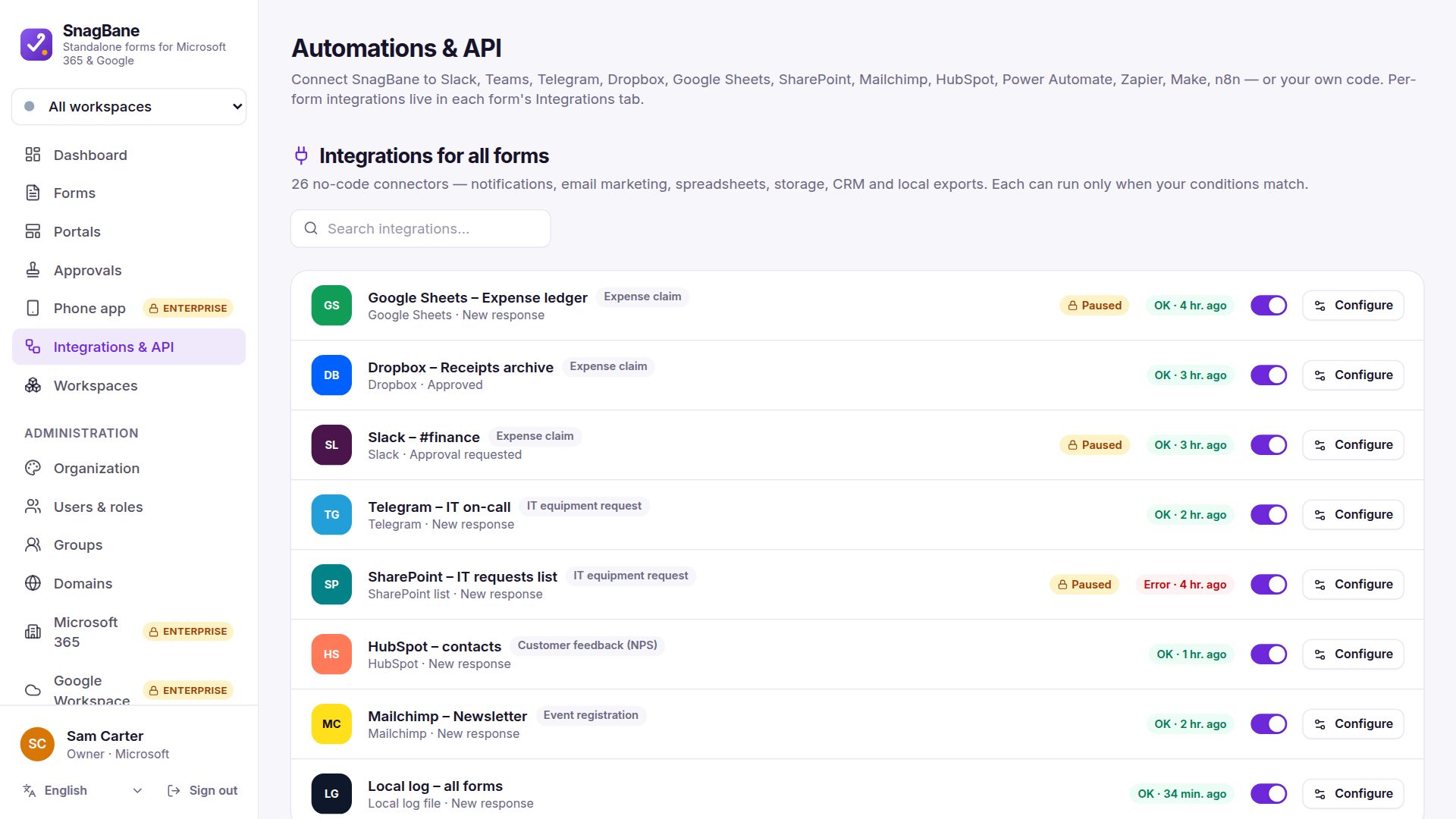
With Business, SnagBane signs people in with Google, searches your Google directory, writes rows to Google Sheets, files to Drive, events to Google Calendar and messages to Google Chat. And you can import a Google Forms form from its link.
Frequently asked questions
Can Google Forms send a response for approval?
Not by itself; it needs an add-on or a script. SnagBane has approvals built in.
Will my Google Forms questions come along?
Yes: sections, choices, “Other”, grids, scales, ratings, dates and file questions are imported from the form's link.
Google and Google Forms are trademarks of Google LLC; SnagBane is independent software.
Sources
Facts about other products were checked against their public documentation on 15 October 2026. Products change — if something here is out of date, tell us at contact@snagbane.com and we will correct it.